repligen.com XC-LAB-UG-V4
7.13 Help section
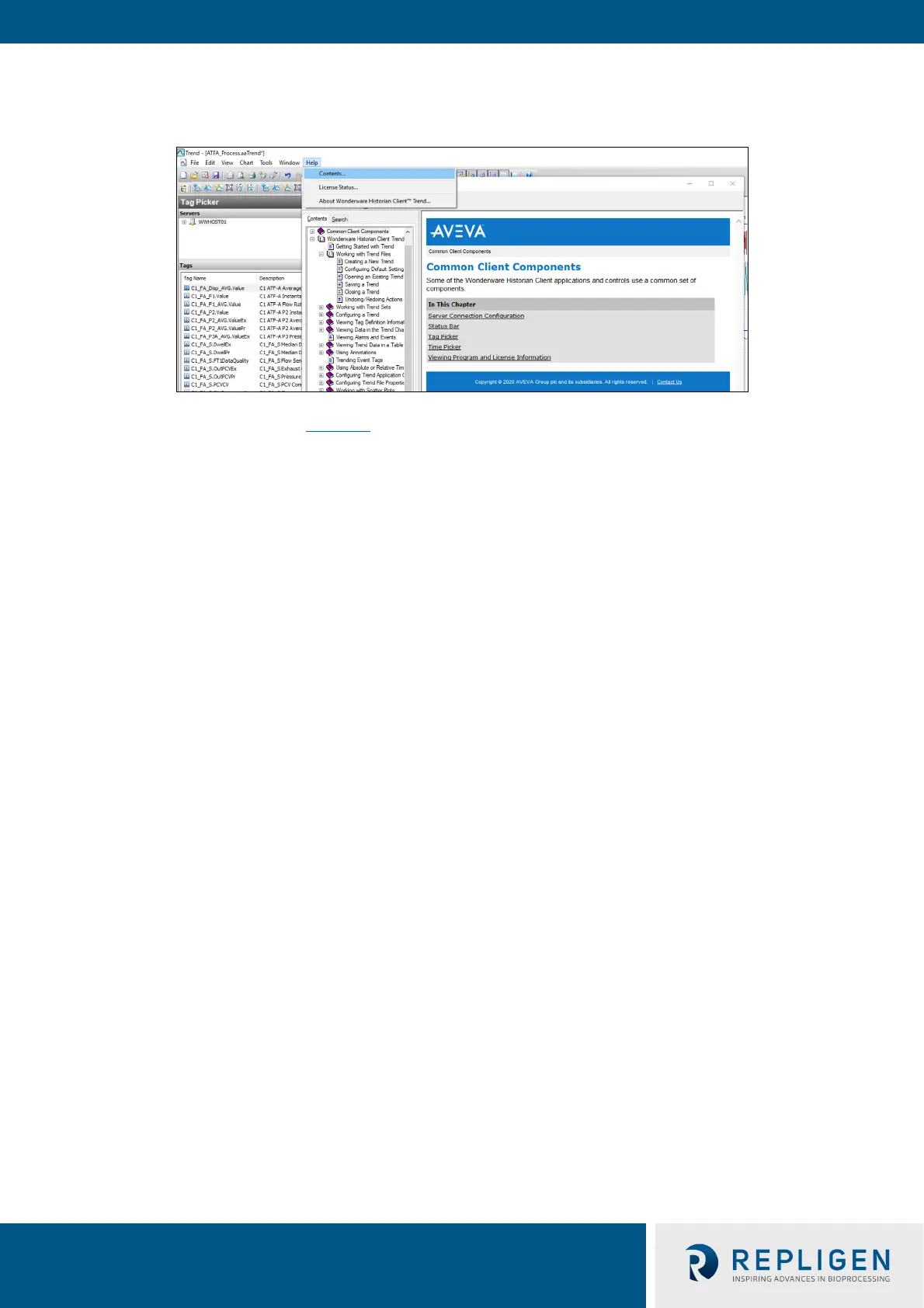
Figure 42. Help feature
The Help/Contents section (Figure 42
) offers a good resource to learn more about Trend, Query and
Historian applications.
For information on using the tag picker and the time picker tools, please see Common Client
Components. To show or hide toolbars or components, use the corresponding commands in the
View menu.



 To Next Page