repligen.com XC-LAB-UG-V4
7.8.1 Changing ATF Flow set points
ATF Flow Set Points (SP) can be changed at any time, including while the XCell ATF® Device is
running. Pressing the white box of the ATF Flow Rate SP (Figure 17
) opens a dialog box, prompting
for the new set point. If the entered value lies within the allowable range, the new value is
immediately implemented. The theoretical Shear Rate SP is also calculated and displayed below the
ATF Flow Rate SP.
If you are unsure of what Set Point is right for your process, contact a local FAS to discuss the impact
of changing the ATF Flow rate for your process.
7.8.2 Starting, pausing and stopping an XCell ATF® Device
Table 9. Starting, pausing and stopping an XCell ATF® Device instructions
Actions Steps and explanations
Start an
XCell ATF® Device
Press the corresponding ATF Flow Box which opens the ATF-A (or -B) Flow pop-
up window, and then press Start
Pause an
XCell ATF® Device
1. Press Pause on the ATF Flow pop-up OR
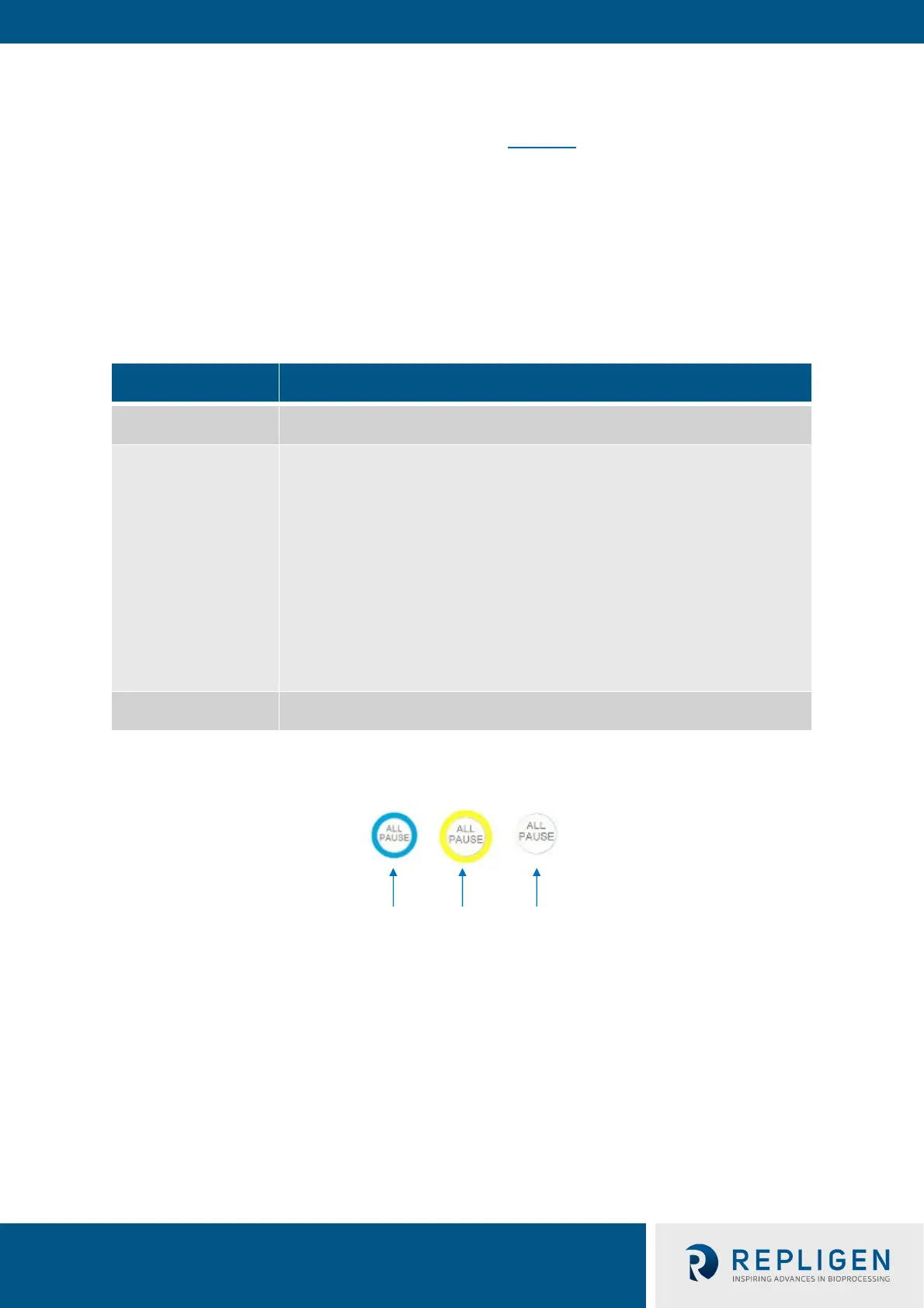
2. Press corresponding All Pause button on ATF Main screen. Each All Pause
button pauses one ATF in independent mode, and both ATFs in dual mode.
3. Press the appropriate Device PAUSE button on the controller. The buttons on
the hardware match the functionality of those on the software.
A Pause is typically used mid-run, for instance to change out an XCell ATF®
Device, or to adjust something momentarily before continuing as before. If you
plan to stop then restart the XCell ATF® Device within the same process, the
Pause button should be used instead of STOP. Upon pressing Start again, the
controller will resume using the settings and valve positions at the time the
process was paused.
Once device is paused, All Pause button becomes colorless and cannot be
pressed. Upon re-start, the controller starts without utilizing previous settings.
Stop an
XCell ATF® Device
Press Stop on the ATF Flow pop-up.
A Stop is recommended to be used only at the end of a run.
Figure 18. XCell ATF® Device status - running, paused or stopped
7.8.3 Pump status box
An animated graphic in the Pump Status box shows real-time diaphragm movement. The message
displayed describes the action performed by the controller on the diaphragm. Pump status messages
include:



 To Next Page