repligen.com XC-LAB-UG-V4
7.3 Login screen and default password
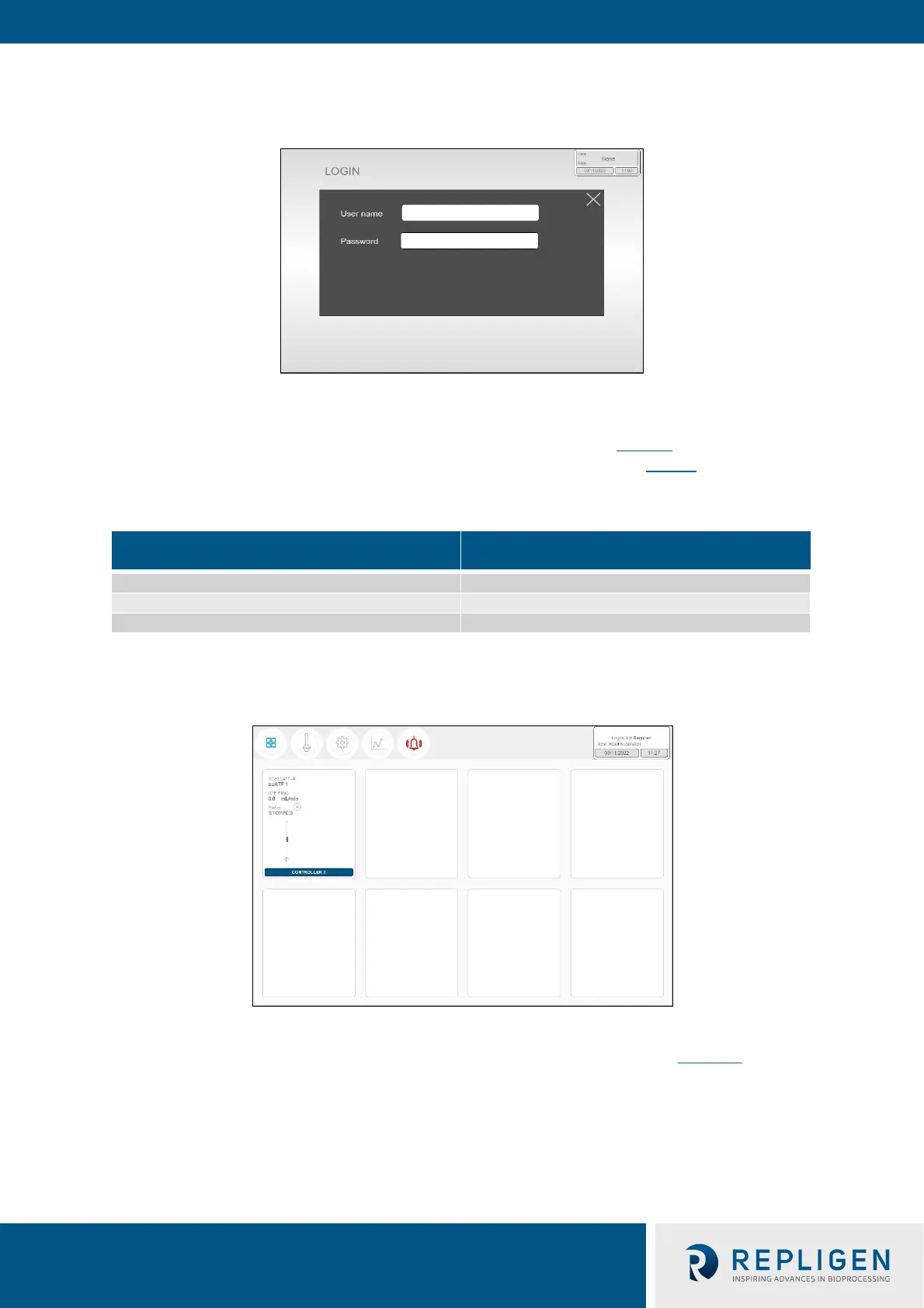
Figure 9. Login screen example
When you load the software for the first time, the login screen will not display. Security is turned off
as a default setting. Once security is enabled, the following login screen (Figure 9
) appears, requiring
a username and password. Default usernames and passwords are in listed in Table 8.
Table 8. Preset usernames and passwords
Username Password
7.4 Overview/SCADA screen
Figure 10. Overview/SCADA screen example
The Overview screen displays the connectivity of several controllers and devices (Figure 10
).
Currently, the XCell™ Lab Software manages one controller (up to two devices) per tablet.
From this menu, you may choose to explore options by pressing a menu item in the top left. Access
the Main ATF Screen by pressing the ATF Button.



 To Next Page