Chapter 5
5-8 BiPAP® Focus™ Ventilator Service Manual © Respironics, Inc. REF 1029568 Rev A
Diagnostic Mode and Troubleshooting
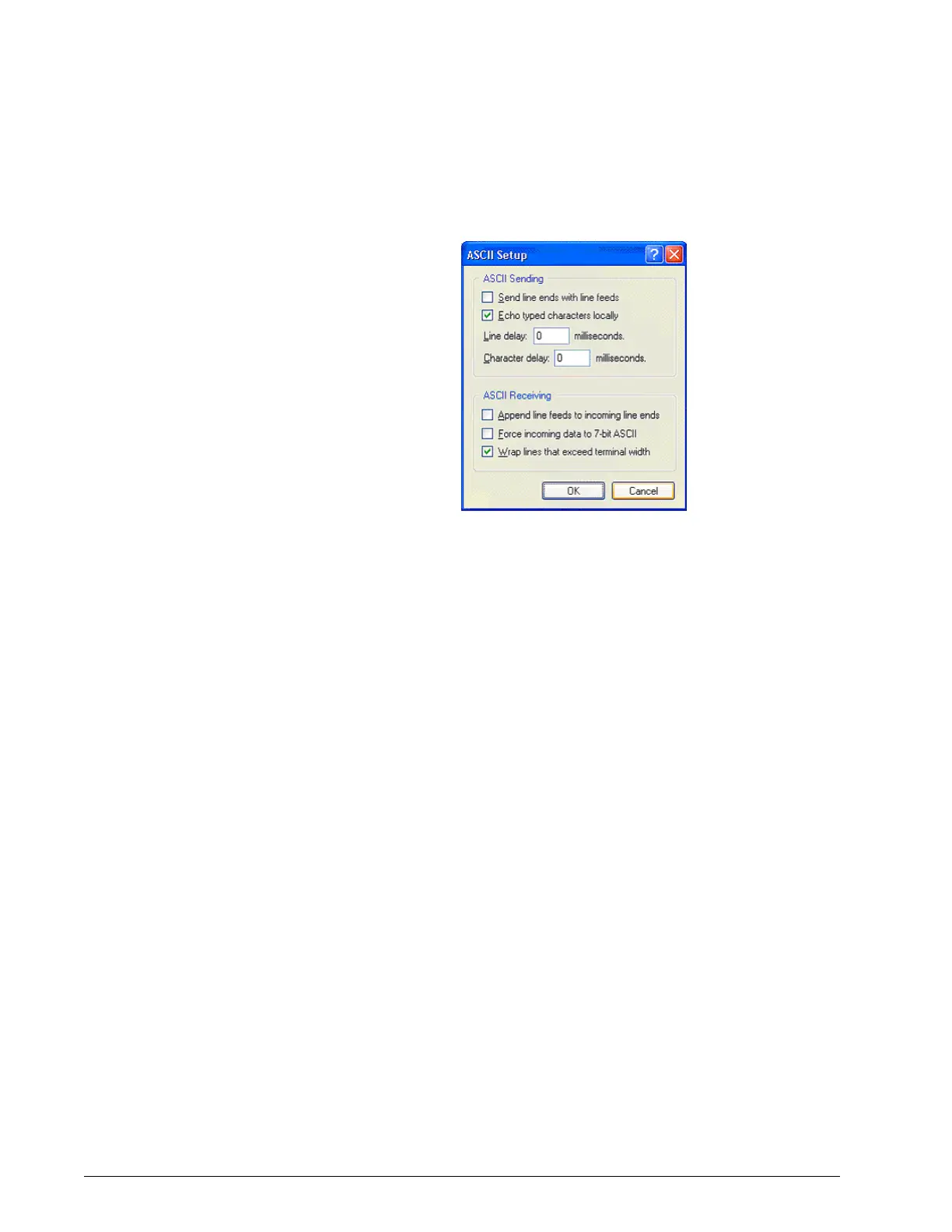
14. Match the ASCII Setup screen (Figure 5-11), then click OK.
Figure 5-11: ASCII Setup Screen
15. Save this configuration. Select File > Save As and save to the desktop
if you want to create an icon for BiPAP Focus Communications on the
Windows desktop.















 To Next Page