1 March, 2000 SERVICE PROGRAM MODE
4-59
Service
Tables
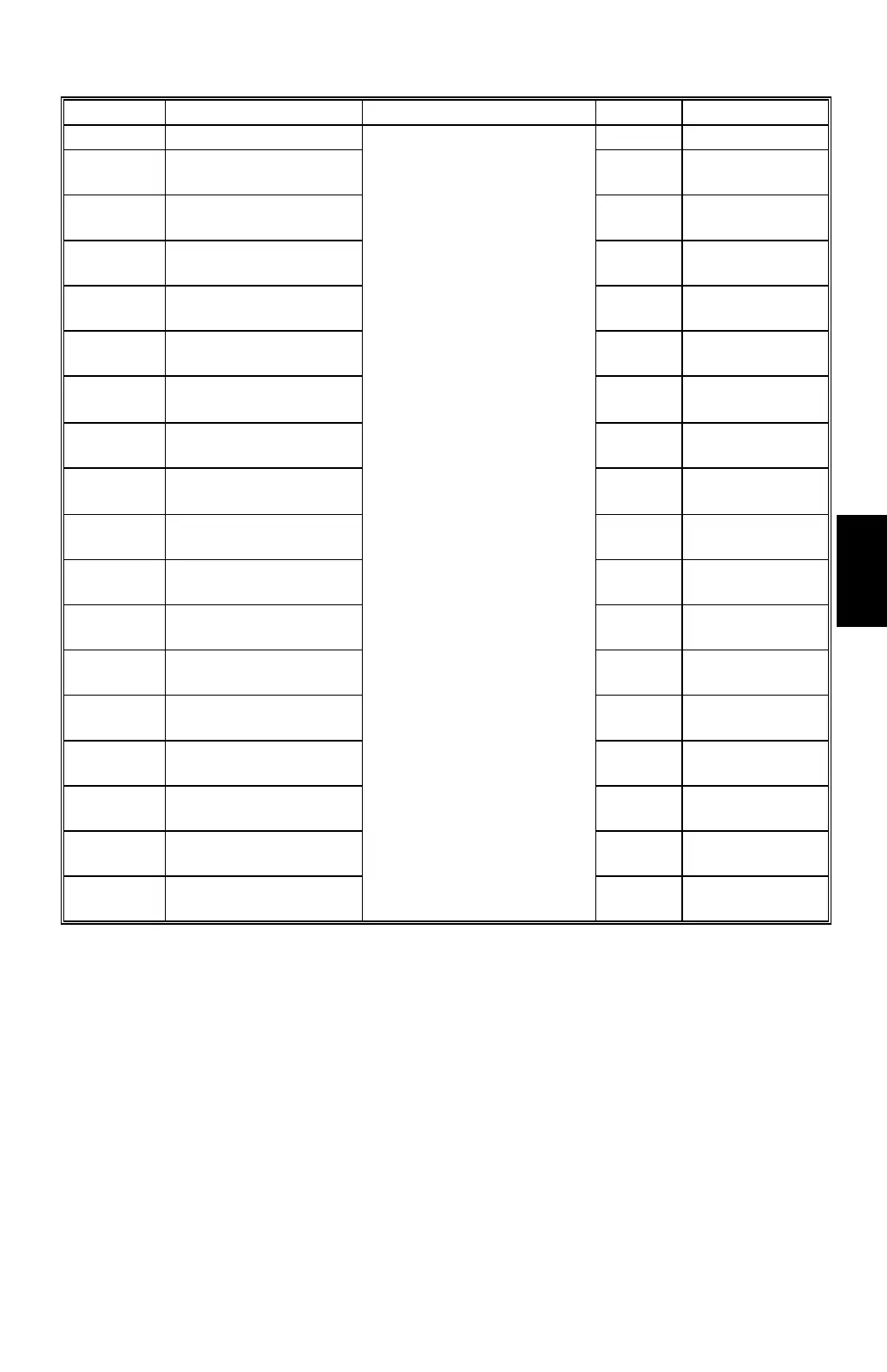
SP No. Display Function Default Settings
6-660-1
Timing Delay A3
0 -10 to 10
6-660-2
Timing Delay B4
Sideways
0 -10 to 10
6-660-3
Timing Delay A4
Sideways
0 -10 to 10
6-660-4
Timing Delay A4
Lengthwise
0 -10 to 10
6-660-5
Timing Delay B5
Sideways
0 -10 to 10
6-660-6
Timing Delay DLT
Sideways
0 -10 to 10
6-660-7
Timing Delay LG
Sideways
0 -10 to 10
6-660-8
Timing Delay LT
Sideways
0 -10 to 10
6-660-9
Timing Delay LT
Lengthwise
0 -10 to 10
6-660-10
Timing Delay F
Sideways
0 -10 to 10
6-660-11
Timing Delay Other
Size
0 -10 to 10
6-661-1
Move Jogger –
Sideways
0 -10 to 10
6-661-2
Move Jogger –
Lengthwise
0 -10 to 10
6-662-1
JS Sorter Feed
Speed 1st
0 -50 to 100
6-662-2
JS Sorter Feed
Speed 2st
0 -50 to 100
6-662-3
JS Sorter Feed
Speed 3st
0 -50 to 100
6-662-4
JS Sorter Feed
Speed 4st
0 -50 to 100
6-662-5
JS Sorter Feed
Speed 5st
For details, refer to the
sorter service manual.
0 -50 to 100
Notes
1: 6-001 (Main scan position)
Inputting a positive number moves the image away from the operation side of the
machine. Use the point (
.
) key to switch between + and –.
2: 6-002 (Scan start position)
Inputting a positive number moves the image away from the leading edge of the
printer paper. Use the point (
.
) key to switch between + and –.



 To Next Page