PAPER TRAY 1 March, 2000
6-2
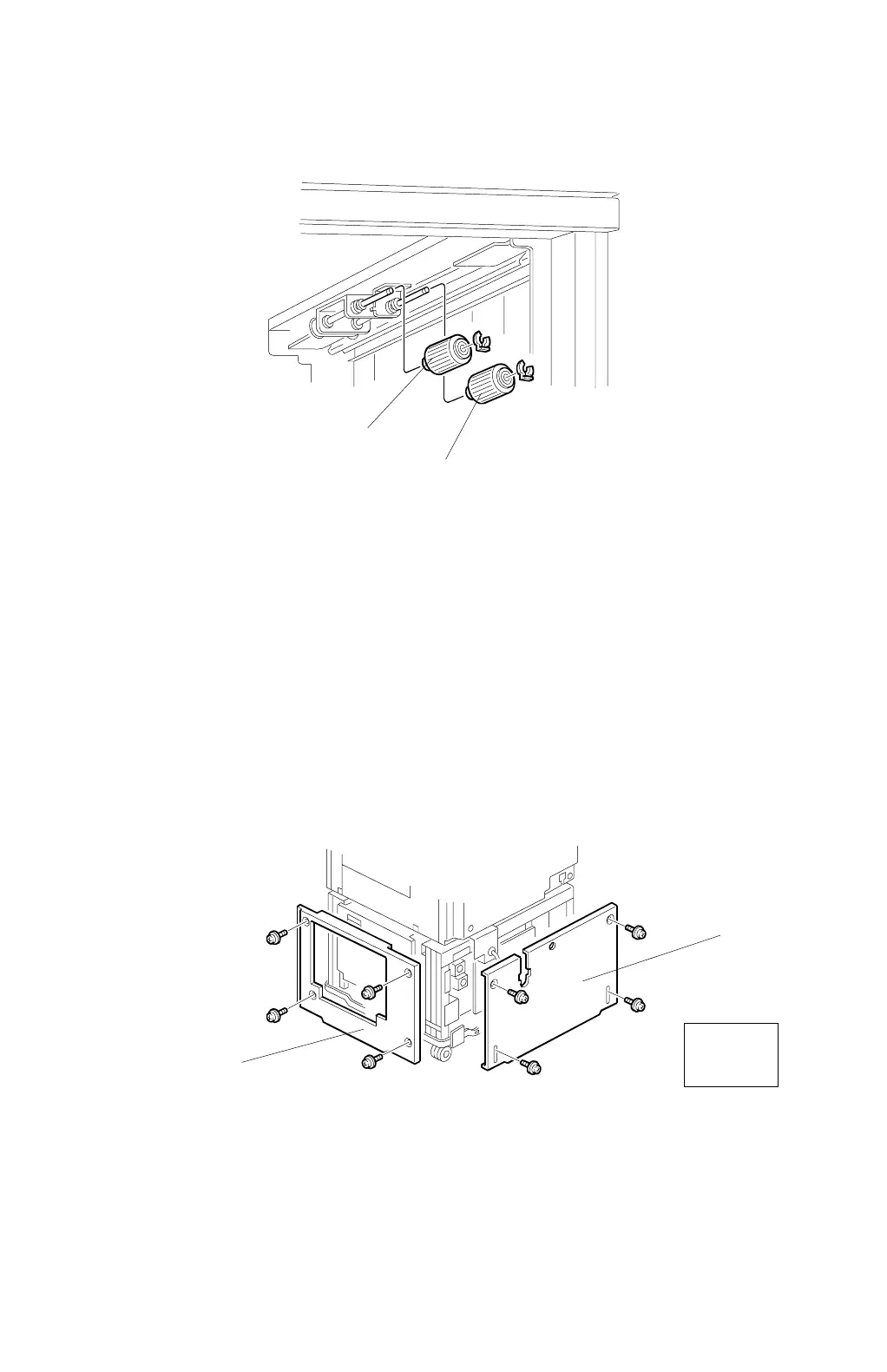
6.1.2 PAPER FEED ROLLER AND PICK-UP ROLLER REMOVAL
1. Turn off the main switch.
2. Remove the tandem tray. (Refer to Paper Tray Removal, section 6.1.1)
3. Draw out tray 2.
4. Remove the pick-up roller [A] (1 snap ring).
5. Remove the paper feed roller [B] (1 snap ring).
6.1.3 VERTICAL TRANSPORT UNIT REMOVAL
1. Remove the lower right cover [A] and the lower rear cover [B], as shown.
C232R002.WMF
C232R003.WMF
Rear
View
[A]
[B]
[A]
[B]



 To Next Page