1 March, 2000 PAPER TRAY
6-1
Replacement
Adjustment
6. REPLACEMENT AND ADJUSTMENT
6.1 PAPER TRAY
6.1.1 PAPER TRAY REMOVAL
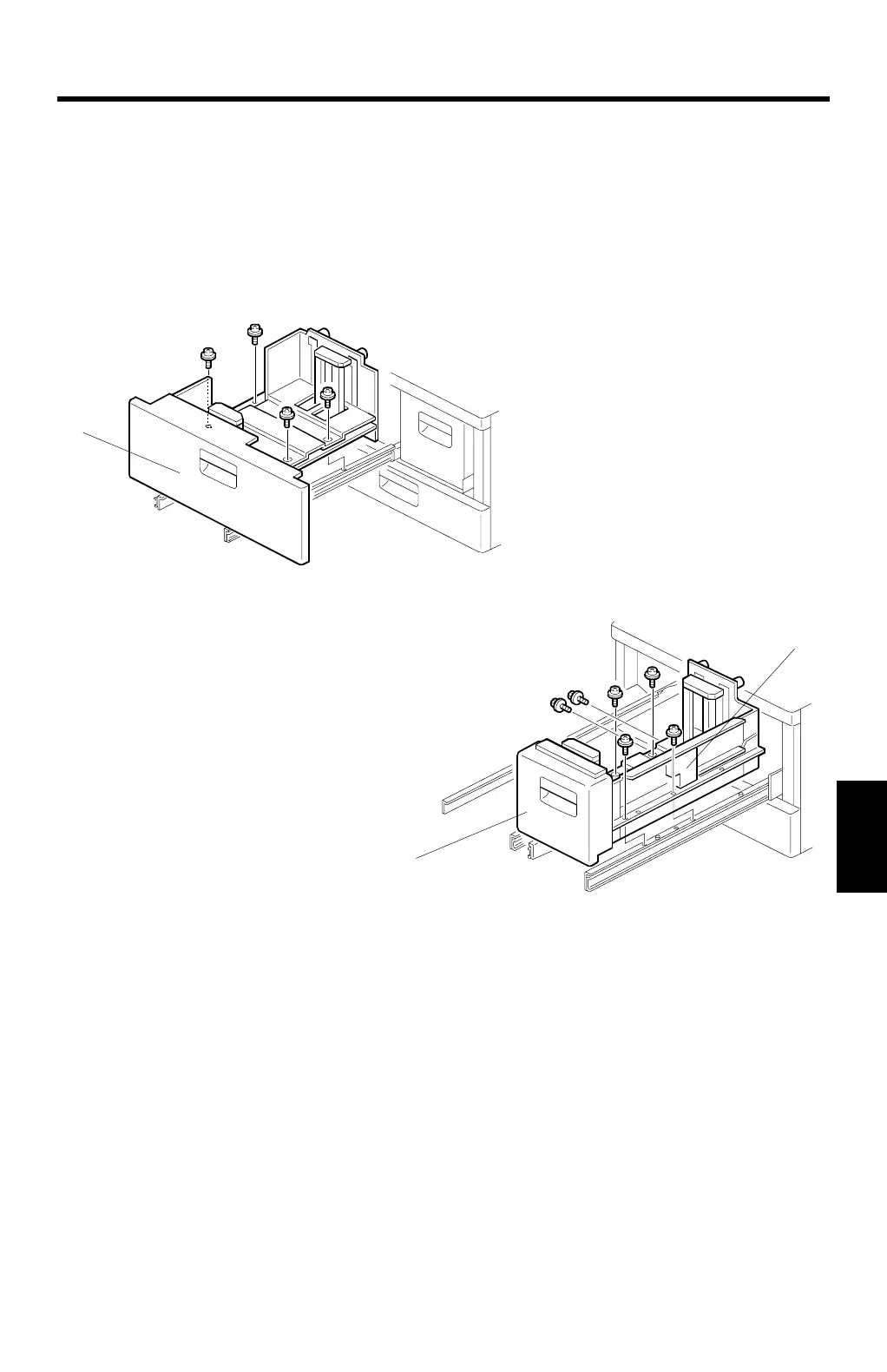
Tandem Tray Removal
1. Draw out the left tandem tray [A].
2. Remove the left tandem tray (4 screws).
3. Draw out the right tandem tray, then remove the friction pad unit [B] from the
tandem right tray (2 screws).
4. Remove the right tandem tray [C] (4 screws).
NOTE:
Removing tray 2 is similar to the tandem tray.
C232R000.WMF
C232R001.WMF
[A]
[C]
[B]



 To Next Page