1 March, 2000 ESSENTIAL DIFFERENCES BETWEEN C232 AND C229 MODELS
1-1
Overall
Information
1. OVERALL INFORMATION
1.1 ESSENTIAL DIFFERENCES BETWEEN C232 AND
C229 MODELS
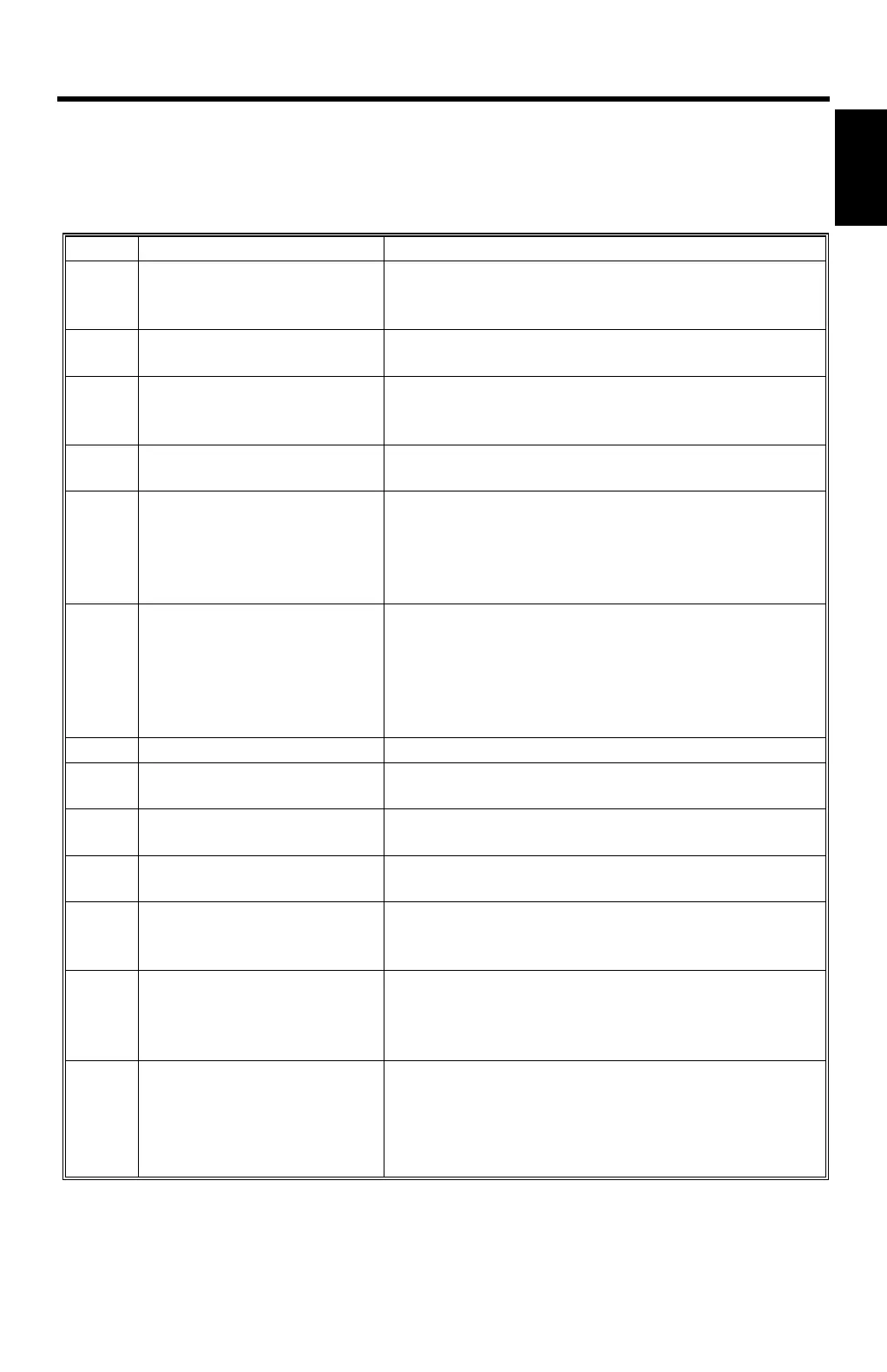
No. Item Remarks
1
Thermal Head, Thermal
Head Power Supply, MPU,
I/O Board, PSU
Some related parts are also changed.
2 Paper Table Paper table capacity is changed from 1,000
sheets (C229) to 500 sheets (C232).
3 Paper Tray
Two drawer-type paper trays are added.
The maximum capacity of the paper tray unit is
2,500 sheets.
4 Paper Delivery Table
The side and end plates are automatically
adjusted to the print paper size.
5 Energy Saving
(New Function)
Energy saving modes cut down the energy
consumption below 10 W.
Only the LED at the clear mode key stays on.
Other keys and the LCD remain standing by until
the clear mode key is touched.
6 Drum Home Position
Indicator
New LEDs are added to indicate when the drum is
at home position.
Green LED: Indicates the drum is at home
position.
Red LED: Indicates that drum is not at home
position.
7 JS Sorter Connection The new JS 40 sorter can be connected.
8 Friction Pad
(Paper Table)
A newly designed friction pad is used.
9 New SP modes
New SP modes are added for the paper tray and
JS 40 sorter.
10 Tray Feed Start Sensor A new sensor is added to detect paper fed from
the paper trays.
11 Torque Limiter The torque limiter is added to prevent damage to
the main motor when torque from the drum or
pressure cylinder gets too high and may lock it.
12 Paper Feed Length
Adjustment
The paper feed length adjustment is changed.
Refer to the PAPER FEED LENGTH
ADJUSTMENT in the replacement and
adjustment section.
13 Firmware Update Method The firmware on the MPU can be upgraded using
a flash memory card.
It is not necessary to use the card interface board.
Refer to LOAD PROGRAM (SP8-20) in the
service tables section.



 To Next Page