PRINTING SECTION 1 March, 2000
6-10
6.2 PRINTING SECTION
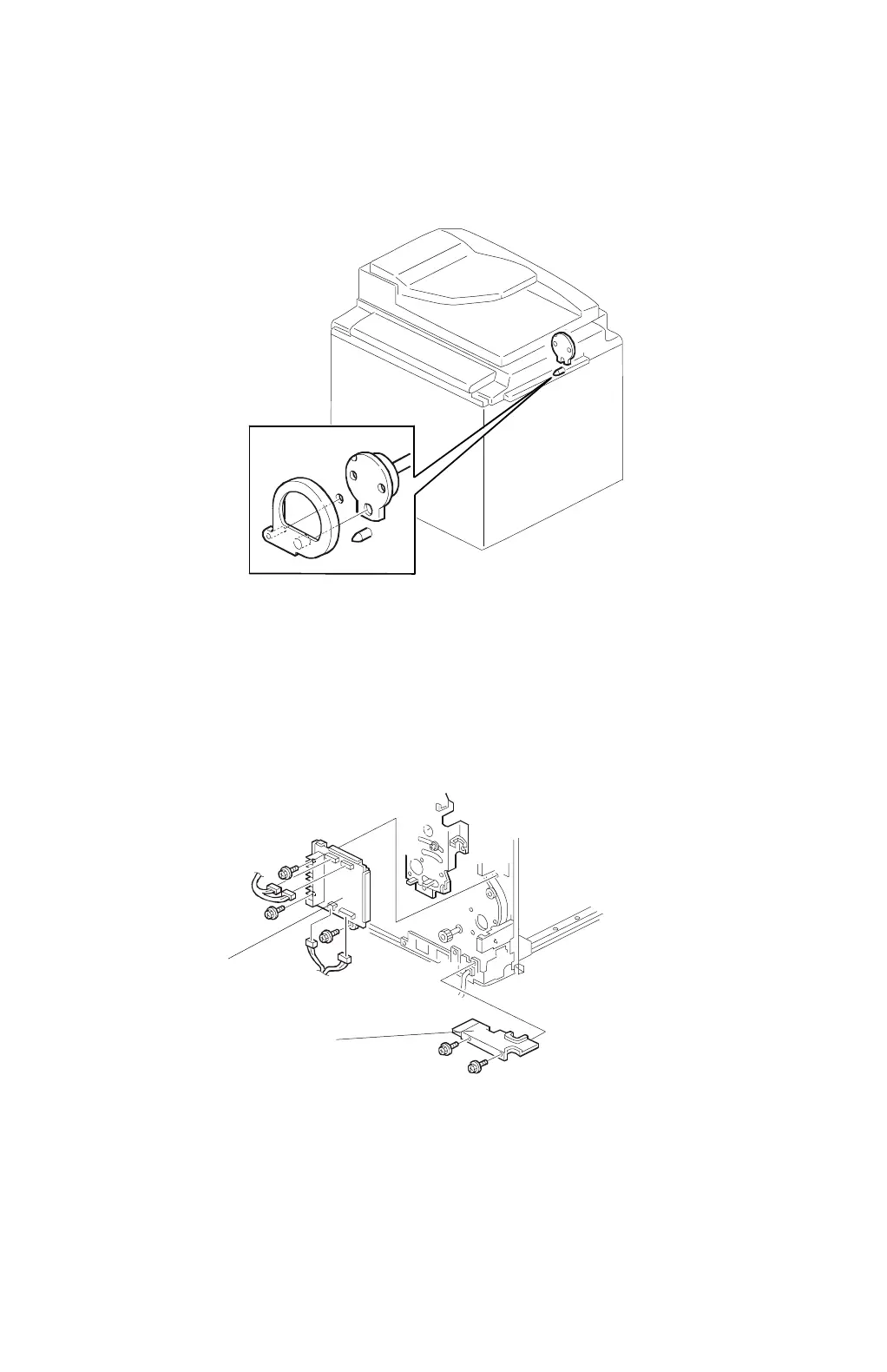
6.2.1 TORQUE LIMITER
1. Turn off the main switch and remove the drum.
2. Set the drum drive-securing tool.
3. Remove the rear cover and swing out the PSU (see the C229 service manual).
4. Remove the main motor control board [A].
5. Remove the wire protection cover [B].
C232R505.WMF
C232R503.WMF
[A]
[B]



 To Next Page