PAPER BANK 1 March, 2000
2-4
2.1.3 TANDEM TRAY MECHANISMS
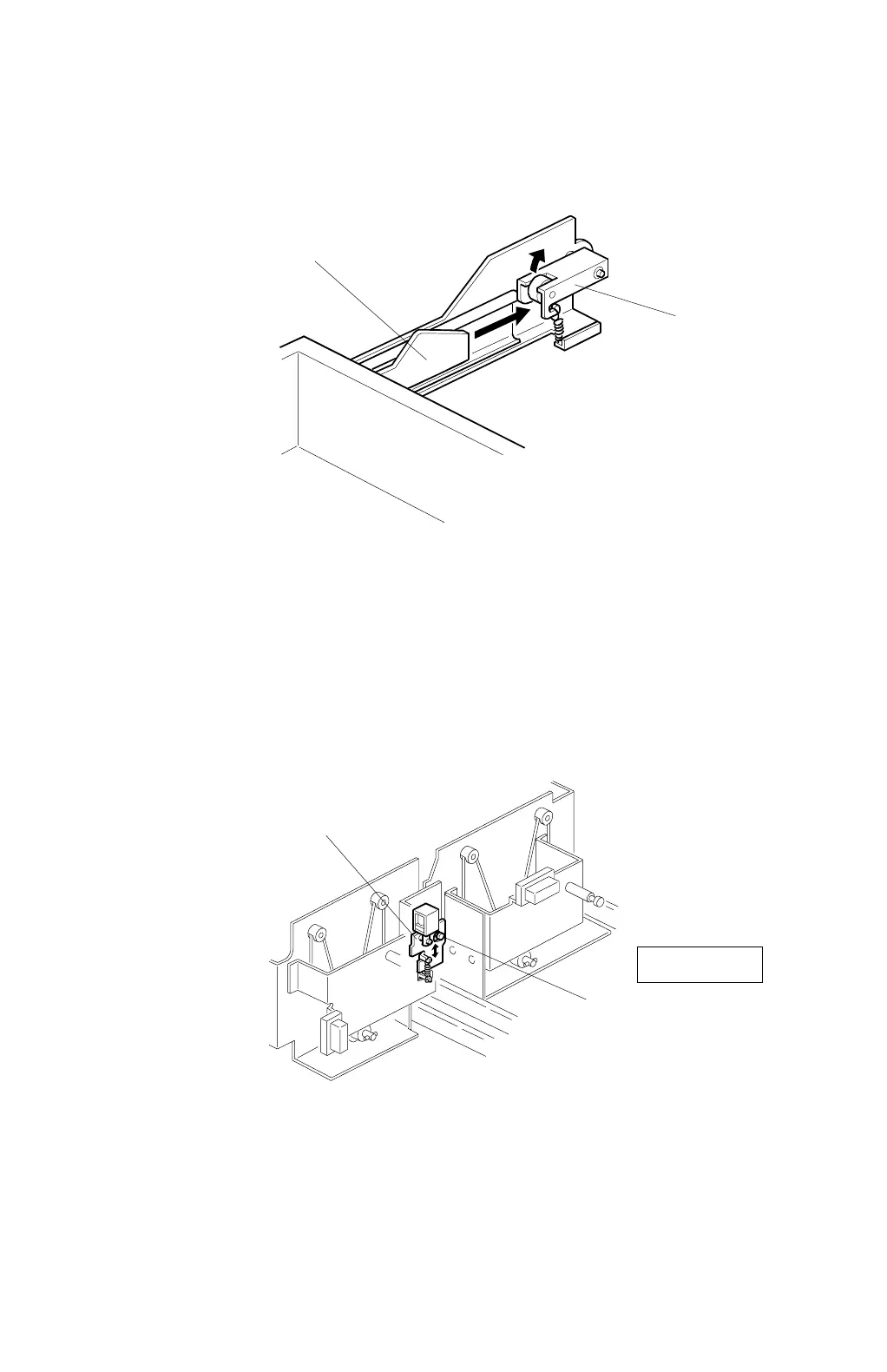
Tray Positioning
When the tray is placed in the machine, the lock lever [A] drops behind the lock
plate [B] on the slide rail support bracket to lock the tray in the proper position.
NOTE:
The same type of mechanism is used also for tray 2.
Tandem Tray Connection/Disconnection
Normally the lock plate [A] in the right tandem tray catches the pin [B] in the left
tandem tray. During printing, if there is no paper in the left tray, the tray 1
connection solenoid turns on to release the lock plate, and the left tray separates
from the right tray. Therefore, only the left tandem tray can be pulled out when the
user adds paper.
C232D009.WMF
C232D014.WMF
Rear View
[A]
[B]
[A]
[B]



 To Next Page