INSTALLATION PROCEDURE 1 March, 2000
3-4
3.2.2 INSTALLATION PROCEDURE
ø
CAUTION
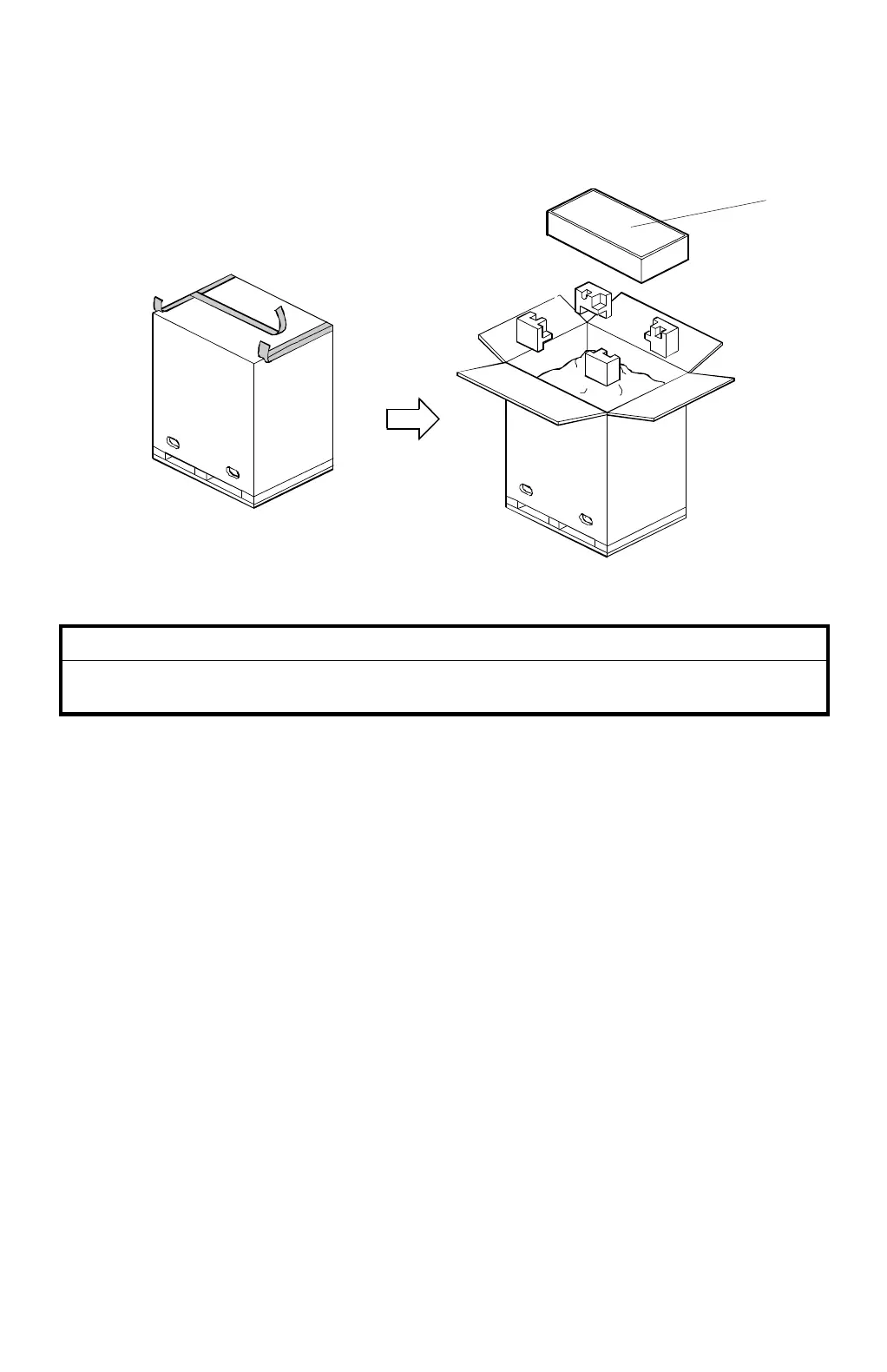
Open the box from the top. If the box is lifted off the machine from the
bottom, the paper delivery table may be damaged.
1. Unpack the paper bank. Take out the small box [A] which contains the paper
delivery table.
CAUTION:
First, open the upper opening of the box, and remove the small box
inside [A]. This prevents the paper delivery table (inside the box [A])
from being damaged.
C232I001.WMF
[A]



 To Next Page