Copier Functions
97
2
Important
❒ You cannot use the bypass tray with this function.
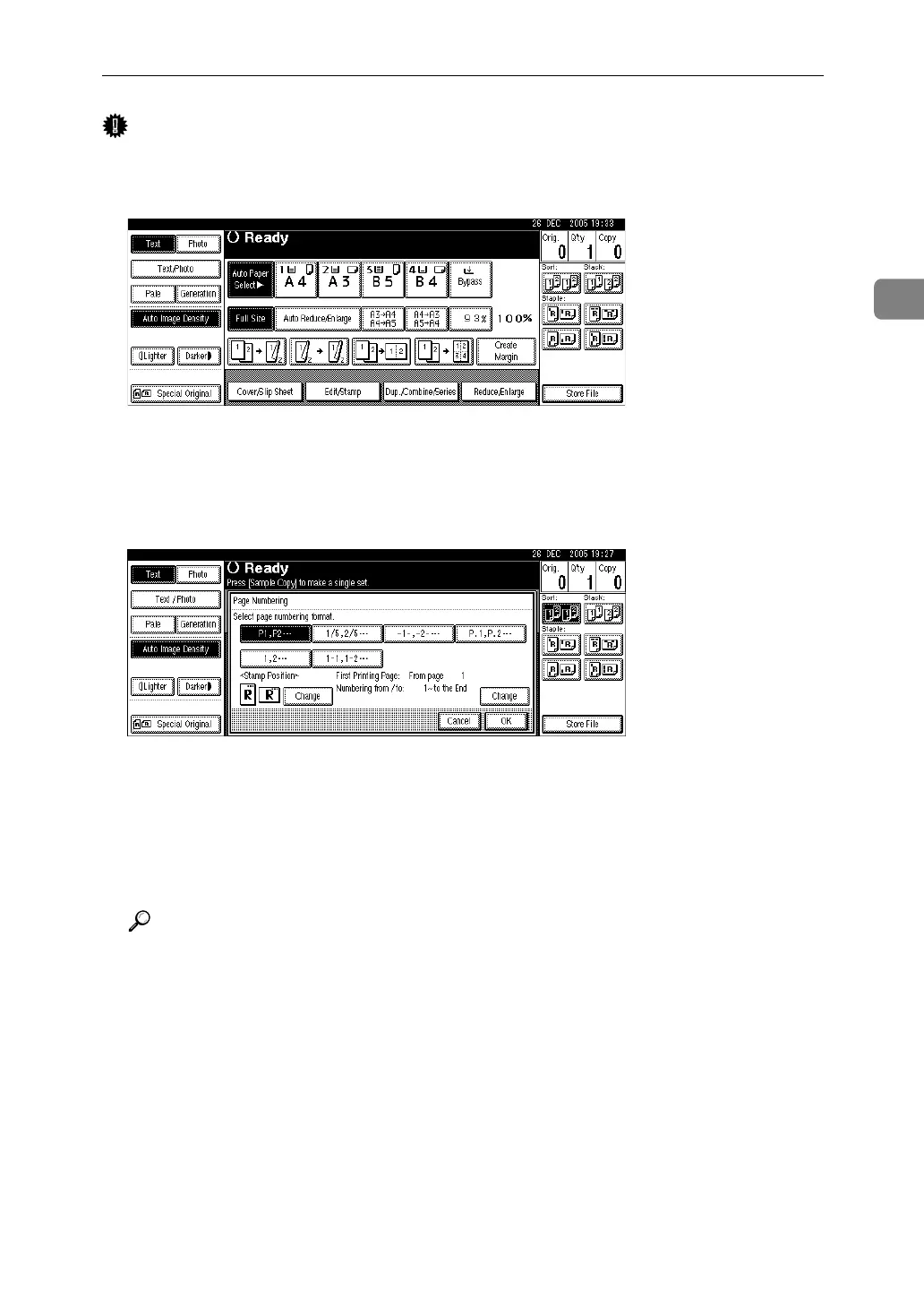
A Press [Edit / Stamp].
B Press [Stamp].
C Press [Page Numbering].
D Select the format.
You can specify the stamp position, pages to be stamped, and numbering.
E After you specify all desired settings, press [OK].
F Press [OK] twice.
G Place the originals, and then press the {Start} key.
Reference
“Stamp”, General Settings Guide












 To Next Page