Using the Document Server
131
3
Printing a Stored Document
The following describes the procedure for printing a stored document.
Web Image Monitor allows you to print documents stored in the Document
Server from a network computer.
A Press the {Document Server} key.
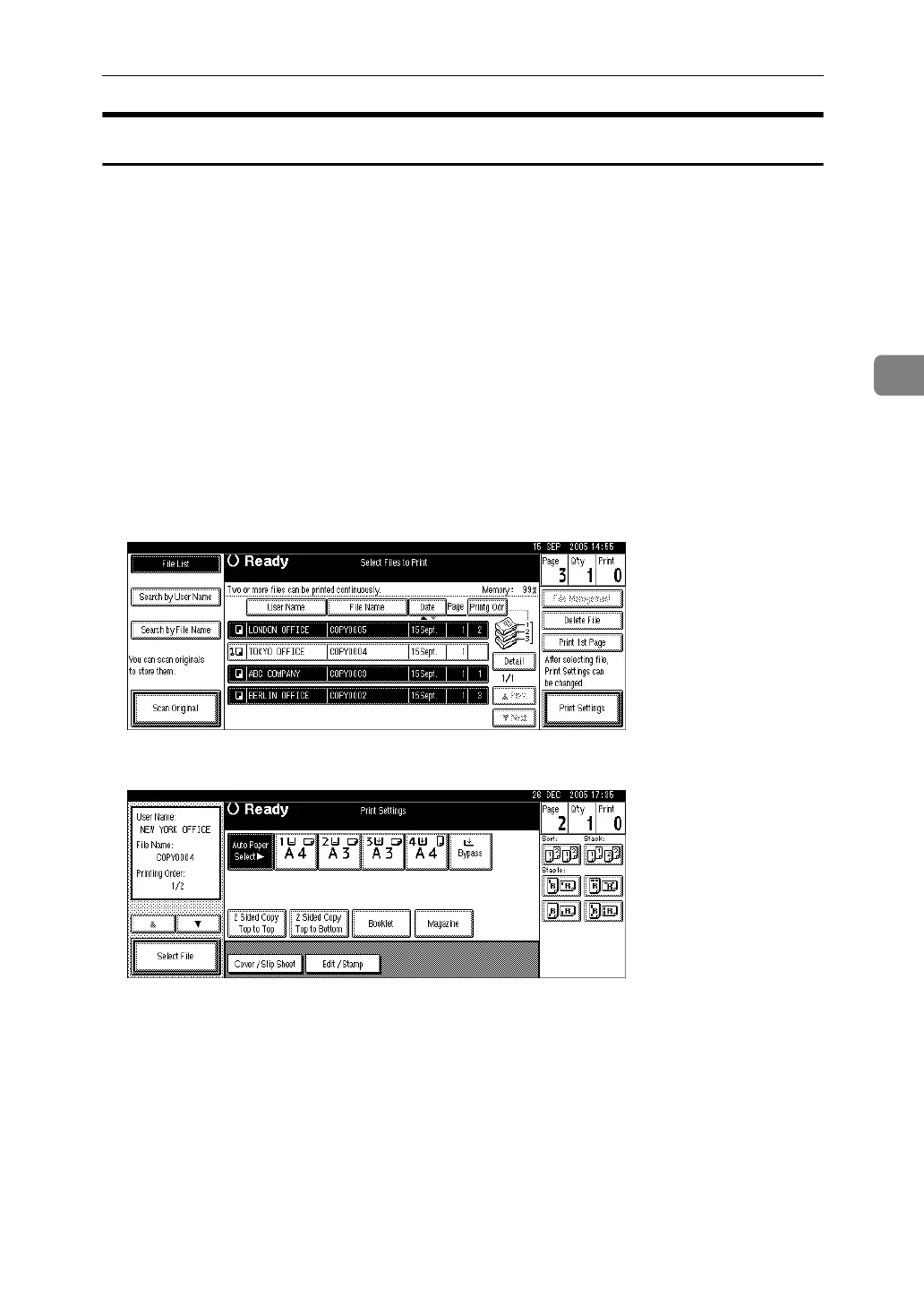
B Select the document to be printed.
When a password is set, enter it and then press [OK].
C When printing two or more documents at a time, repeat the operation in
B
.
Up to 30 documents can be printed.
D When specifying printing conditions, press [Print Settings].
The Print Settings display appears. User names, file names, and print order of
documents appear.
E Enter the number of print copies using the number keys.
Up to 999 copies are specifiable.
F Press the {Start} key.
Printing starts.












 To Next Page