Copying
32
2
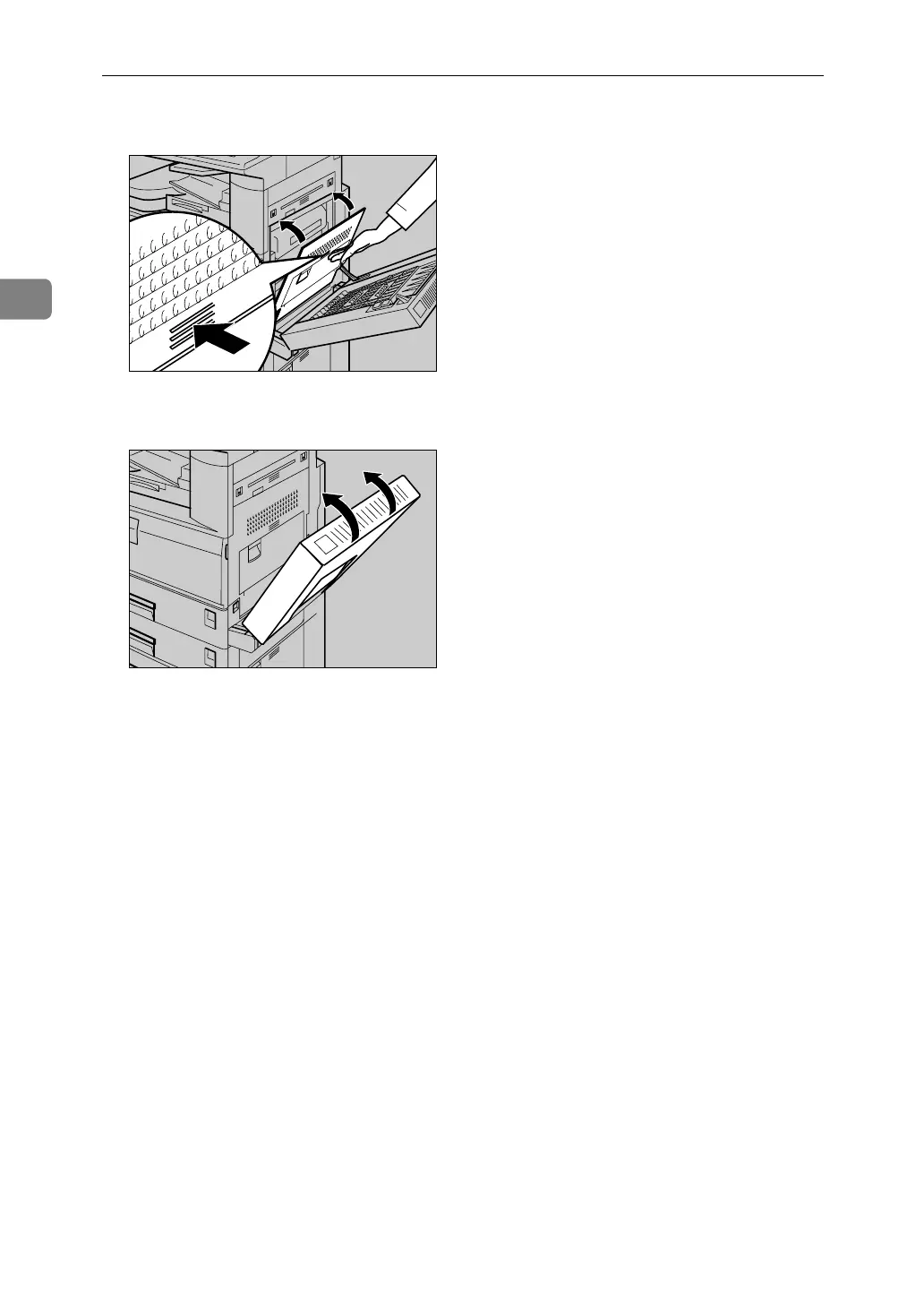
D Close the right cover.
E If the duplex unit is installed, close it.
F Press the {q} key.
G Select the paper size, and then select [Thick Paper] for the paper type.
H Press [OK].
I Place your originals, and then press the {Start} key.
J When your copy job is finished, press the {Clear Modes} key to clear the settings.
ZEWH330E
AHR014S












 To Next Page