Copier Functions
77
2
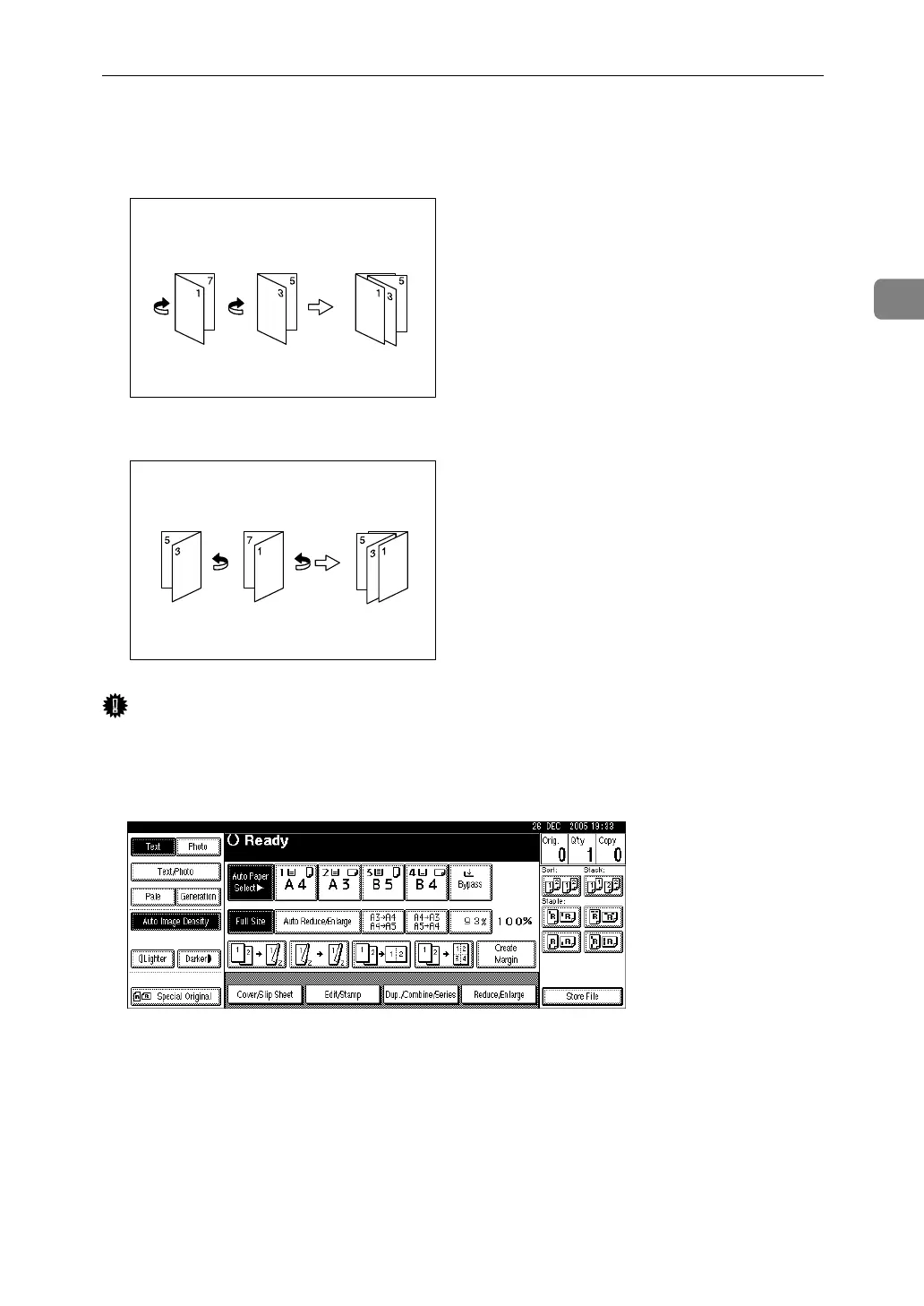
❖ How to fold and unfold copies to make a magazine
As shown below, fold and stack copies to make a magazine, and open.
•Open to left
•Open to right
Important
❒ Before using this function, select [Open to Left] or [Open to Right] with [Orienta-
tion: Booklet, Magazine] in advance. See “Edit”, General Settings Guide.
A Press [Dup./Combine/Series].
B Press [Series / Book].
C Press [Book].
D Select [1 Sided→Booklet], [2 Sided→Booklet], [1 Sided→Magazine], or [2 Sided→Magazine],
and then press [OK].
E Press [OK].
F Select the paper.
GCBOOK5E
GCBOOK6E












 To Next Page