2.Replacement and Adjustment
54
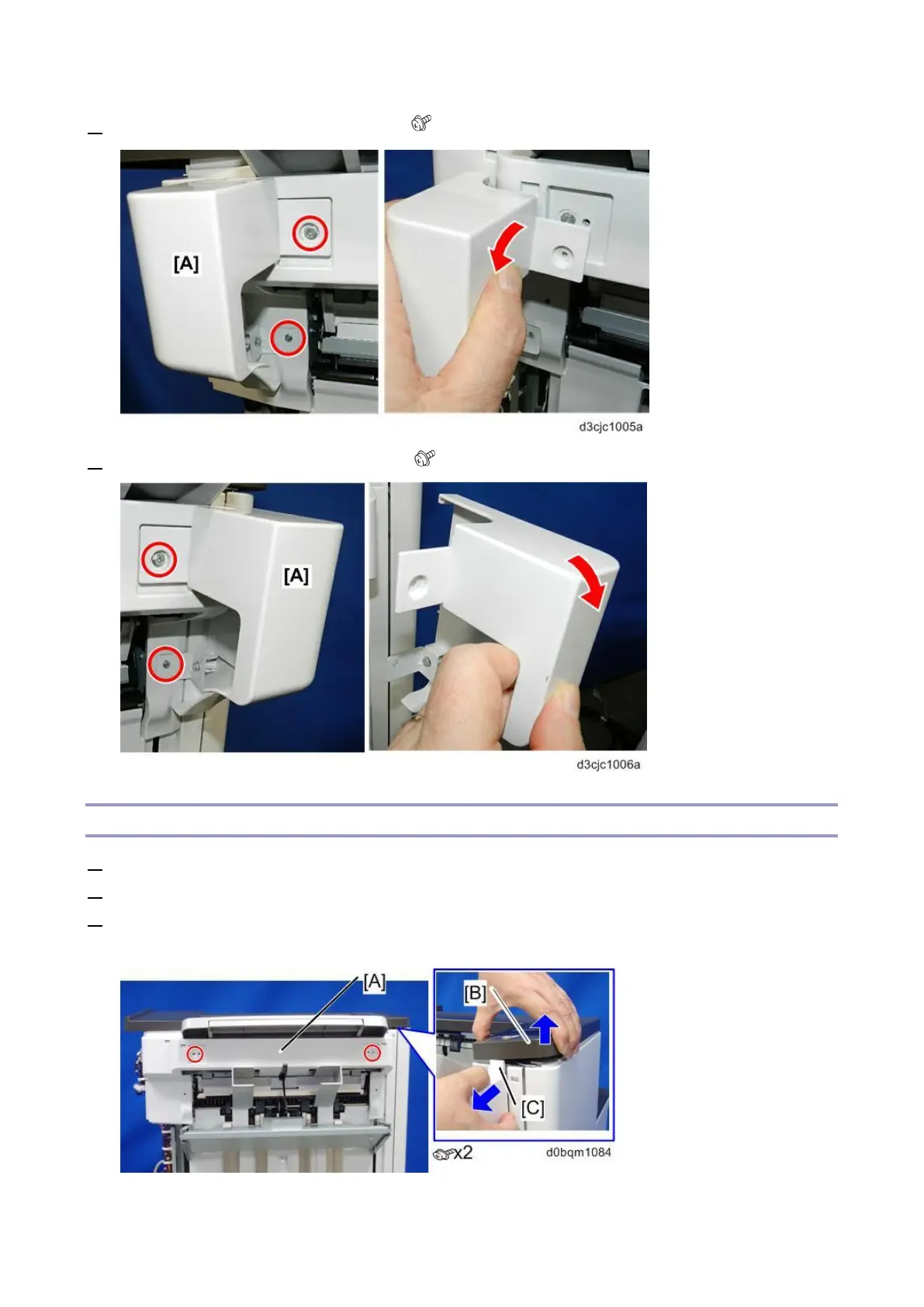
4. Remove the rear paper guide cover [A] ( x2).
5. Remove the front paper guide cover [A] ( x2).
Left Upper Cover
1. Remove the rear upper cover. (Rear Upper Cover, Rear Lower Cover)
2. Remove the paper guide covers (front and rear). (Paper Guide Cover)
3. Lift the front left side [B] of the upper cover and disconnect the tab [C], and then remove the left
upper cover [A].



 To Next Page