2.Replacement and Adjustment
73
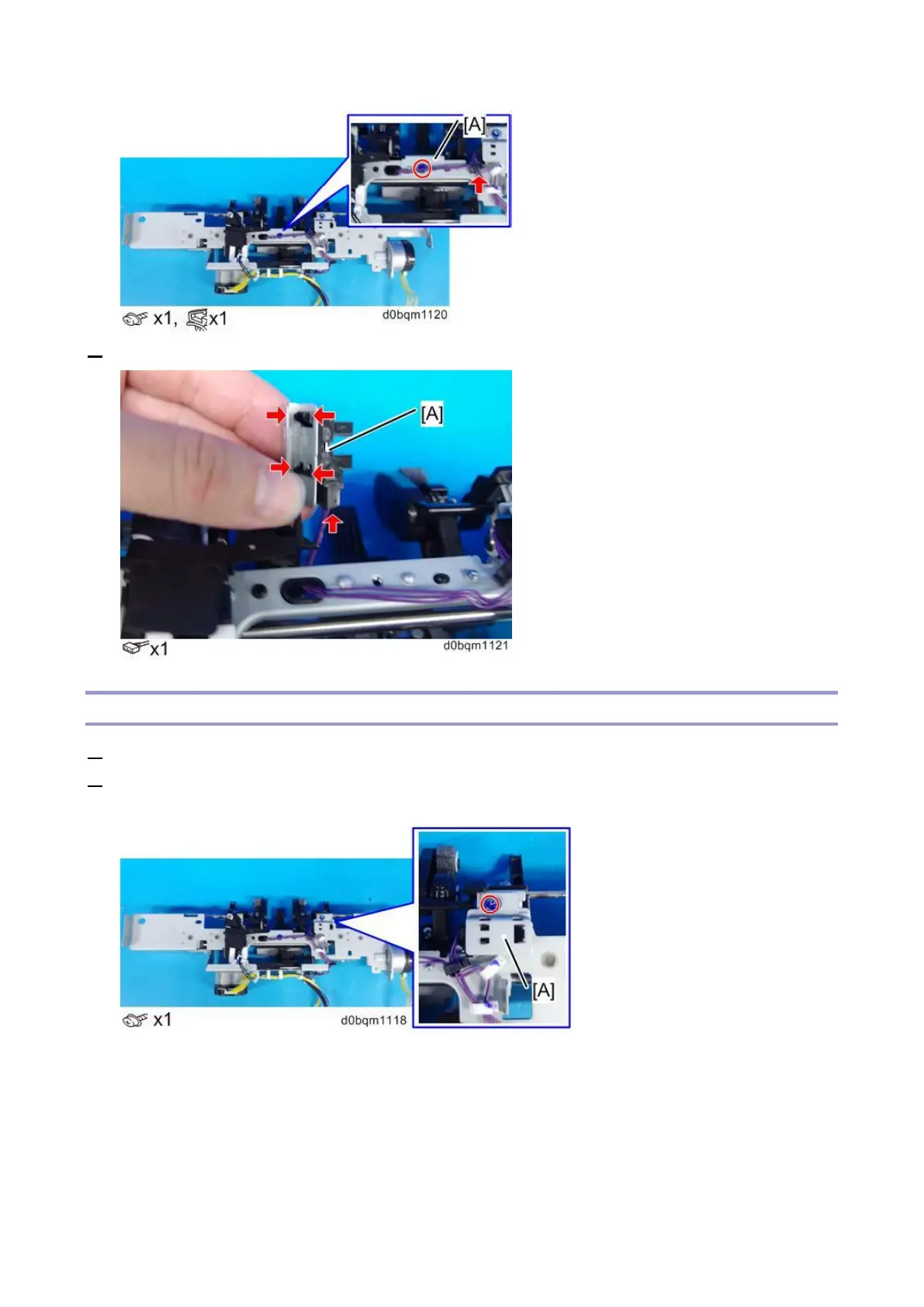
3. Remove the shift paper height sensor (S35) [A].
Paper Stacking Holder HP Sensor (S24)
1. Remove the trailing edge alignment unit (Trailing Edge Alignment Unit).
2. Turn over the trailing-edge alignment unit, and then remove the Paper Stacking Holder HP Sensor
(S24) together with the bracket [A].



 To Next Page