2.Replacement and Adjustment
86
Paper Guide Unit
Paper Guide Unit
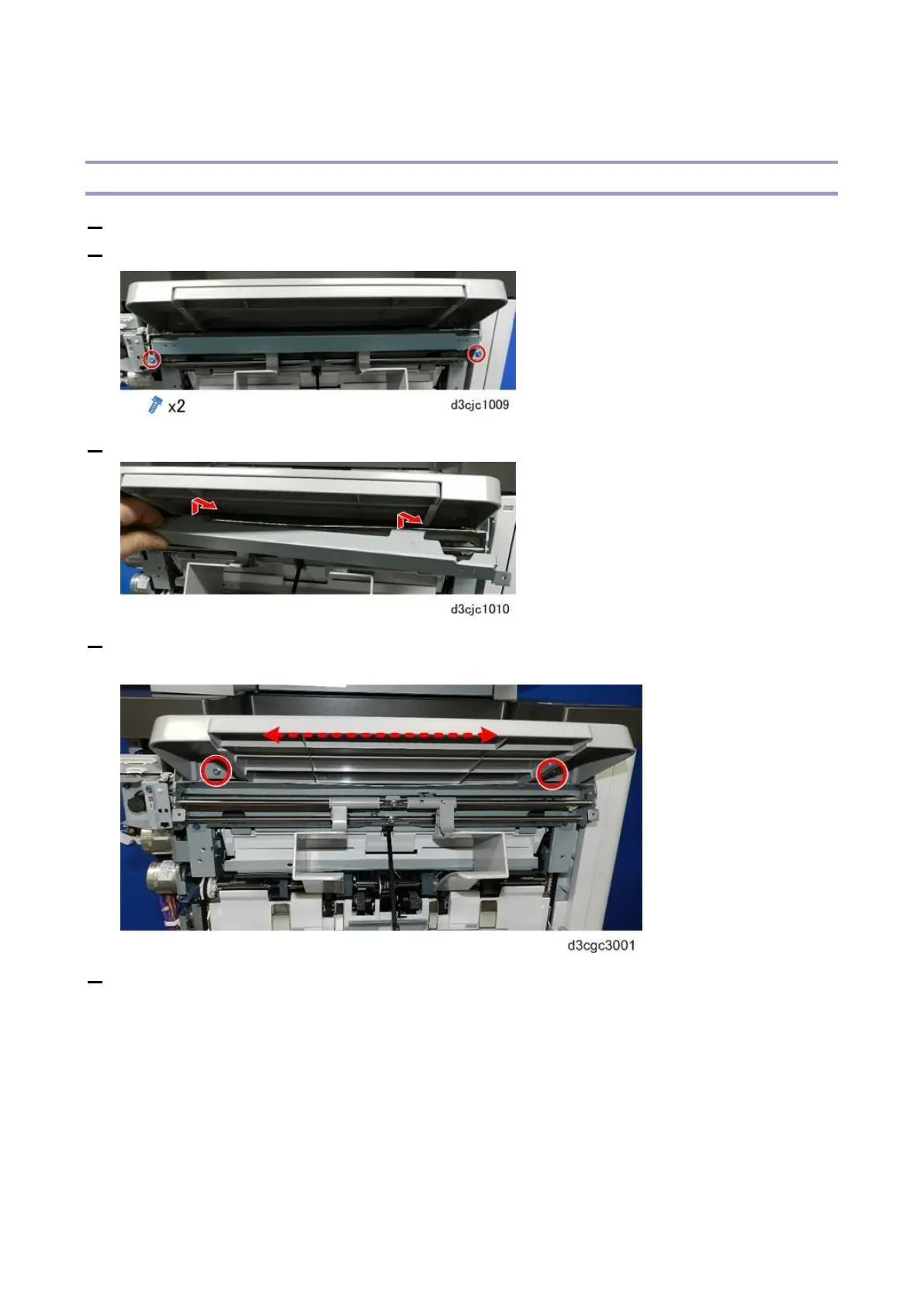
1. Remove the paper guide covers (Paper Guide Cover)
2. Disconnect the cover support bracket.
3. Remove the cover support bracket.
4. Loosen (do not remove) the screws on both ends of the paper exit. This will loosen the tray so you
can move the tray slightly side-to-side in order to remove the bracket screws more easily.
5. Disconnect the rear end of the paper guide unit bracket [A].



 To Next Page