2.Replacement and Adjustment
77
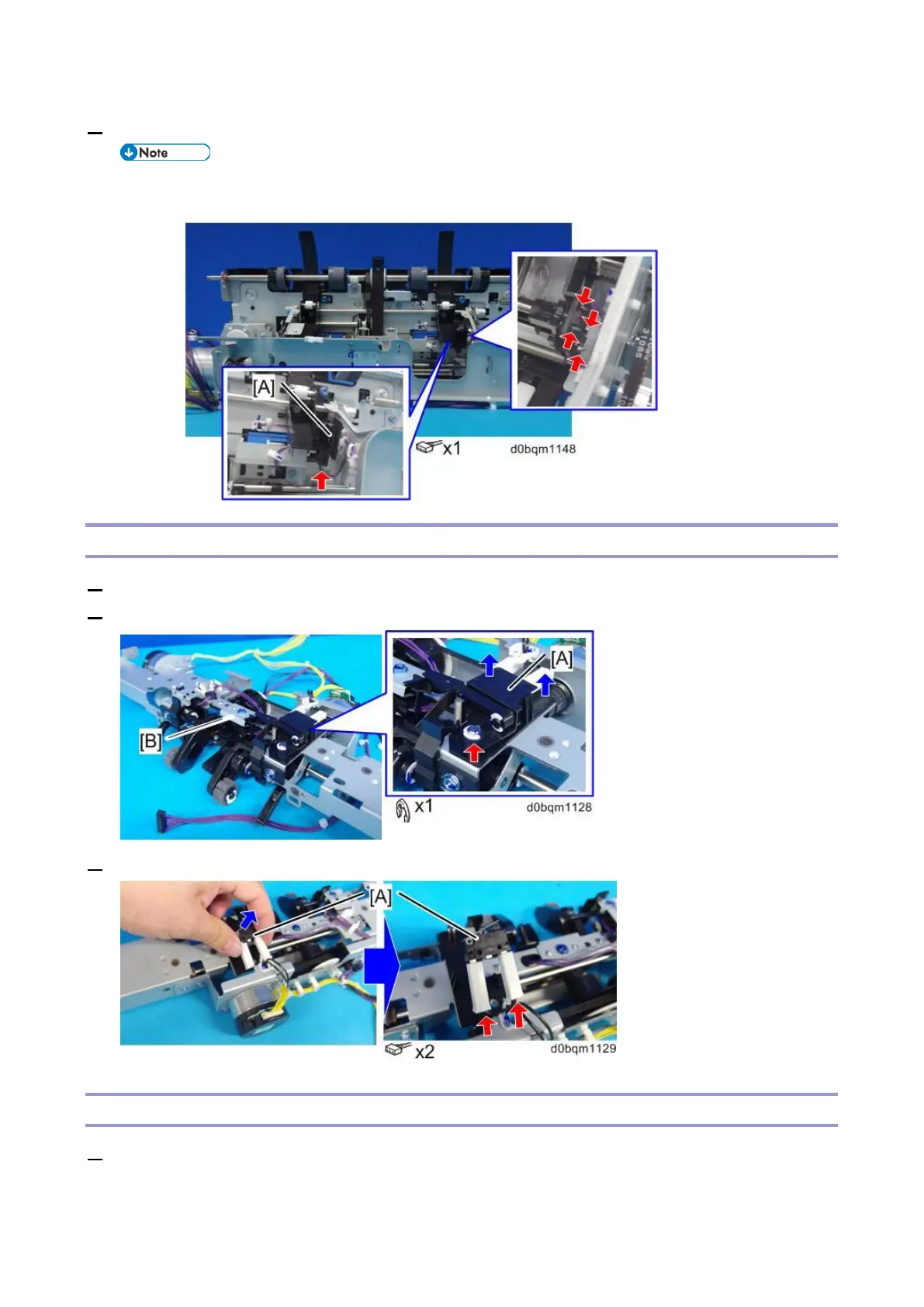
3. Remove the Leading Edge Guide HP Sensor (S33) [A].
• When you remove the sensor, be sure to release the hook with a tool such as a ratchet
screwdriver.
Upper Tray Height Limit Switch (SW3)
1. Remove the corner stapling unit (Corner Stapling Unit).
2. Remove the bracket [B], and then remove the lever unit [A].
3. Remove the Upper Tray Height Limit Switch (SW3) [A].
Sub Height Sensor (S51) (S52)
1. Remove the end fence. (End Fence)



 To Next Page