2.Replacement and Adjustment
70
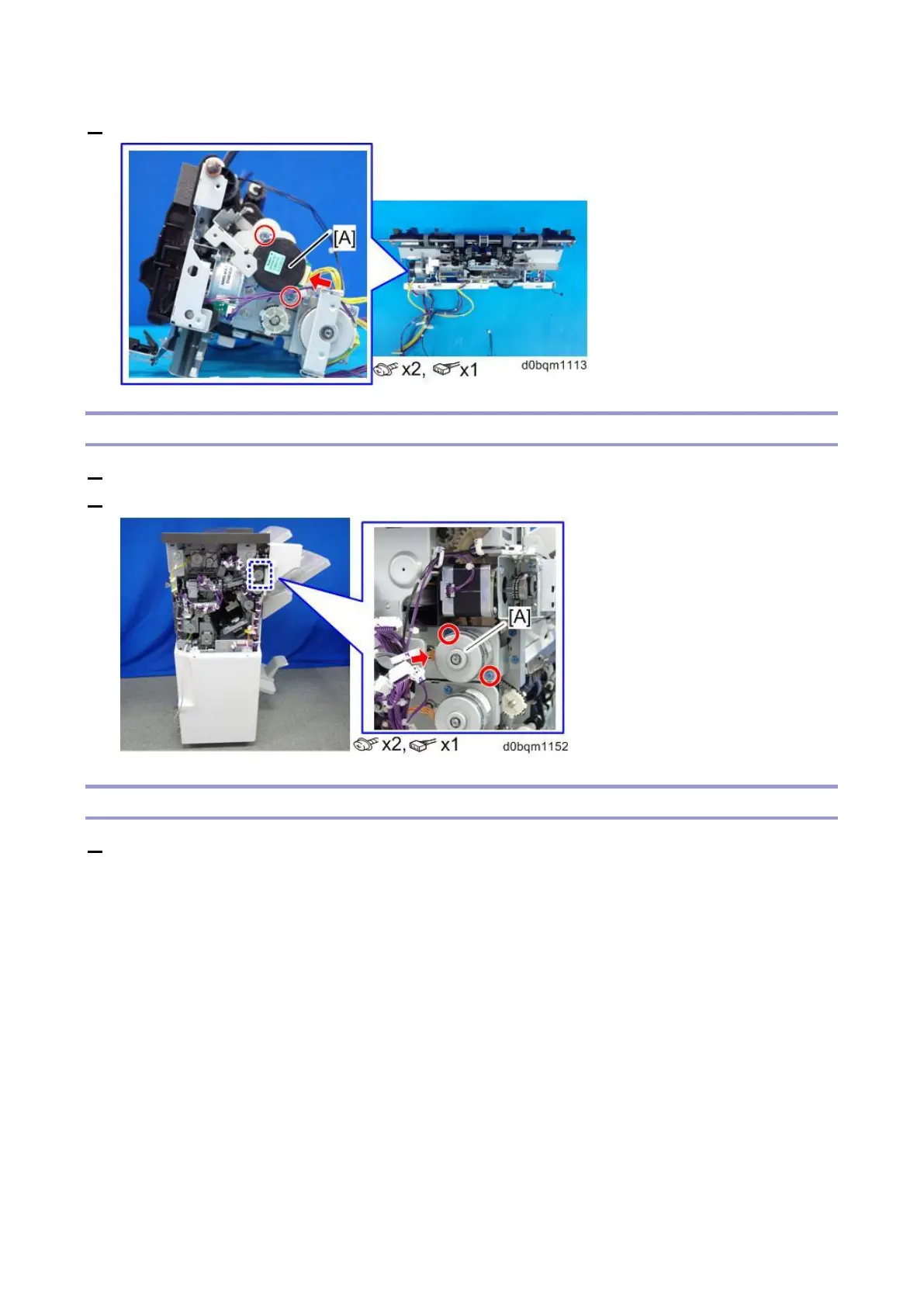
2. Remove the Paper Stacking Holder Motor (DCM8) [A].
Exit Motor (DCM4)
1. Remove the rear upper cover (Rear Upper Cover, Rear Lower Cover).
2. Remove the Exit Motor (DCM4) [A].
Feed-out Belt Motor (DCM7)
1. Remove the corner stapling unit (Corner Stapling Unit).



 To Next Page