2.Replacement and Adjustment
62
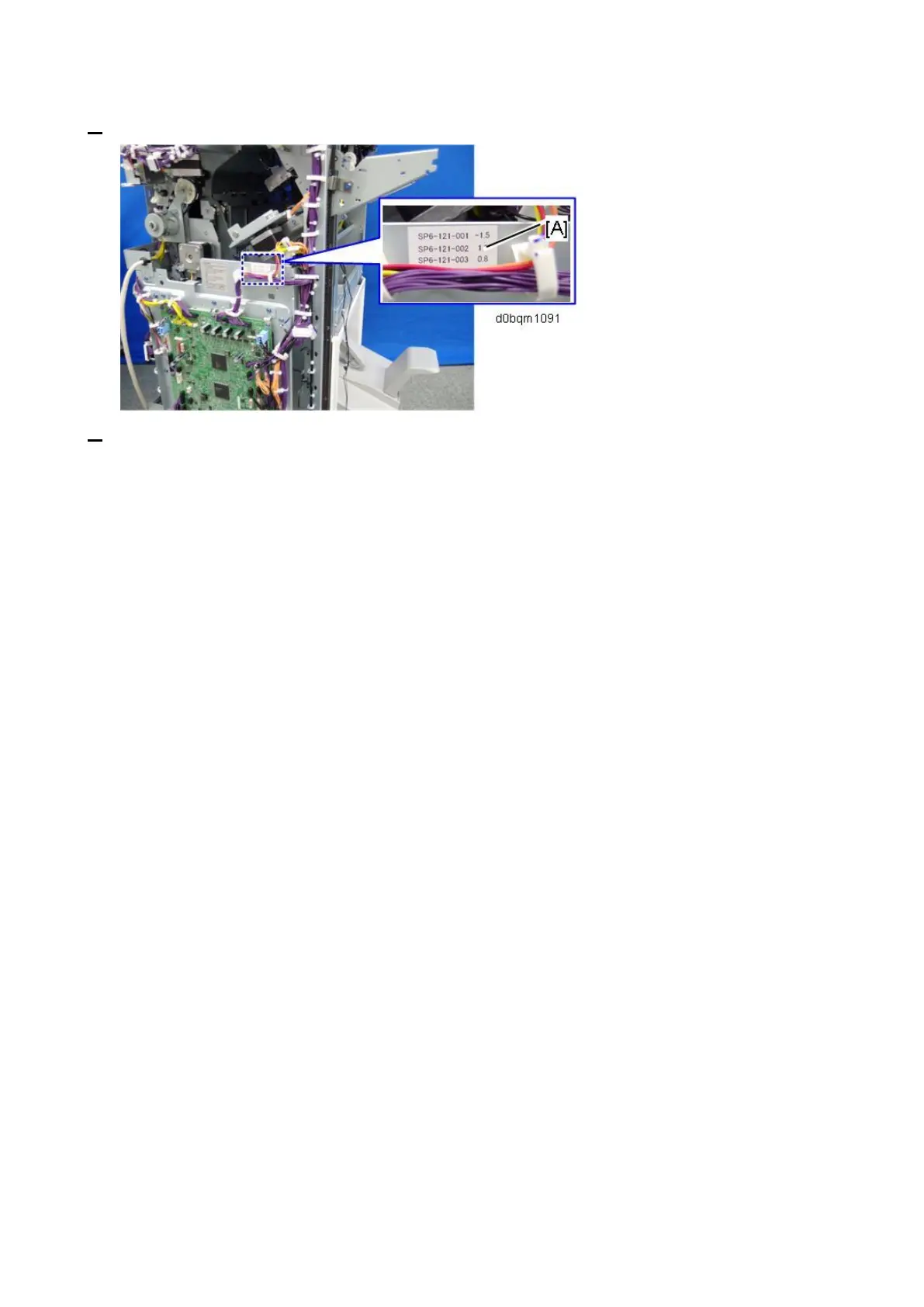
5. Locate the label [A] attached near the right corner of the board.
6. Go into the SP mode, open these SP codes, and then enter the numbers you see on the label.
• SP6-121-001 NV Adj. Data: Jog Position: Factory Adj.
• SP6-121-002 NV Adj. Data: Fold Position: Factory Adj.
• SP6-121-003 NV Adj. Data: Staple Stacking Fence Pos. Factory Adj.



 To Next Page