2.Replacement and Adjustment
93
• When attaching the stapler unit, make sure that the hook on the back of the cover is inserted
to the cutout of the frame firmly.
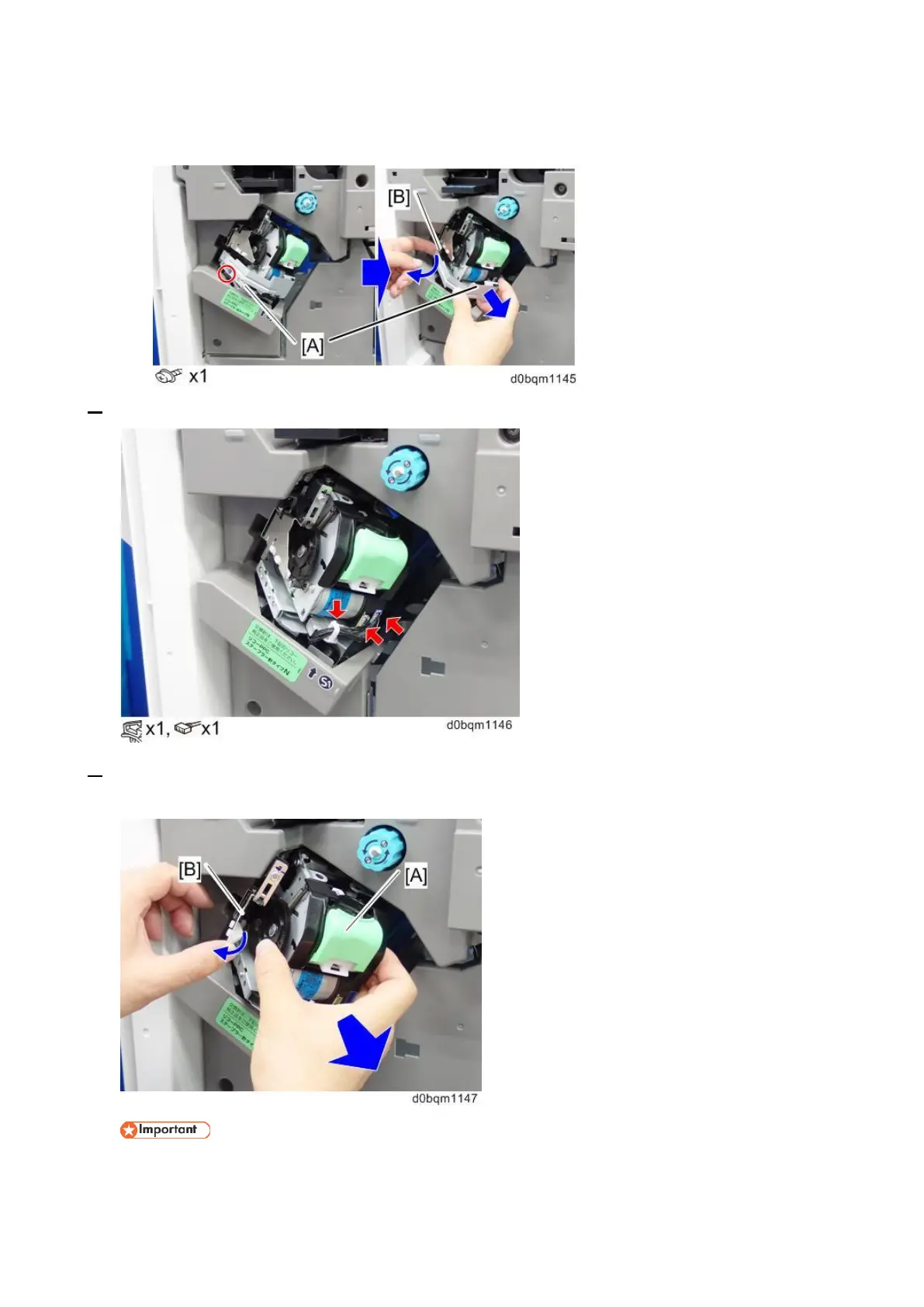
7. Release the clamp, and then remove the 2 connectors.
8. Remove the stapler unit [A].
Be sure to open the paper guide [B] and its catches on the unit.
When removing the stapler unit, make sure to leave the harness of stapler unit is hooked at the
position with red circle as shown below.



 To Next Page