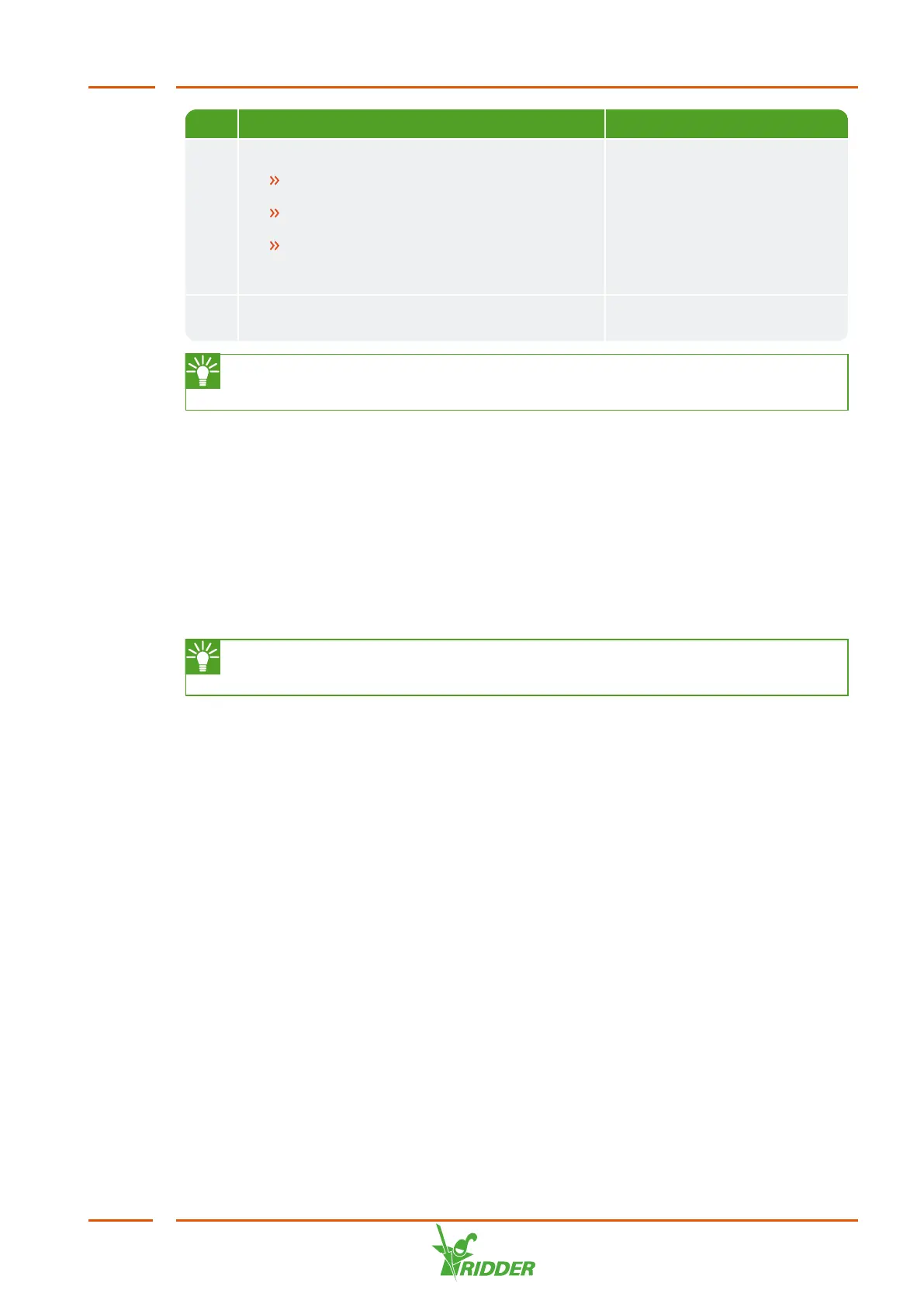
No. Step Section to see for this
9 Using the dosing channels for the first time
Test the dosing channels by irrigating
briefly using the fertigation recipe.
Place the suction hoses in the correct
fertilizer tank/acid tank.
Make sure that the fluid levels in all
dosing channels are the same and
operating at the capacity specified.
"Using the dosing channels
for the first time" on page42.
10 Test the FertiMiX by irrigating for a short
time.
"Testing the FertiMiX" on
page43.
Use the Appendix: "Checklist for step-by-step installation procedure" on
page62 to check that all installation steps have been completed.
4.3 Connecting water supply (hydronic installation)
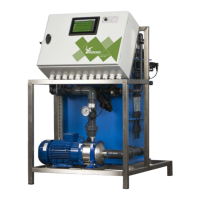
Complete the following steps to connect the FertiMiX to the water supply:
1. Remove the dummy pipes from the inlet and outlet of the FertiMiX. These are
only included for transportation purposes.
2. Connect the FertiMiX to the water inlet and outlet pipes.
3. Connect the supply hoses provided for the fertilizers (and acid) to the dosing
channels.
The FertiMiX-Go! is built using metric units of measurement; adaptors for
imperial units are also delivered as standard.
4.4 Connecting electrical components
The electrical components include all the components that must be connected to
provide the FertiMiX and connected equipment/accessories with electricity and digital
information. This includes: the power cable, network cables, pipes and switches.
To connect the electrical components, complete the following steps:
1. Make sure that the supply voltage corresponds to the design specifications of
the FertiMiX-Go!. If this is not the case, please contact Ridder Growing
Solutions.
2. Make sure that the power switch is set to 0 (off).
3. Make sure that the FertiMiX pump has been switched off manually.
4. Connect the supply voltage according to the wiring diagram provided.
5. Connect the external meters and valves according to the wiring diagram.
6. Set the power switch to position I (on). See the "Power switch" on page44
section.
FertiMiX
31


 To Next Page