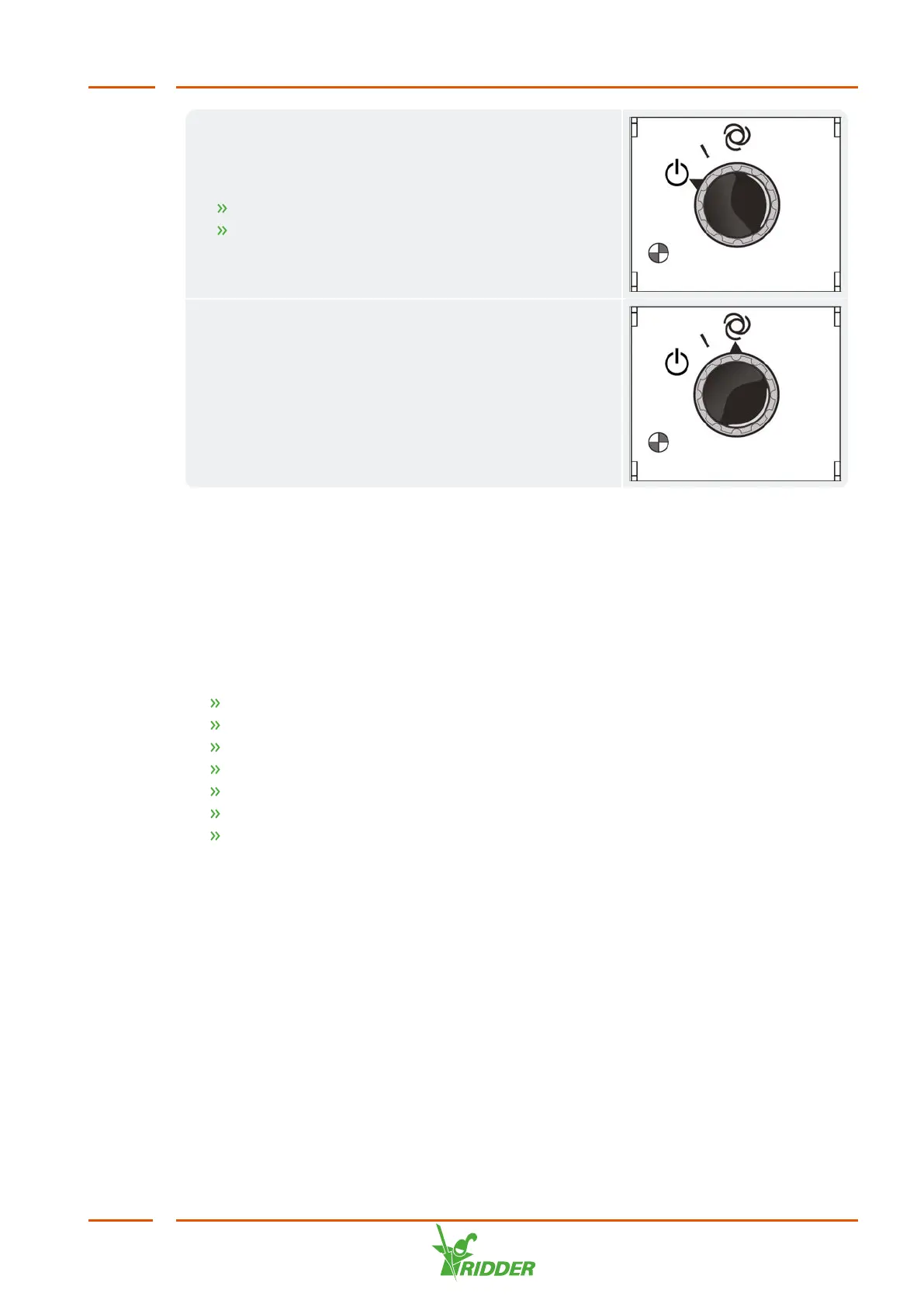
FertiMiX pump manual
By switching the knob to ‘manual’ mode, the FertiMiX
pump will begin to work. You can use this function to:
test the pump operation;
bleed the air from the pipes.
FertiMiX pump automatic
The automatic mode means that the FertiMiX-Go! is in
operation. In this mode, the controller can switch the
pump on and off automatically as needed.
6.3 Operating the HortiMaX-Go! (Quick Start Guide)
This section provides a brief description of how to operate the HortiMaX-Go!, the main
settings of the irrigation program and the alarms. For more detailed information,
please refer to the documentation included or the online help (help.hortimax-
go.com).
You also need to set up the following in the software:
Assigning valves to valve groups
Valves simultaneously
Periods
Volume and duration
Dosing fertilizers and acid
Pre- and post-flushing
Start requirements
6.3.1 The home screen
The main screen of the HortiMaX-Go! is the home screen. The home screen displays a
number of fixed elements, such as the tiles, the top bar and the right sidebar.
FertiMiX
45


 To Next Page