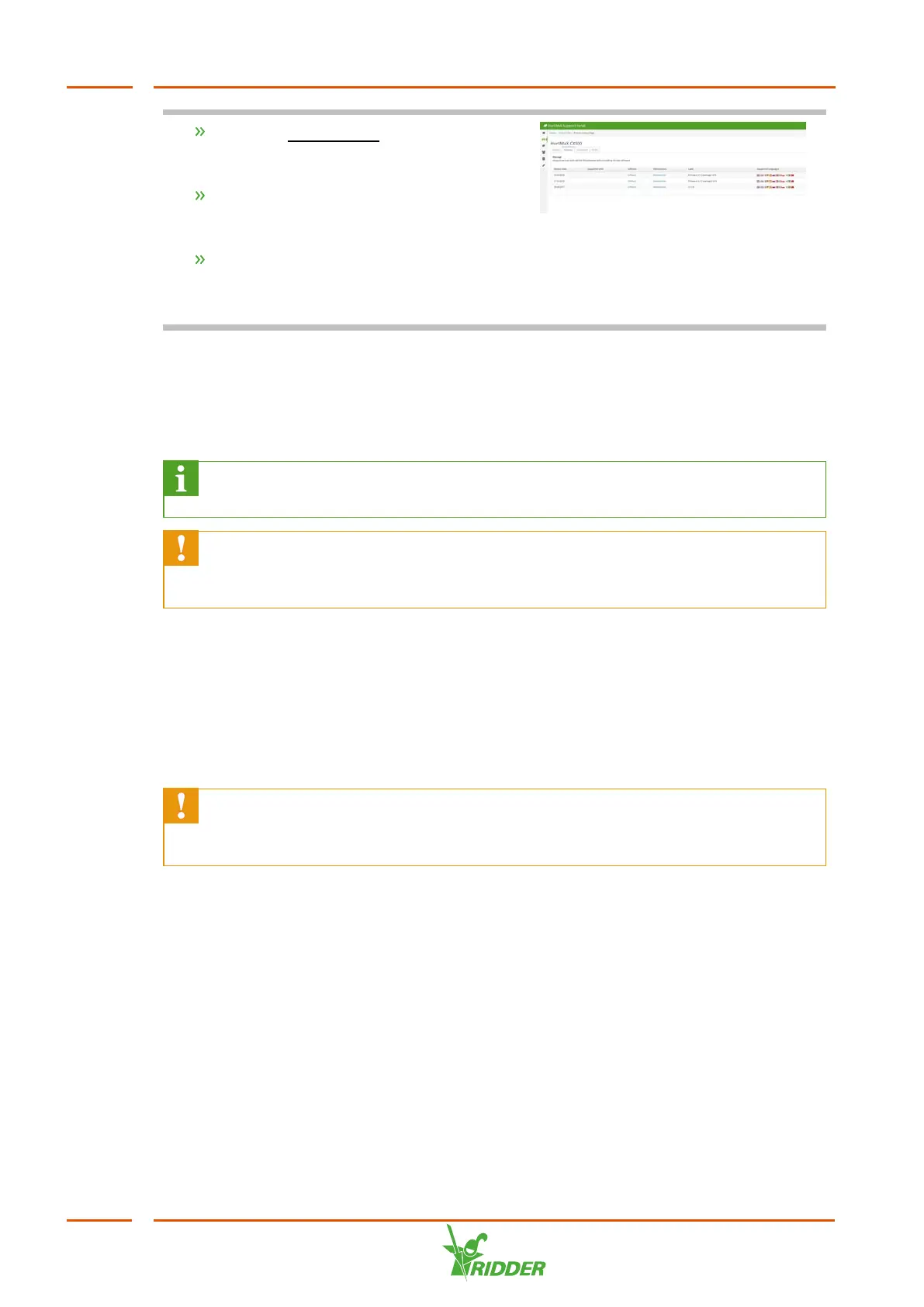
Click the Product info button. (You can
find product info in the menu on the
left.)
Select the software (HortiMaX-Go!)
until you reach the Product Gallery
Page.
Click the Versions tab.
Here you can see the latest version of the
software.
5.2 Software configuration
The FertiMiX-Go! is controlled by a HortiMaX-Go!. The HortiMaX-Go! is configured by
your dealer.
For more information about the HortiMaX-Go!, please refer to the
documentation included or the online help (help.hortimax-go.com).
If the HortiMaX-Go! is reset to factory settings, then complete the steps in this
section ("Software configuration" above) and the section "Software settings"
on page39 to configure the HortiMaX-Go!.
When starting up the HortiMaX-Go! for the first time, you need to select the display
language, the unit of measurement and the components that are present. This is
explained in the next sections.
5.2.1 New start
When you start up the system for the first time, you will be taken to the start-up
menu. Here you set the display language and the unit of measurement.
If you need to change the unit of measurement in the future, this is only
possible by restoring the HortiMaX-Go! back to the factory settings. This will
delete your user history.
FertiMiX
36


 To Next Page