To acknowledge more than one alarm at the same time, proceed as follows:
Tap and hold the Alarm Condition icon ‘ '.
The alarms have been acknowledged.
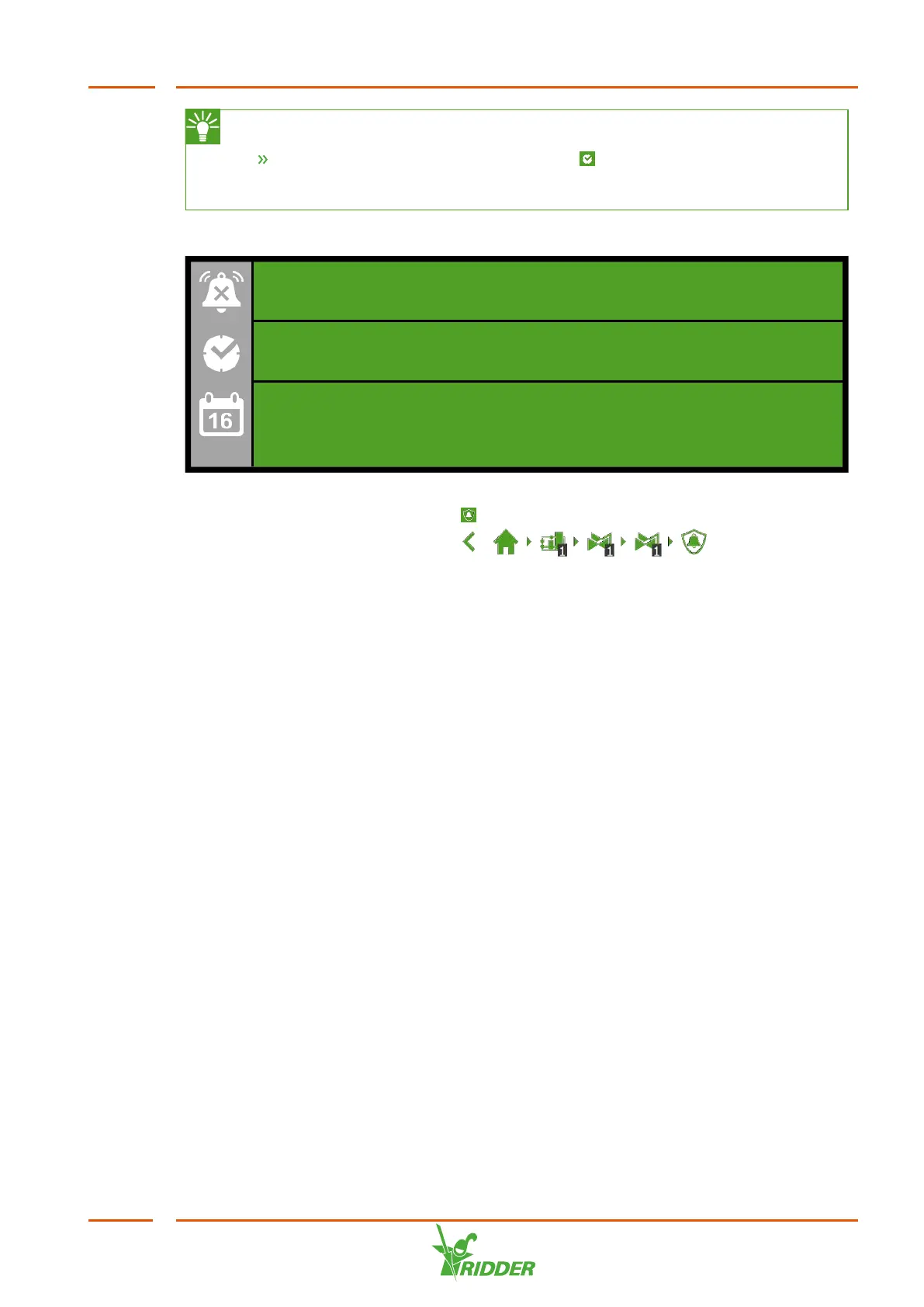
At the bottom of the alarm screen, you will find the following buttons:
Switch alarm off
This enables you to disable the bell of an active alarm.
Alarm condition
This button is selected by default. The current situation is displayed.
Historical alarms
This enables you to view historical alarms. If you tap this button, you can
use the arrow keys to select the desired date. Historical alarms are saved
up to one year.
Alarm values can be set for various controls. These alarm settings can be found under
the tiles with the Alarm Limits icon ‘ '. For example: you can set the 'minimum flow’
alarm limit by navigating this path: .
FertiMiX
57



 To Next Page