Maintenance
20220596E 111
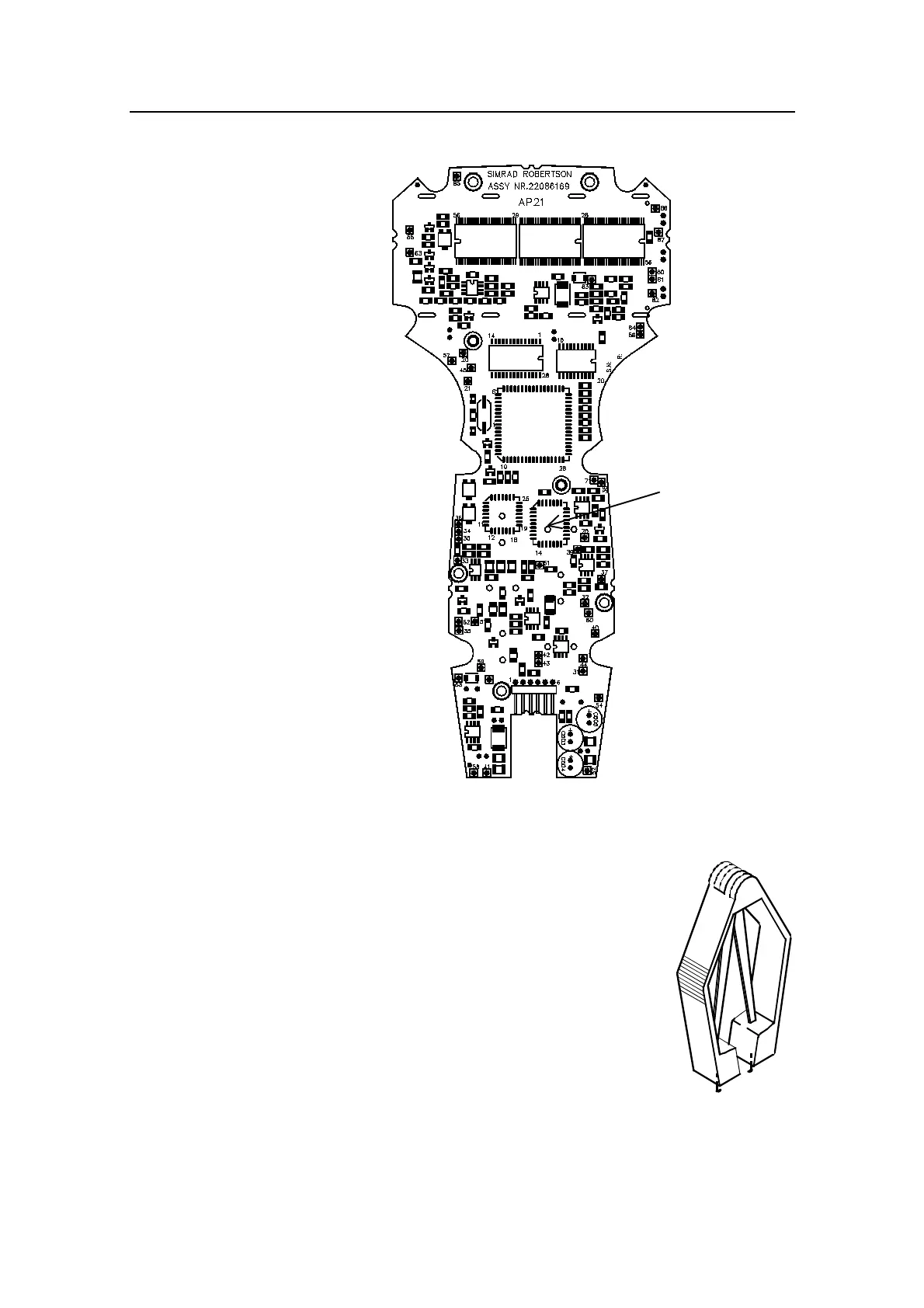
Figure 5-3 AP21 PCB, component layout
•
Remove the PROM from the socket by means
of the special extraction tool (p/n 44139806).
• Insert the tool by pressing the two grip pins
down into the two slots in the corners of the
socket.
• Squeeze the tool and pull out the PROM.
• When inserting new PROMS, make sure the
cut-off corner matches with the one in the
socket. Press it gently into the socket.
AP21 Control
Unit PROM



 To Next Page