Operation
20220596E 29
2.17 Wind vane steering
Prior to entering WIND mode the autopilot system should be
operating in AUTO, with valid input from the selected wind
sensor. The WIND mode is an alternative function to the NAV
mode and it is only available if the system has been set up for
SAIL-boat in the Installation Menu, and NAV/WIND source is
set to WIND under the USER SETUP menu. (Refer to page 33).
WIND function can only operate when reaching as it is
necessary to have a stable apparent wind. The sails should be
trimmed so that the autopilot can easily steer the boat in AUTO
mode and the masthead unit must give a stable signal.
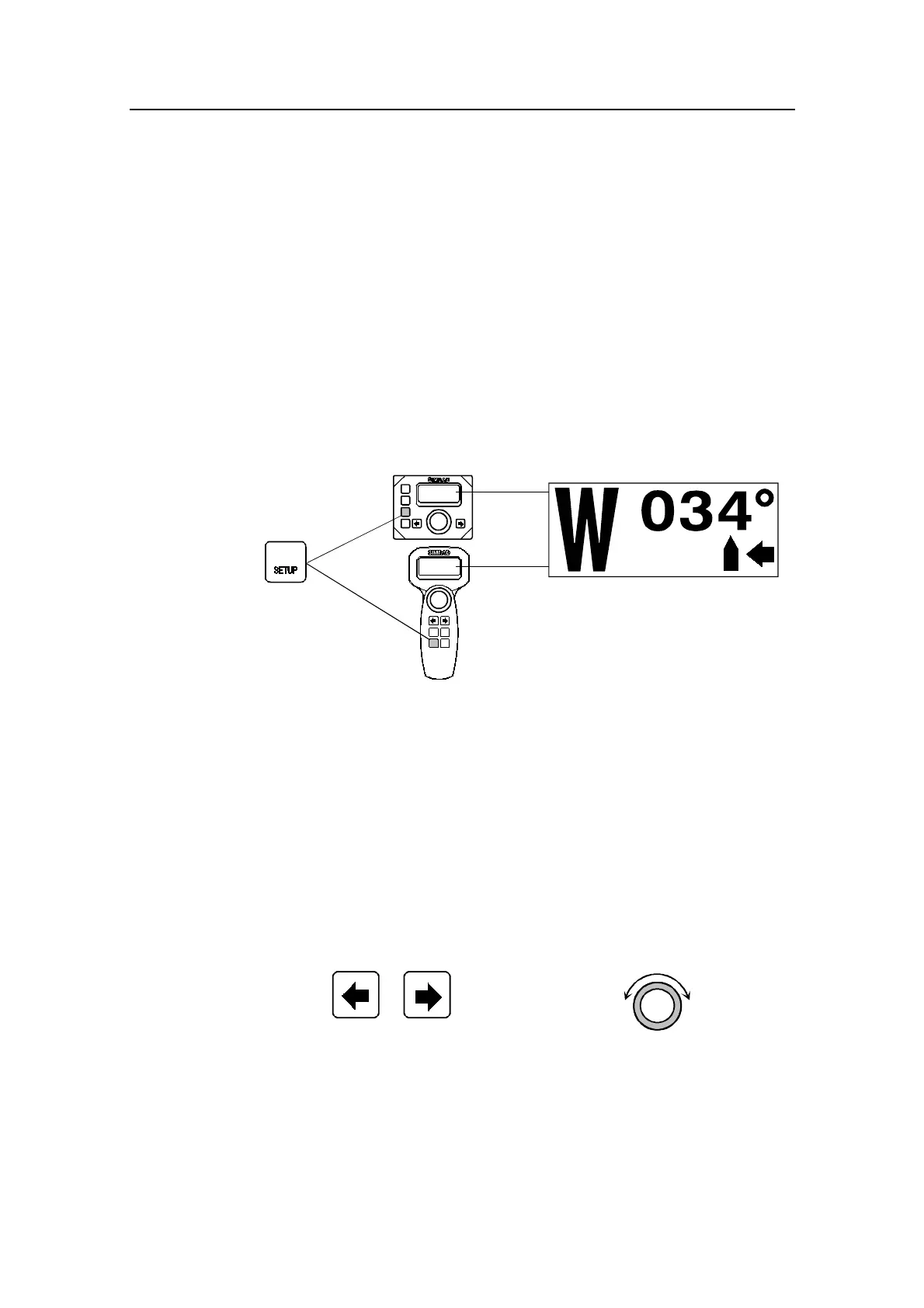
Enter the WIND mode by pressing the NAV/SETUP button.
NAV
Set apparent wind angle: 34° from stbd.
First press
The pilot will read the apparent wind angle at the moment the
WIND function is selected and enter it as the set apparent wind
angle. From that point the pilot will change the course to
maintain this apparent wind angle as the wind direction may
change.
Note ! If the cumulative shift of the apparent wind exceeds 15° from the value
at the time the WIND mode was selected, a WIND SHIFT alarm will
sound.
The display will show the set apparent wind angle.
Adjustments to this set angle can be done by using PORT or
STBD button or the rotary course knob.
P
S
Wind angle adjust:
CW: Decrease
CCW: Increase
Adjust set
wind angle
1° (or 10°)/push
DecreaseIncrease
When pressing the NAV/SETUP button a second time the
display presents current heading and rudder angle.



 To Next Page