Installation
20220596E 89
4.33 Dockside settings
The following menu items are accessible and can be set up in
the Dockside Menu:
• Boat type
• Drive Unit voltage
• Rudder Feedback calibration
• Automatic Rudder test
• Transition Speed
In addition the Dockside Menu display will show:
• Drive output
• Clutch/bypass verification
Select STBY mode and enter the IM as previously described.
Select "Dockside" by pressing STBD [>] button.
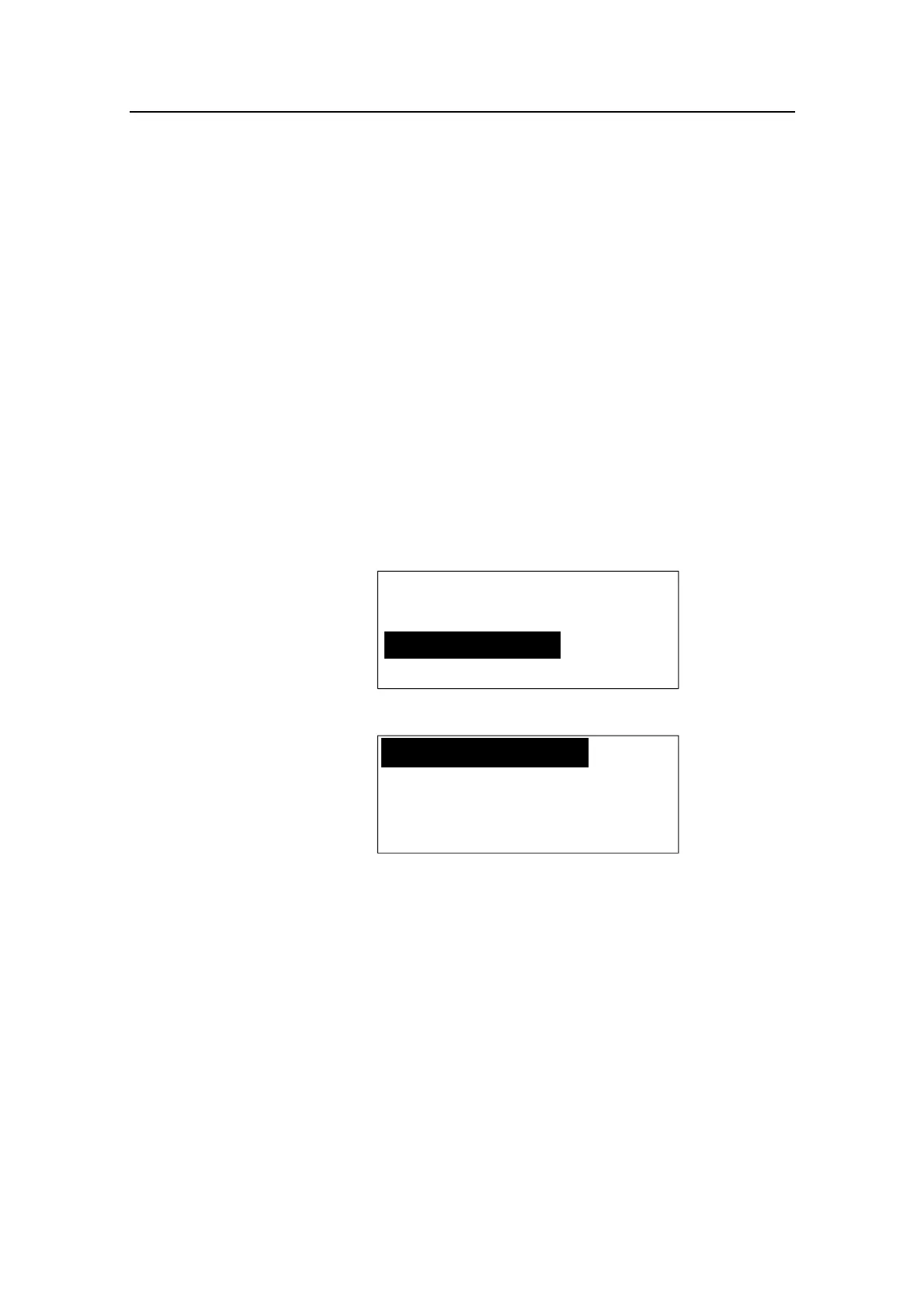
INSTALLATION
Dockside
Confirm by rotating the course knob.
Boat type
Planing
Drive unit
voltage ---
Actual boat type is selected by turning the course knob. The
options are: Displacement, Planing, Sail.
Type of boat will affect the steering parameters, and the
functions available in the autopilot system. Select appropriate
boat type and press STBD [>] button.



 To Next Page