Operation
20220596E 25
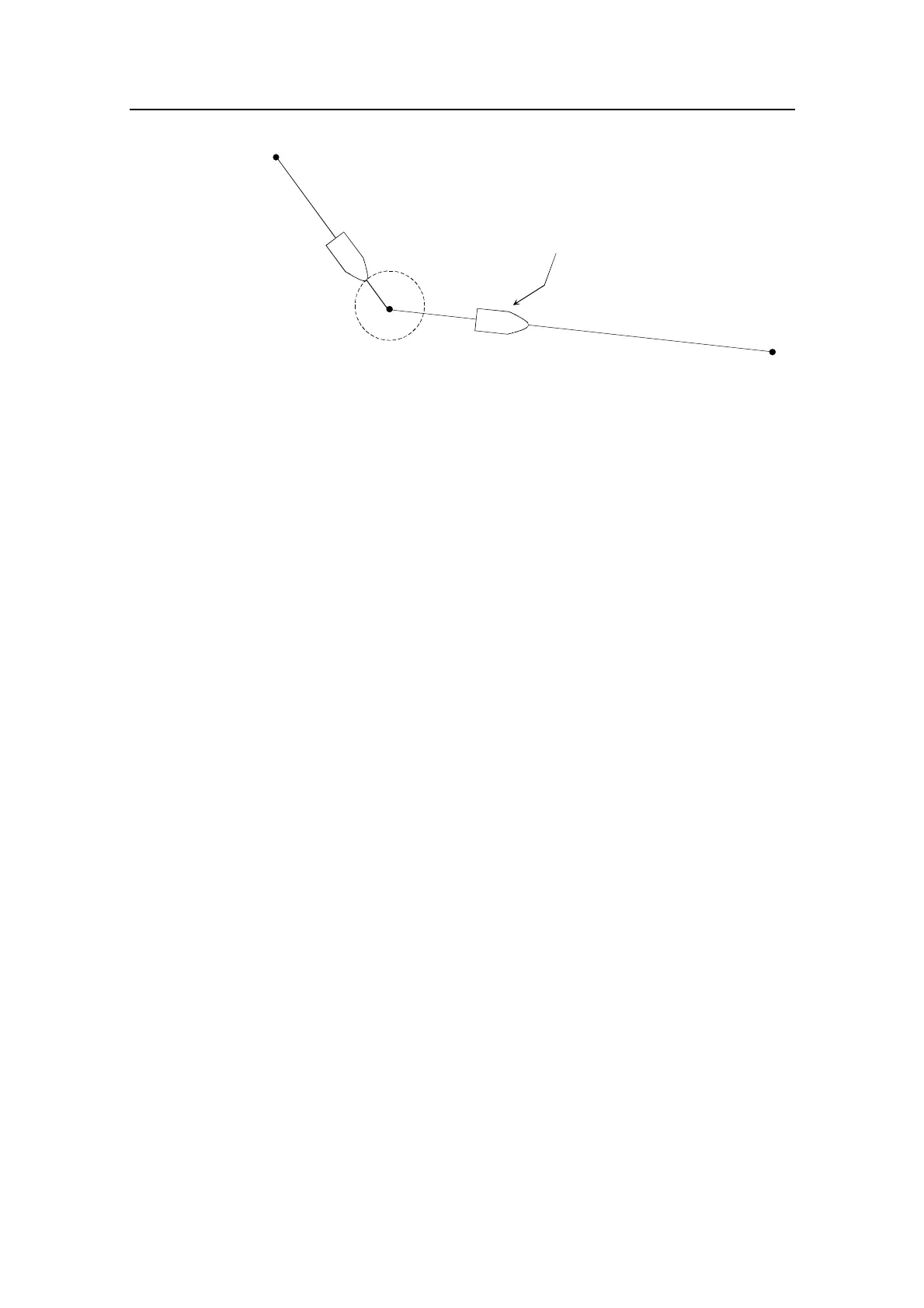
Origin
Waypoint 2
New heading accepted
automatically after
NAV/SETUP button is pressed
Waypoint arrival zone
(determined by the navigator)
Waypoint 1
2.12 Selecting a different Navigator
If you have more than one navigation source connected to the
autopilot, you will be able to choose any for navigation. Refer to
the User Set-up menu for details on selecting a different
navigator.
Note ! If the autopilot is connected to a navigation receiver that does not
transmit a message with bearing to next waypoint, it will pick a XTE
message and steer on Cross Track Error only. In that case you have to
revert to AUTO mode at each waypoint and manually change set
course to equal bearing to next waypoint and then select NAV mode
again.



 To Next Page