Operation
20220596E 35
FLUXG = Non-Robertson fluxgate compass
GYRO = Robertson gyrocompass
Note ! It is necessary to select the correct compass and Nav. source to make the
autopilot operate. If a Robertson RFC35R Rate Compass is part of the
system it is selected when RFC is displayed. If a Robertson RFC35
Fluxgate compass is used as backup to the RFC35R, it is selected when
MAGN is displayed.
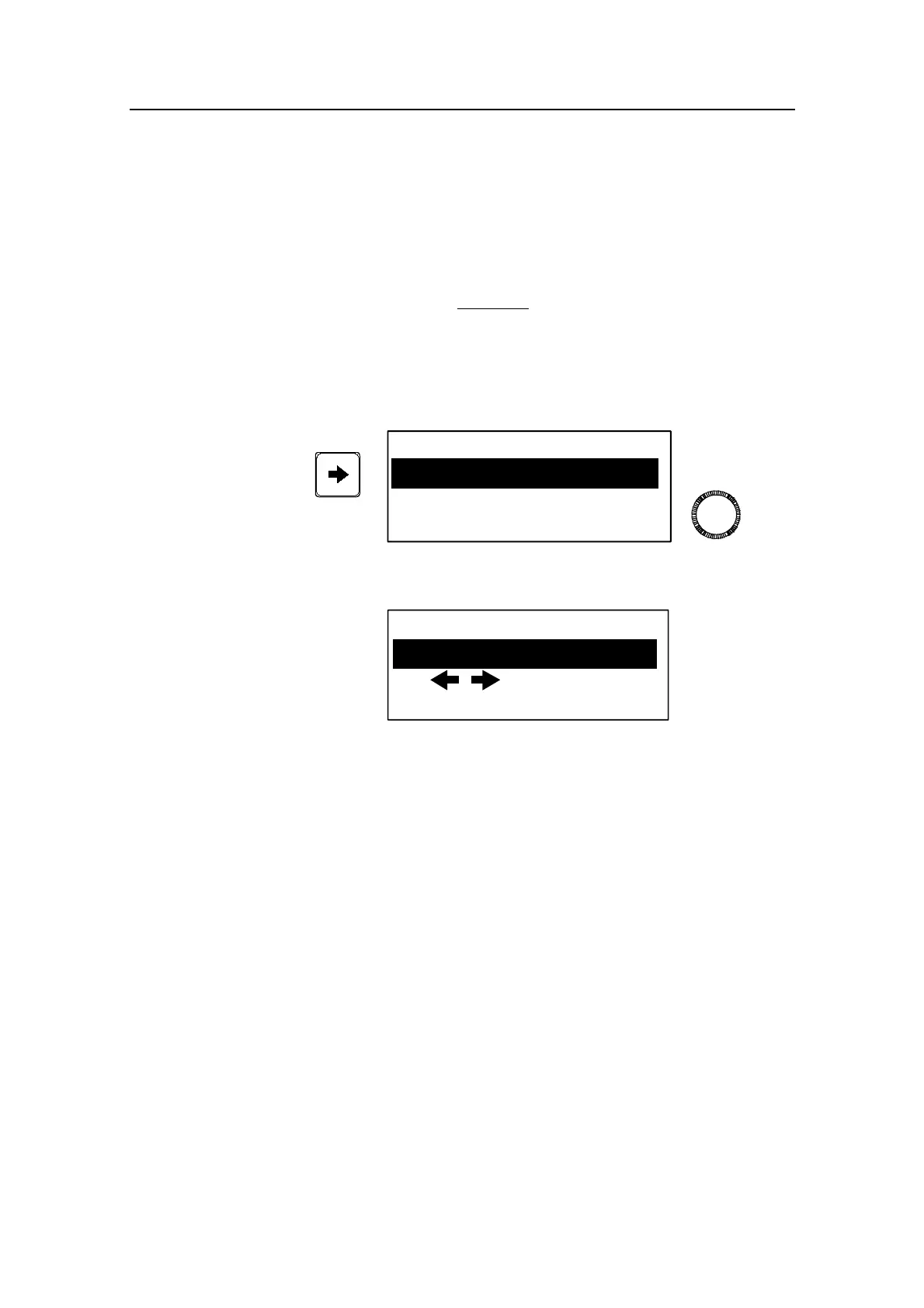
When using the PORT or STBD buttons in automatic mode you
are changing the set course in 1° increments. If you prefer the
increments to be 10° each press, proceed as per below:
Course adjust
SYSTEM DATA
NMEA DATA
Select Course adjust using the PORT or STBD button. Turn the
rotary knob to display the setting
Course adjust
1°
The default value is 1° which is the preferred setting. Select 10°
if you want to make major course changes in 10° steps with the
buttons and fine tune the set course with the rotary knob.
System data and NMEA data found in this menu are test
functions to analyse data processed by the autopilot. (See
Trouble shooting page 113).
Except when NMEA data or System data is displayed, the menu
will disappear after 30 seconds if no key is pressed. It will
disappear immediately if any mode key (STBY, AUTO or
NAV/WIND) is pressed.



 To Next Page