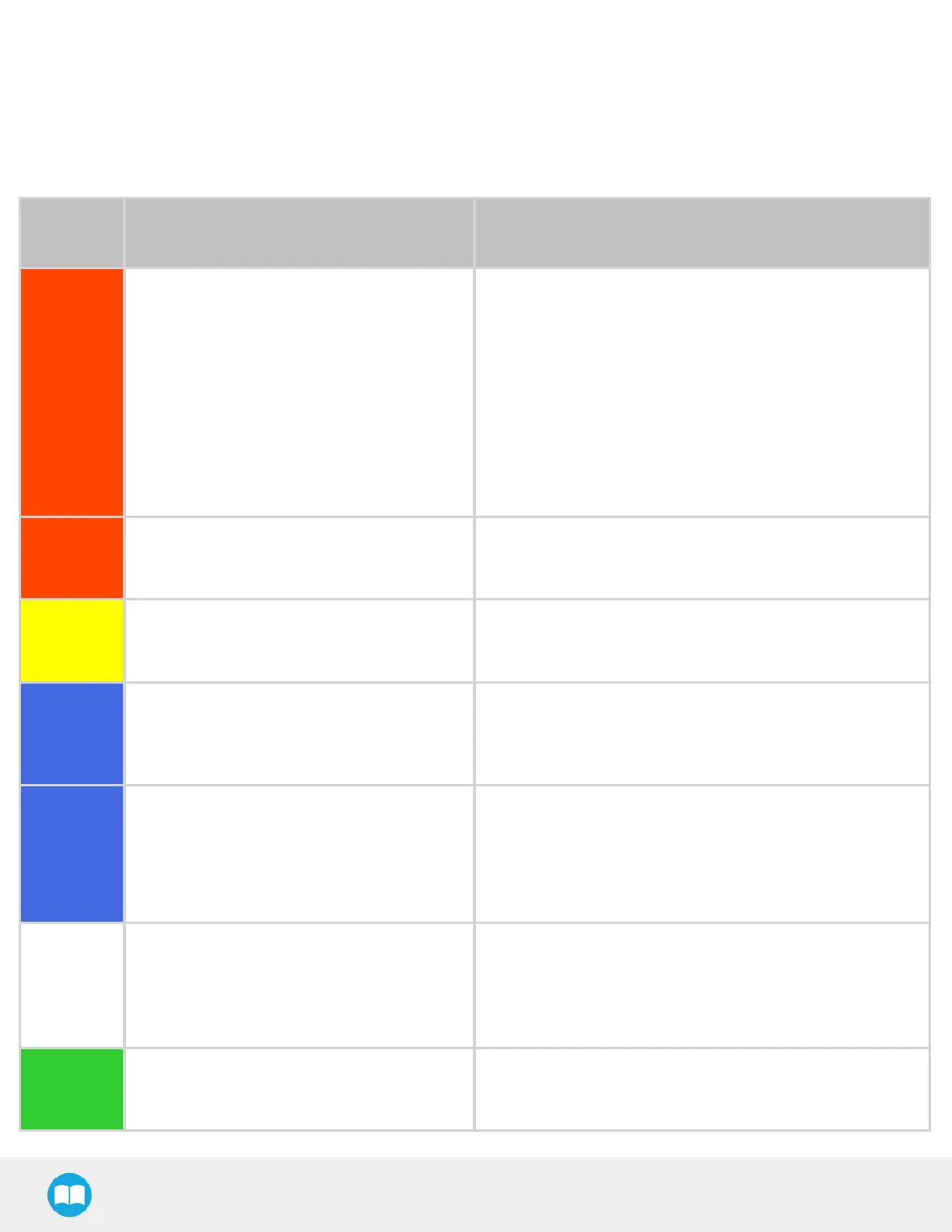
4.4.StatusLight States
Statuslight Activity
l
Fast blink: 2 Hz (0.25 s ON, 0.25 sOFF)
l
Solwblink: 0.5 Hz(1 s ON, 1 sOFF)
Color and
signal type
Condition status Cause or action needed
RED
Fast blink
The Robotiq control box (PLC)isunable to
communicate with the robot control box(UR)
l
The robot hasbeen started and needs time to boot up
(Polyscope hasnot loaded yet)
l
Make sure your Ethernet/USB adapter isproperly
connected: the LED on the Ethernet adapter should be ON.
l
Make sure the Ethernet cable between the Robotiq control
box and robot control box isproperly connected to the USB
adapter.
l
Try powering off the system (both the robot and the Robotiq
control box). Wait 1 minute. Power up the system again.
RED
Solid
A Protective or Emergency stop hasoccurred.
l
Follow the procedure required by the system to recover
from either a Protective or Emergency stop.
YELLOW
Slow blink
A Safeguard Stop has occurred. Press the safeguard reset button.
BLUE
Solid
l
The pallet is complete or missing;
AND
l
The system ispalletizing on the other side.
Place a new pallet
BLUE
Fast blink
l
The pallet is complete and the system isidle;
OR
l
The pallet is not detected and the system is
idle.
Place a new pallet
WHITE
Solid
l
The Robotiq control box (PLC)isconnected
to the robot control box.
l
A program is running without a Palletizer
node.
N/A
GREEN
Solid
A program with a Palletizer node isrunning
but the pallet present isnot completed.
N/A
66



 To Next Page