·~.
.
CD/DVD
----
~
-
CDIDVD
Play/Pause track
CD
Only
Stop track
Play next song/chapter
Repeat current song played
Play previous song/chapter
Change audio
EQ
setting
Change spectrum display
Play songs
on
disc
in
random order
opy song to Favorites folder
Scan songs for several seconds
DVD
Only
Change language
Show current title info
Shows information such as Chapter,
Time Elapsed, etc
Main DVD menu
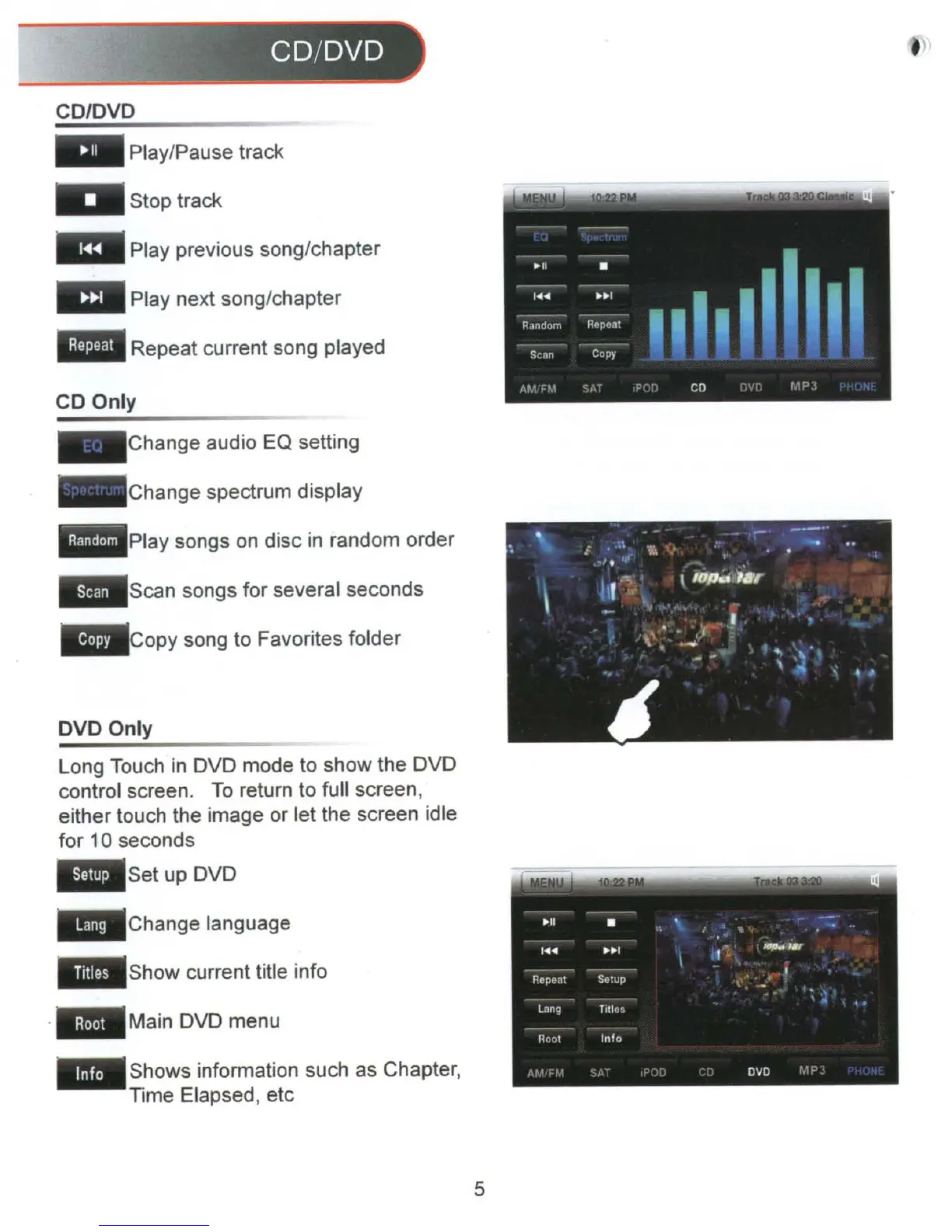
Long Touch
in
DVD mode to show the DVD
control screen.
To
return to full screen,
either touch the image or let the screen idle
for 10 seconds
• Set up DVD
5



 To Next Page