Quick
Place
Search
p
Quick
Menu
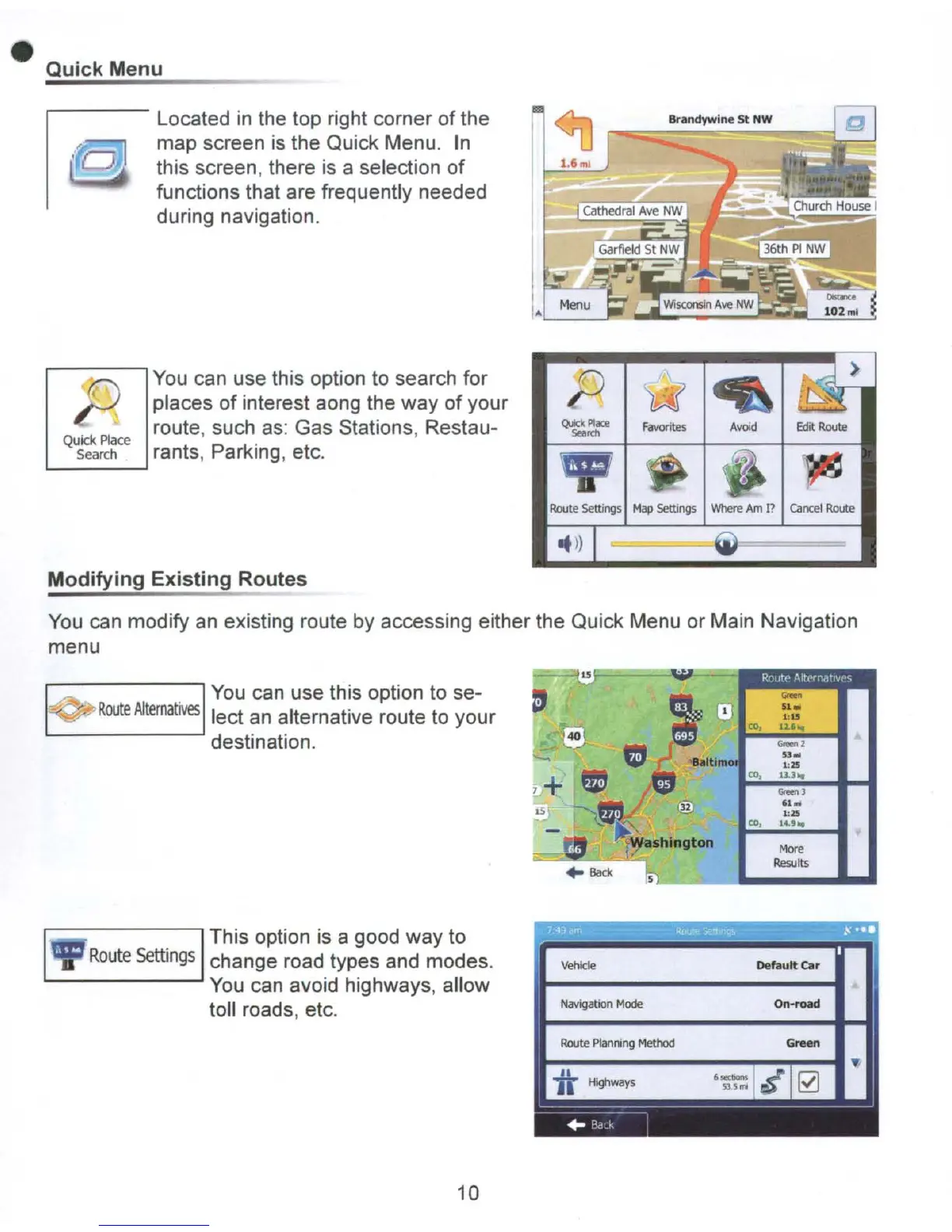
Located
in
the top right corner
of
the
map screen
is
the Quick Menu.
In
this screen, there
is
a selection
of
functions that are frequently needed
during navigation.
You
can use this option to search for
places
of
interest aong the way
of
your
route, such
as:
Gas Stations, Restau-
rants, Parking, etc.
L...-
__
---'
Brandywine
St
NW
Route
5ettlngs
Map
Settings
When!
Am
l?
cancel
Route
It»
Modifying
Existing
Routes
You
can modify an existing route by accessing either the Quick Menu or Main Navigation
menu
More
Results
. I
You
can use this option to se-
-'Go...,...
Route
Alternatives
lect an alternative route to your
destination.
IThis option
is
a good way to
Route
settings
change road types and modes.
You
can avoid highways, allow
toll roads, etc.
10
Route
PIan",ng
Method
Default
car
On-road



 To Next Page