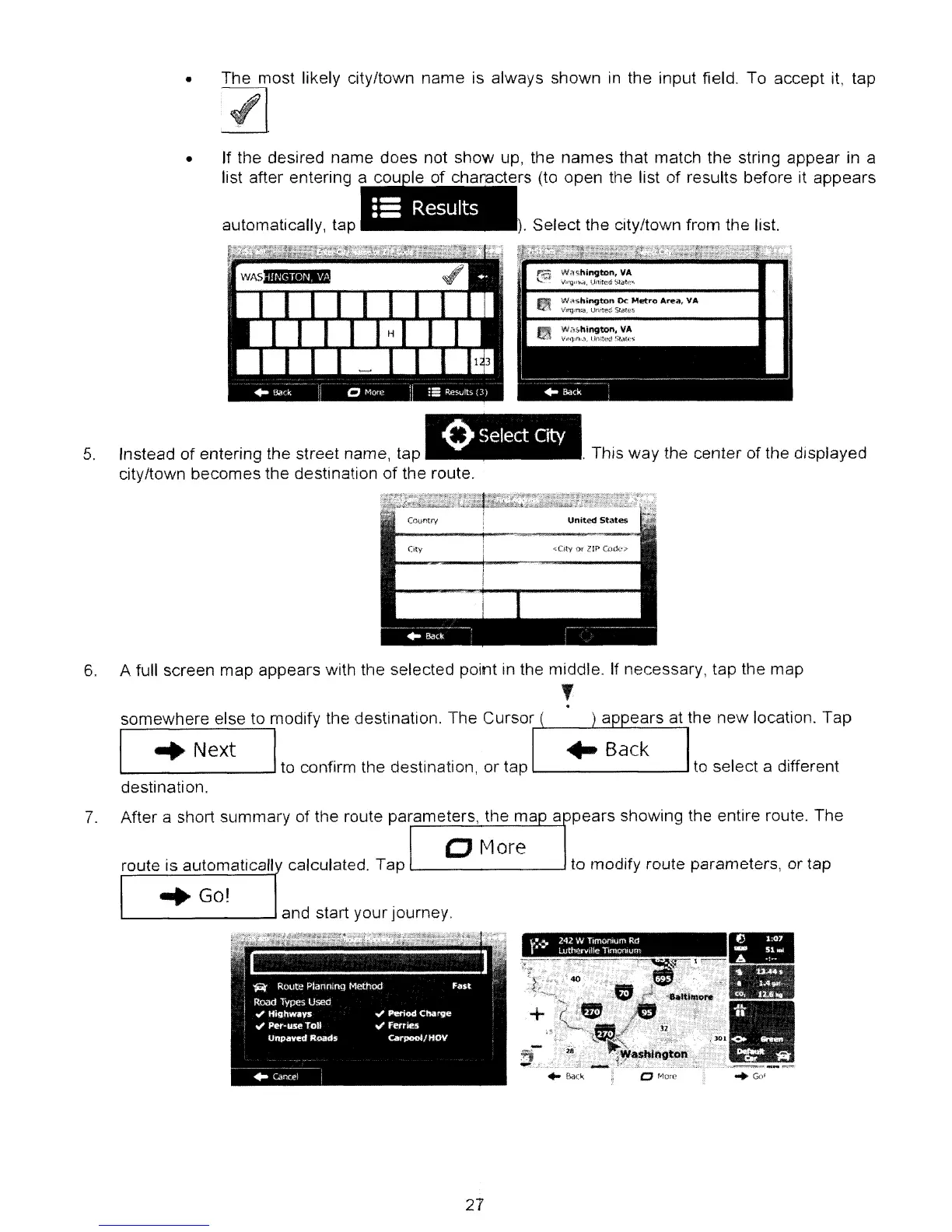
• The most likely city/town name is always shown
in
the input field. To accept
it,
tap
).
Select the city/town from the list.
•
=a
Results
automatically, tap
•
If
the desired name does not show up, the names that match the string appear
in
a
list after entering a I f h t
rs
(to open the list of results before it appears
oSelect
City
5.
Instead of entering the street name, tap
city/town becomes the destination of the route.
. This way the center of the displayed
Country
United
States
City
6.
A full screen map appears with the selected point in the middle.
If
necessary, tap the map
,
.
somewhere else to modify the destination. The CursOf,J-
__
L.::::=-=-=.:...=.....=..:.,
[
...
Next I
to confirm the destination, or tap
l...-
---J
to select a different
destination.
7.
After a short summary of the route parameters, the ma a pears showing the entire route. The
o
f'.1ore
route is automaticall calculated. Tap
L..-
--J
to modify route parameters, or tap
"'Go!
'--
----'
and start your journey
21



 To Next Page