Ultritouch+Ultrix User Guide (v1.0) Creating a Soft Panel for Ultritouch • 25
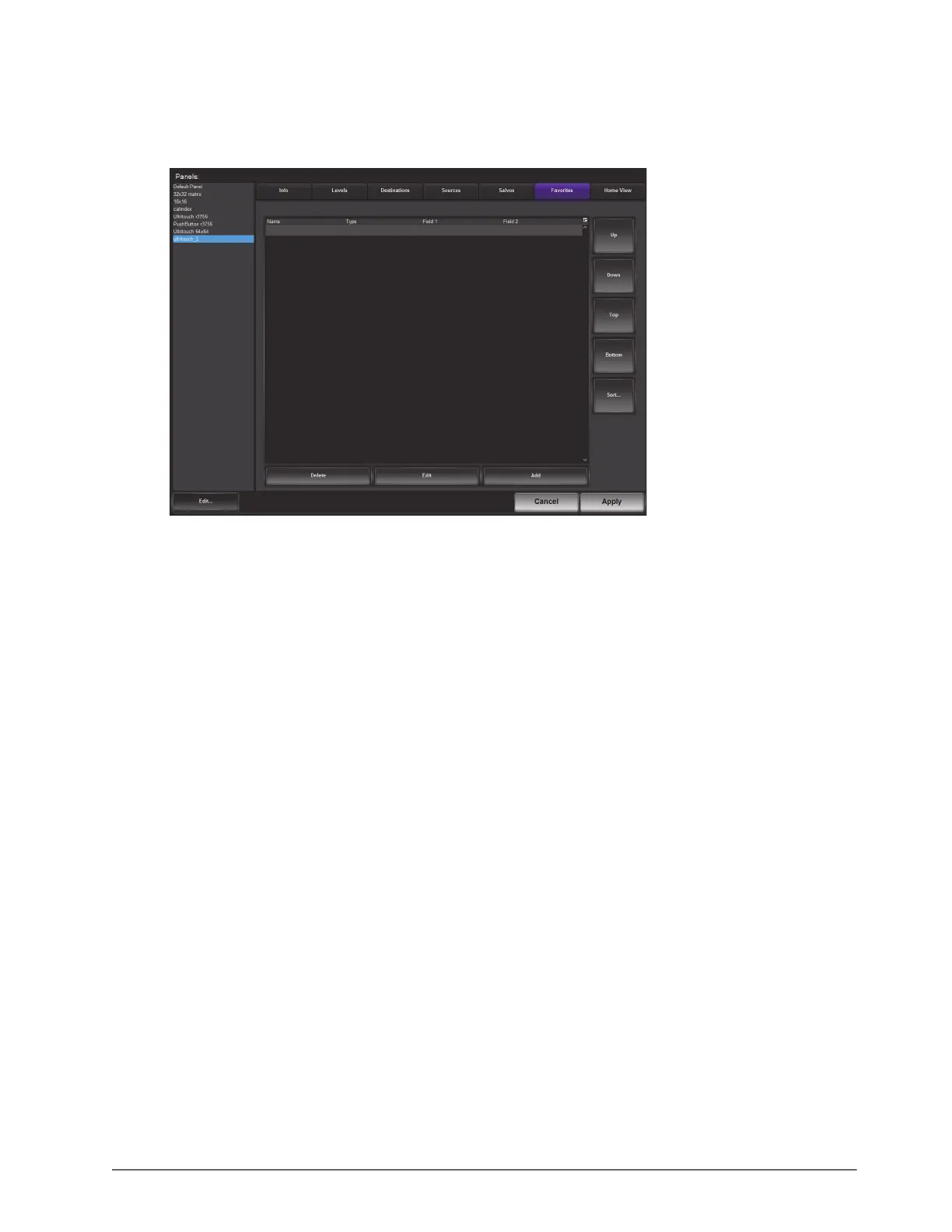
To add a Favorite button to the soft panel
1. Double-click the soft panel name from the Panels list in the left toolbar of the Panels tab.
2. Click
Favorites.
3. Click
Add.
The Add Favorites dialog opens.
4. Use the Name field to assign a unique identifier for the new favorite button.
5. Use the Style menu to specify the type of Favorites button to include. Choose from the following:
You cannot assign multiple styles to a single Favorites button.
• Crosspoint — a source/destination combination where tapping this button executes a single switch request.
Proceed to “To configure a Crosspoint button” on page 25 to configure this button.
• Group — tapping this button accesses the group as defined by the Ultrix database group categories. Proceed
to “To configure a Group button” on page 26 to configure this button.
• Salvo — tapping this button executes the specified salvo. Proceed to “To configure a Salvo button” on
page 26 to configure this button.
• Source — tapping this button selects the specified source. Proceed to “To configure a Sources button” on
page 27 to configure this button.
• Destination — tapping this button selects the specified destination. Proceed to “To configure a Destination
button” on page 27 to configure this button.
To configure a Crosspoint button
1. Set the Style to Crosspoint.
The dialog updates to display a list of available destinations and sources in the current database.



 To Next Page