Poultry House Control
10
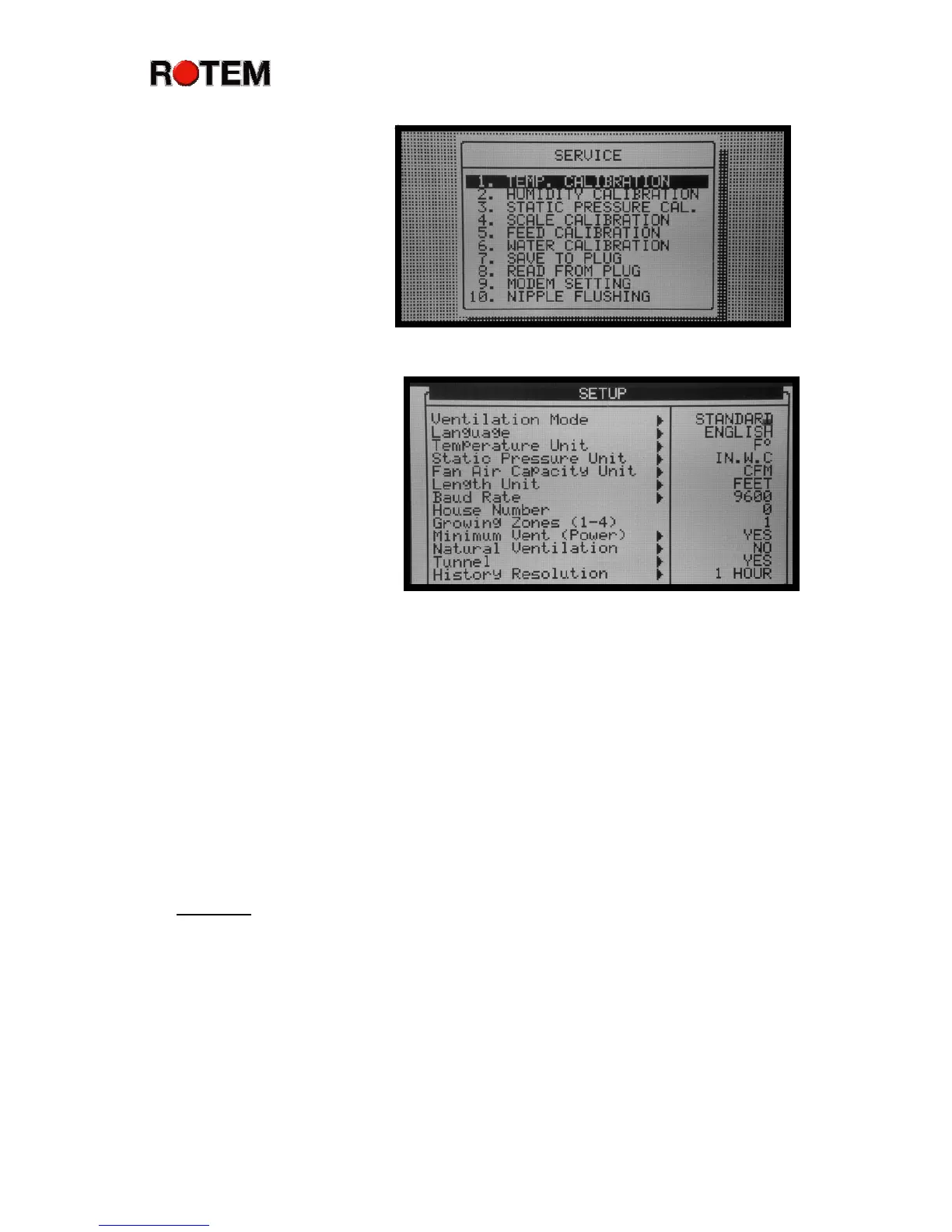
Service Menu
The service menu has
choices for calibration, to
save and read program
settings from the portable
plug or optional Gold Plug,
and to program a standard
US Robotics modem
connecting your system to a
telephone line. You can also
schedule nipple drinker flushing.
Installation Menu
The installation menu
screen has eight choices in
standard mode, and ten in
precision mode. When you
first install your Platinum
Plus controllers, enter the
basic installation information
in these menus. Identify
functions for your relays
(outputs), and the particular sensors (temperature, humidity, etc.) you have. Also
define the temperature sensors to use for growing and heat zones, as well as
inform the Platinum Plus about your curtains and sidewall inlets.
Switching Between Standard and Precision
To change between the Platinum Plus’s two ventilation modes, standard
and precision:
1. Enter Install menu.
2. Select Setup and press Enter.
3. Select Ventilation Mode and press Enter.
4. A small window will appear to select between precision and standard.
5. Use the up/down arrow keys to highlight your selection, standard or
precision ventilation, and press Enter.
Caution:
Be sure that all Install Menu and Control Menu items are
programmed in the new mode, standard or precision. Failure to do so can
result in bird loss.



 To Next Page