Platinum Plus
7
Hot Key Functions
Enter Up/Down – Temperature Offset
Press Enter and Up Arrow simultaneously to raise the temperature setting (or offset)
from the programmed temperature curve. Enter and Down Arrow lowers the temperature
offset from the temperature curve. If there is an offset, it is visible in the STATUS window
on the main screen.
Hot Key ‘1’ – Main Display
Pressing the ‘1’ key at one of the other hot key
displays returns the Platinum Plus to the standard
display.
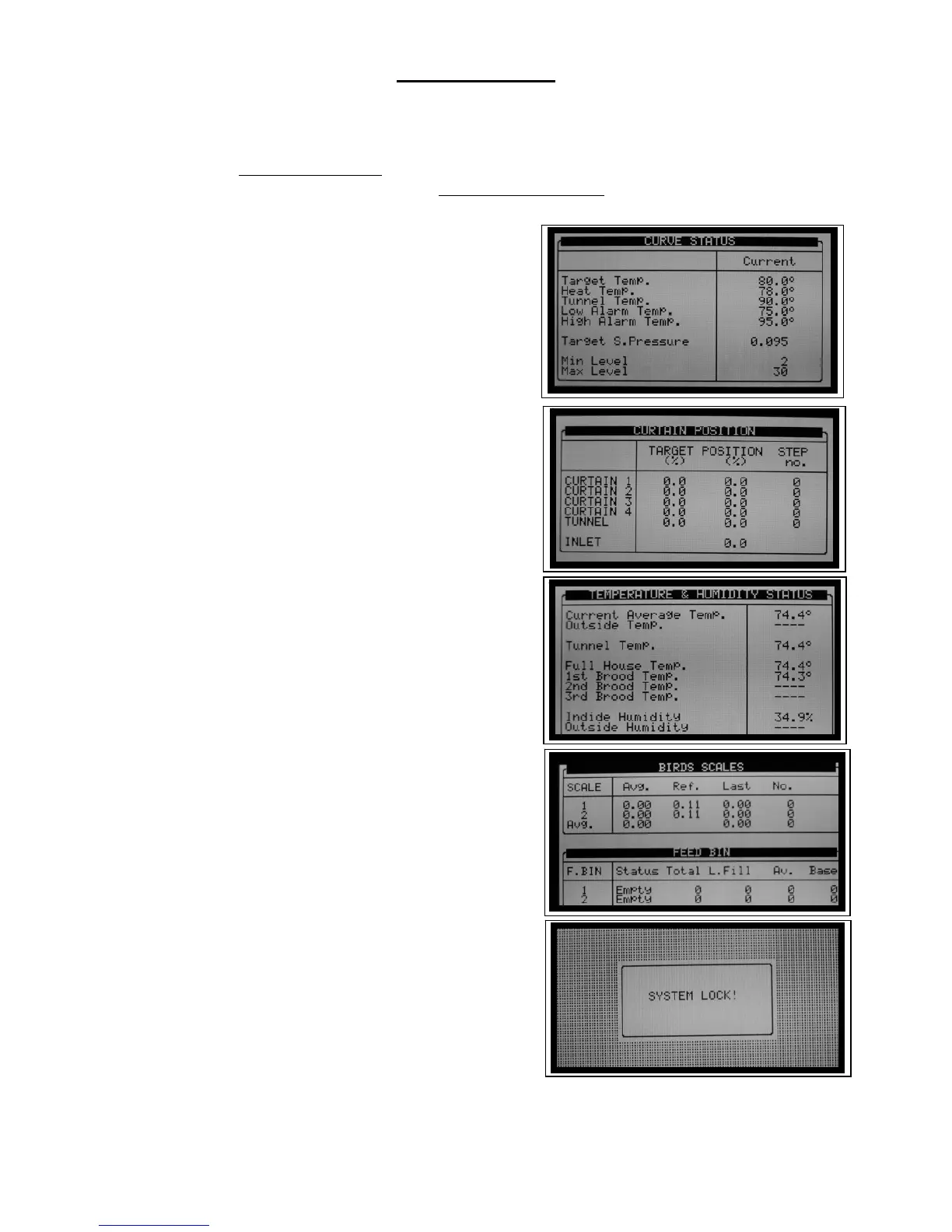
Hot Key ‘2’ – Curve Status
Press the ‘2’ key at the main display to show
the ‘Curve Status’ screen. It displays the current target
temperatures, pressures, etc. These values usually
change with the age of your birds. Hot Key 2 is a
convenient way to check where your ‘targets’ are
presently.
Hot Key ‘3’ – Curtain Position
Hot Key 3 displays the ‘Curtain Position’
screen that shows the current position of each side
curtain, the tunnel inlet curtain and the side vent
inlets.
Hot Key ‘4’ – Temperature and H
2
O
Hot Key 4 shows the current temperature and
humidity status for the operating modes.
Hot Key ‘5’ – Scale Update
Hot Key 5 shows current scale information for
both bird scales and feed bin scales. It displays the
current weights, including the weight of the last bird
measured.
Hot Key ‘9’ – System Lock
Hot Key 9 functions only if you turn on
password protection for your controller. If you turned
on password protection Hot Key 9 locks the Platinum
Plus immediately, so the next user must enter a
password to gain access.



 To Next Page