Platinum Plus
29
Temperature and Humidity
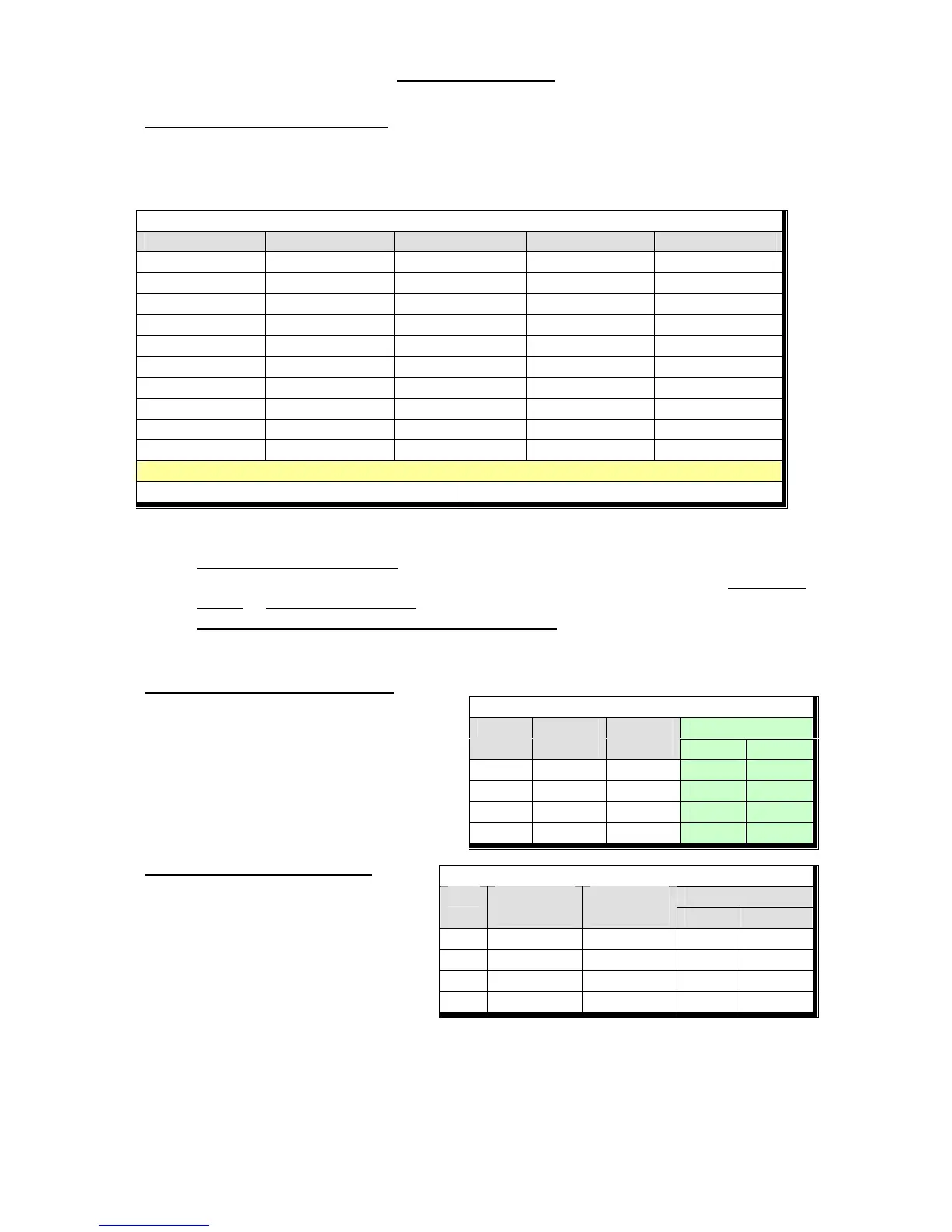
The TEMPERATURE & HUMIDITY menu sets the desired SET temperature and low and
high alarm temperatures by bird age. The humidity settings are not used at this time.
Note: you can set zone alarms in Management | Alarm Setting (see page 86).
Temperature and Humidity
Day Temperature Humidity Low Alarm High Alarm
1 95 0 90 100
7 87 0 82 93
10 86 0 80 90
14 82 0 78 87
17 80 0 75 87
21 78 0 73 86
34 75 0 70 85
30 72 0 65 85
38 70 0 65 85
43 68 0 63 85
Help | Set Parameters
Temperature Curve Offset: Set Temp Change Reminder:
Set Parameters:
1. Temperature Curve Offset: you may want to temporarily set the temperature warmer
or colder than programmed by the curve. Change this parameter, or use the Enter + Up
Arrow or Enter + Down Arrow hot key combinations.
2. Set Temperature Change Reminder Differential: this parameter sets the change in
set temperature that will trigger a reminder to set backup thermostats. The Platinum
Plus logs this event in History | Table of Events.
Minimum Ventilation Timer
The minimum ventilation timer assures
minimum air quality. You can turn the
minimum ventilation timer curve off or on
in Control | Control Mode. The Curtains
Min and Max columns appear only if
Natural Ventilation is enabled in Install |
Setup.
Curtain Minimum Ventilation is
available if Min (Power) is disabled,
Natural enabled (Install | Setup) and no
fans use a Min Vent Timer (Control |
Temp & Timer). Minimum Ventilation
is by purge with the curtains in this
case.
Minimum Ventilation Timer
Curtains Day On
(sec)
Off
(sec)
Min Max
1 30 270
10 45 255
15 60 240
Curtain Minimum Ventilation
Curtains Day Open
(seconds)
Close
(minutes)
Min Max
1 30 30 15 100



 To Next Page