Poultry House Control
30
Timer Settings
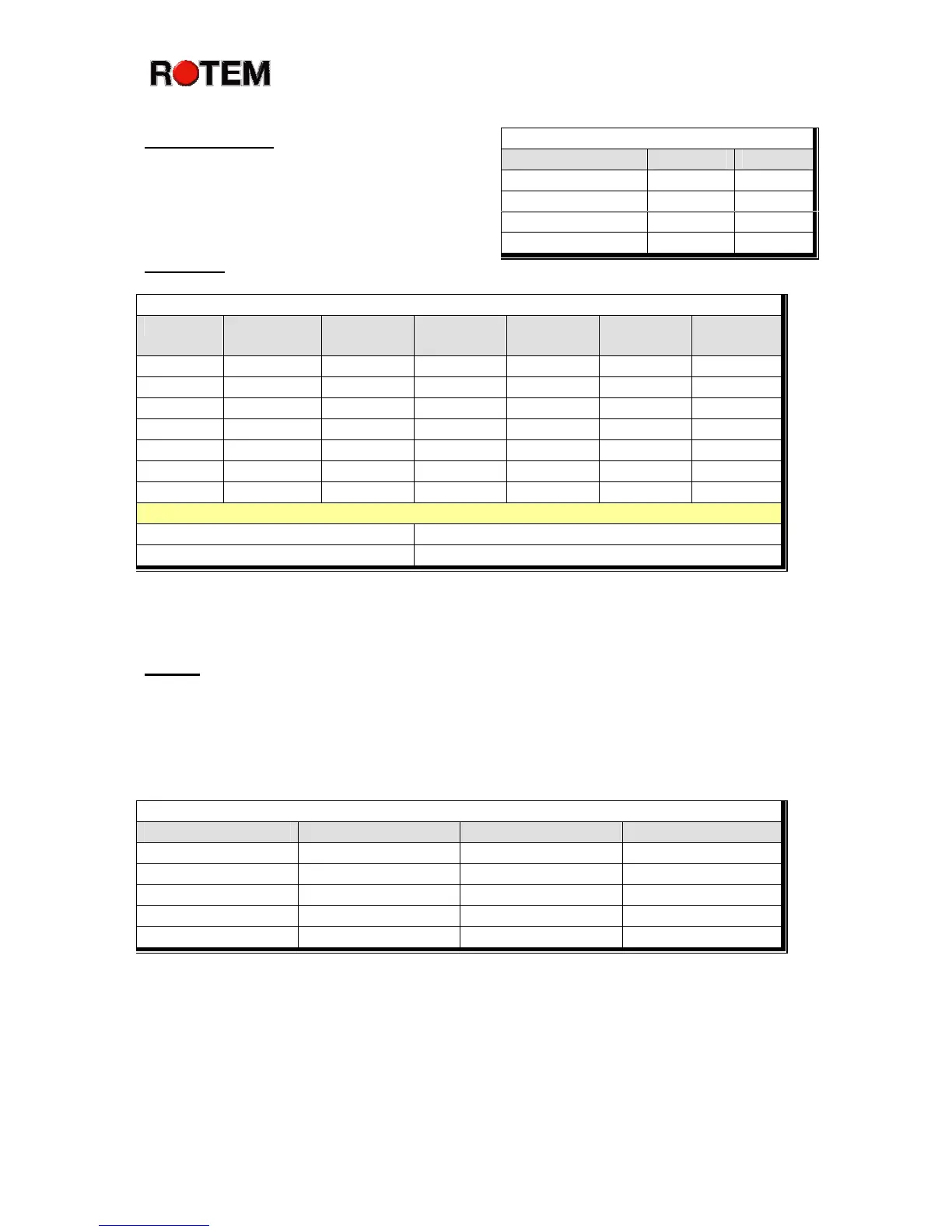
The timer settings provide four timers you can
assign to cooling or other functions. A device
assigned one of these timers runs according to
these time settings once the temperature reaches
the ON point for that device.
Cool Pad
Cool Pad
Day Start Time End Time Tunnel
Diff
To % RH On Sec Off Sec
21 10:00 18:00 4.0 75 30 570
21 10:00 18:00 6.0 75 100 500
Help | Set Parameters
Temperature Band Humidity Band (%)
Flush Cool Pad At Cool Pad Flush Duration
The cooling table provides a sophisticated table to set up your cool pads. You can set different
amounts of water by bird age, differential temperature and humidity.
Lights
The LIGHT Menu provides up to 50 on and off times. Note that all times are in 24 hour
military format. The entry for day 1 ensures continuous light. This program assumes no light
dimmer installed. The Platinum Plus can optionally control intensity settings with a slave light
dimmer, including sunrise and sunset effects.
Light
Day Start End Intensity
1 00:00 00:00 100
4 00:00 14:00 100
4 16:00 22:00 100
8 00:00 12:00 100
8 16:00 22:00 100
Timer Settings
Timer On Off
1 300 300
2
3
4



 To Next Page