SME VoIP Handset guide
Proprietary and Confidential Page | 16
6 Menu Operation
In the following a description of the different menus and submenus on the handset will be given. Before the
functions of every menu are explained a menu tree will be showed at top to give an overview of how to enter the
different menus.
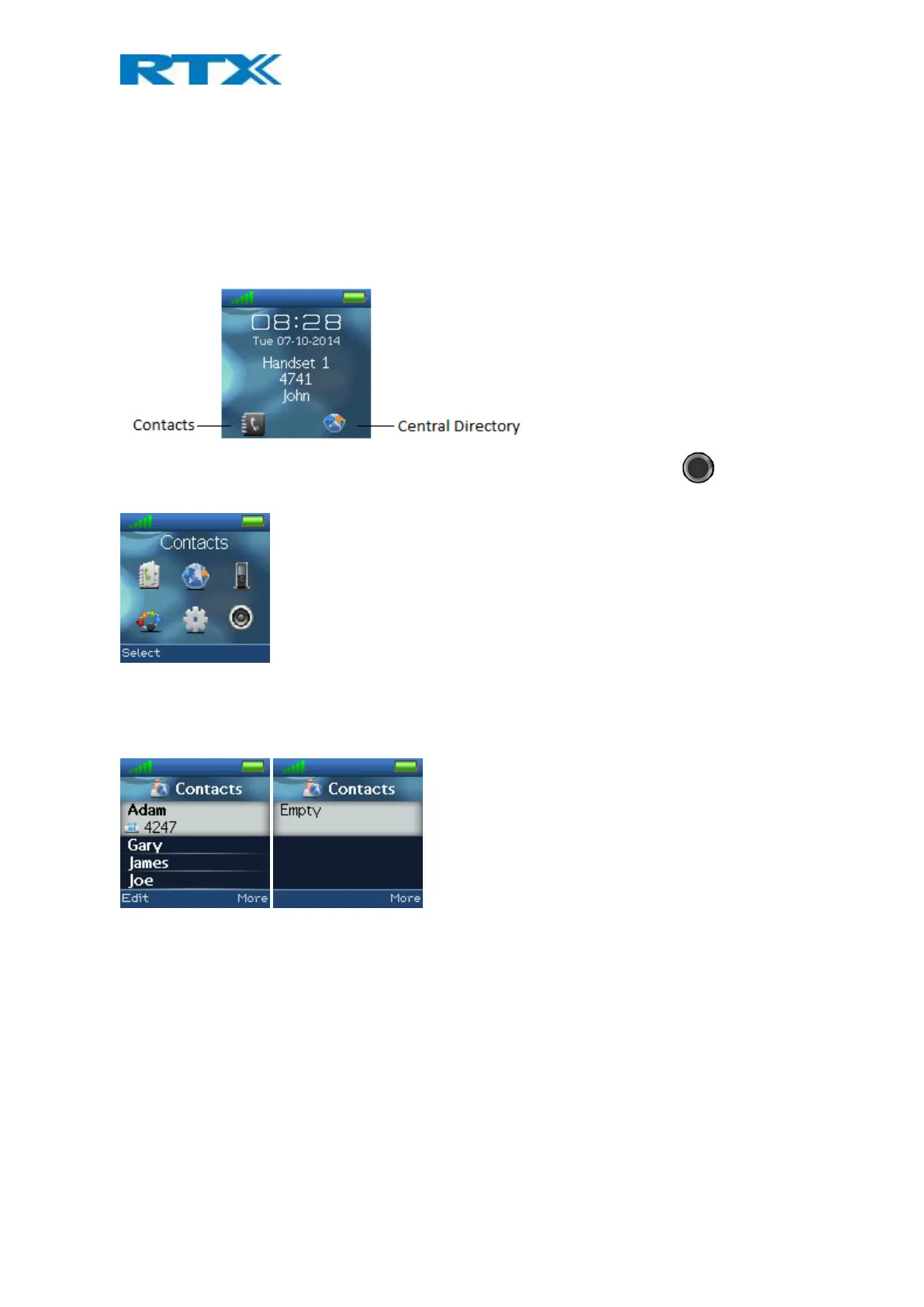
From idle it is possible to enter some of the menus directly via the two softkeys as displayed on the image below.
By pressing the left softkey the menu “Contacts” is entered, and by pressing the right softkey “Central Directory”
is entered.
To enter the menu from idle press the selection key in the middle of the navigation keys , and all the
different menus can be entered:
6.1 Contacts
In this menu all the local contacts on the handset are displayed. Below both a full and an empty local phonebook
is displayed.



 To Next Page