SME VoIP Handset guide
Proprietary and Confidential Page | 29
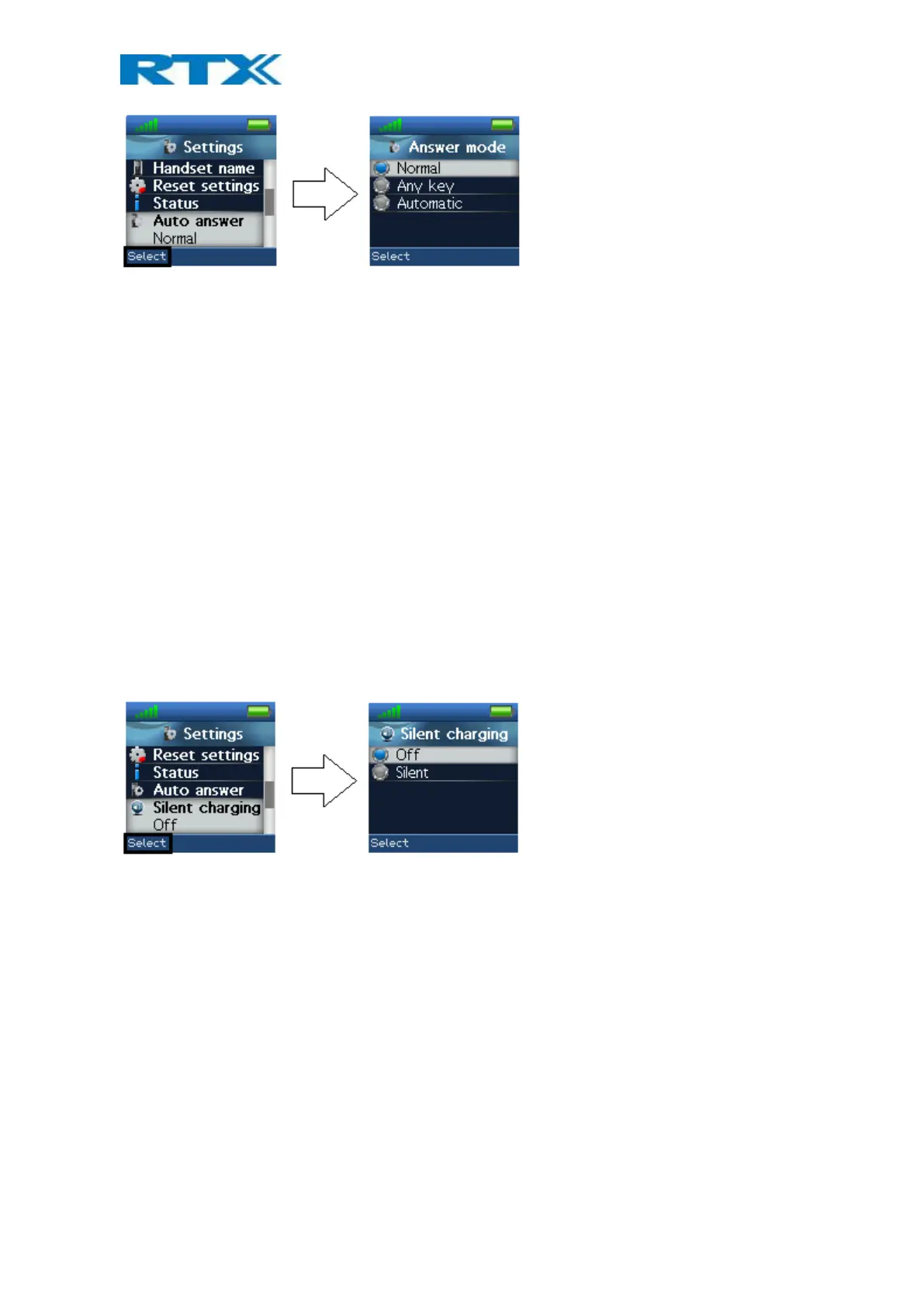
The “Auto answer” feature makes it possible for the handset to automatically answer an incoming call. This
setting can be set to the following conditions:
Normal
With this enabled the handset does not answer a call automatically, but the user must always press the green
“Off-hook” key to answer a call. The call is not answered by removing the handset from the charger.
Any key
In this mode pressing any key on the keypad (except the red “On-hook” key and the two softkeys that still have
their normal functions) will answer an incoming call. The call is not answered by removing the handset from the
charger.
Automatic
If the feature “Automatic” is enabled on the handset, then the incoming call is answered automatically after 5
seconds.
6.5.10 Silent Charging
The “Silent charging” feature can be used to disable ringing during charging. The options are as follows:
Off
The handset is ringing when receiving incoming calls (audio alert and incoming call screen displayed).
Silent
The handset receives an incoming call as normal, but it does not ring (i.e. no audio alert but the incoming call
screen is displayed).
6.5.11 Do Not Disturb
This “Do not disturb” feature can be used when the handset user does not want to be disturbed.



 To Next Page