SME VoIP Handset guide
Proprietary and Confidential Page | 8
2.2.5 How to Replace Battery
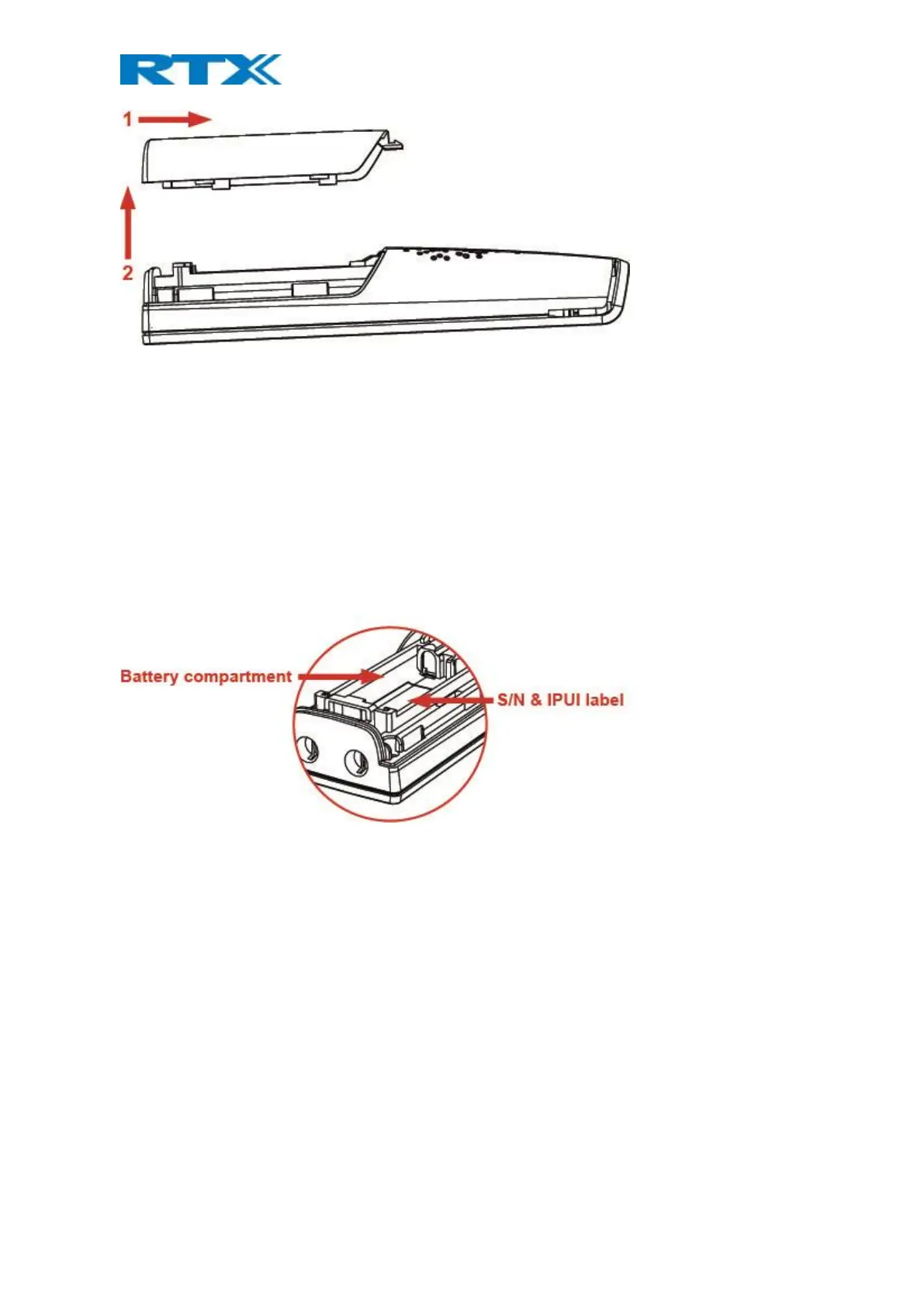
Remove the back cover from the handset as showed in section 2.2.4 How to Open Back Cover above. Then
remove the old battery and replace it with a new one.
2.2.6 Handset Serial and IPEI/IPUI Number
The serial number and IPEI/IPUI number of each handset are found either on a label which is placed behind the
battery, or on the packaging label. First, lift off the handset back cover, lift the battery, and read the serial
number.



 To Next Page