© Safe Fleet | 2020 | All rights reserved | Part #: 700-1234 R1
DH4 Installation Guide
p. 13
DH4 Operation
Video System Status
How do I know the DVR is working properly?
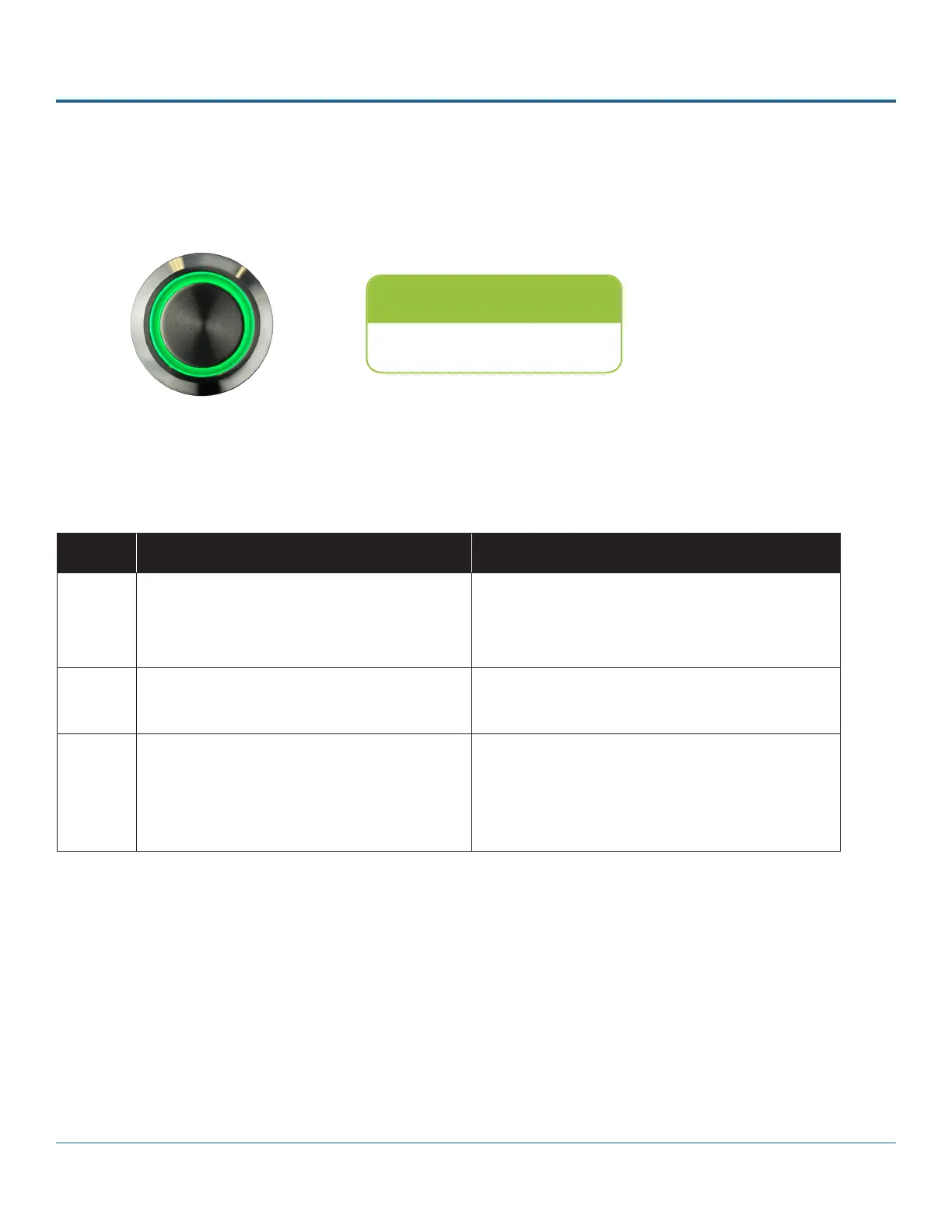
Vehicle Operators should check that the DVR status light turns solid green approximately two minutes after vehicle ignition is
on. A yellow or red light should be reported to a supervisor.
If your system is equipped with the optional RGY button , the colored light ring provides status details:
Status Light
Ensure status light is green.
Color Recorder Status Examples
Green Recording/normal – no video loss from any
camera; no problems with recording operation.
Routine operations, including:
• recording
• warming up/booting
• shutting down
Yellow Recording/video loss – recording, but
experiencing video loss from one or more
cameras.
Video loss on any or all channels*
1
Red Not recording – system unable to record due
to an abnormal condition.
Not recording due to:
• overheating
• drive unlocked
• drive failure*
2
• other abnormal conditions
1
If the system is experiencing video loss and not recording, the red light displays.
2
On systems with primary storage consisting of dual media, both media must fail.
RGY Button - Status Light Indicators



 To Next Page