© Safe Fleet | 2020 | All rights reserved | Part #: 700-1234 R1
DH4 Installation Guide
p. 38
DH4 Advanced Conguration
Advanced Network Settings
Conguring Advanced Settings
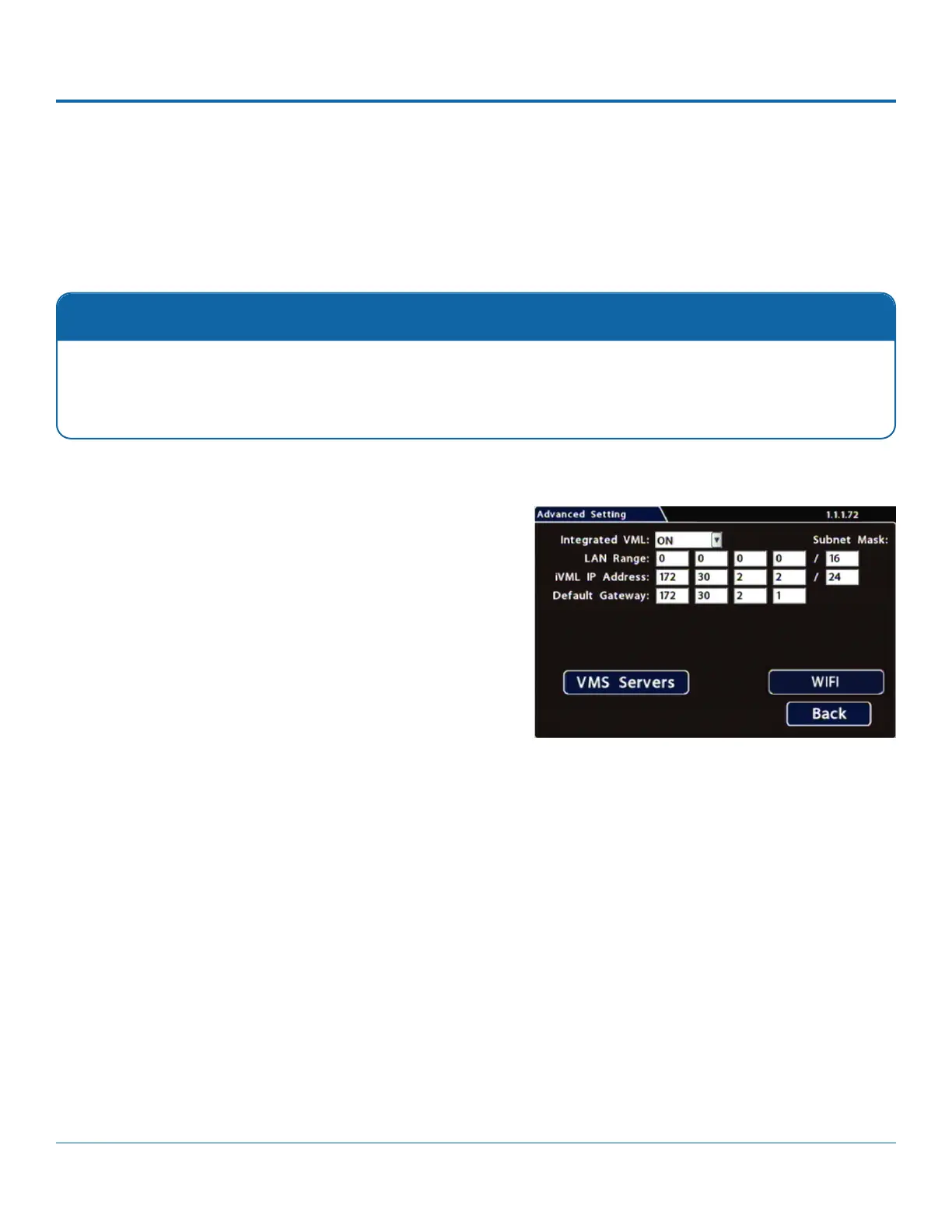
Use the Advanced Settings (vMax Live Plus) tab to set up the DVR to connect with vMax Live Plus via a cellular modem. For
more information, see the vMax Live Plus documentation available on Safe Fleet Community.
Qualied IT Administrator Required
.
Contact Safe Fleet Engineering Services or Technical Support for more information.
1. Select Network Advanced to open the tab.
2. Menu
Options, below.
3. Click Back to save settings, then click Back again to return to



 To Next Page