© Safe Fleet | 2020 | All rights reserved | Part #: 700-1234 R1
DH4 Installation Guide
p. 25
DH4 Basic Conguration
Title/Display Tab
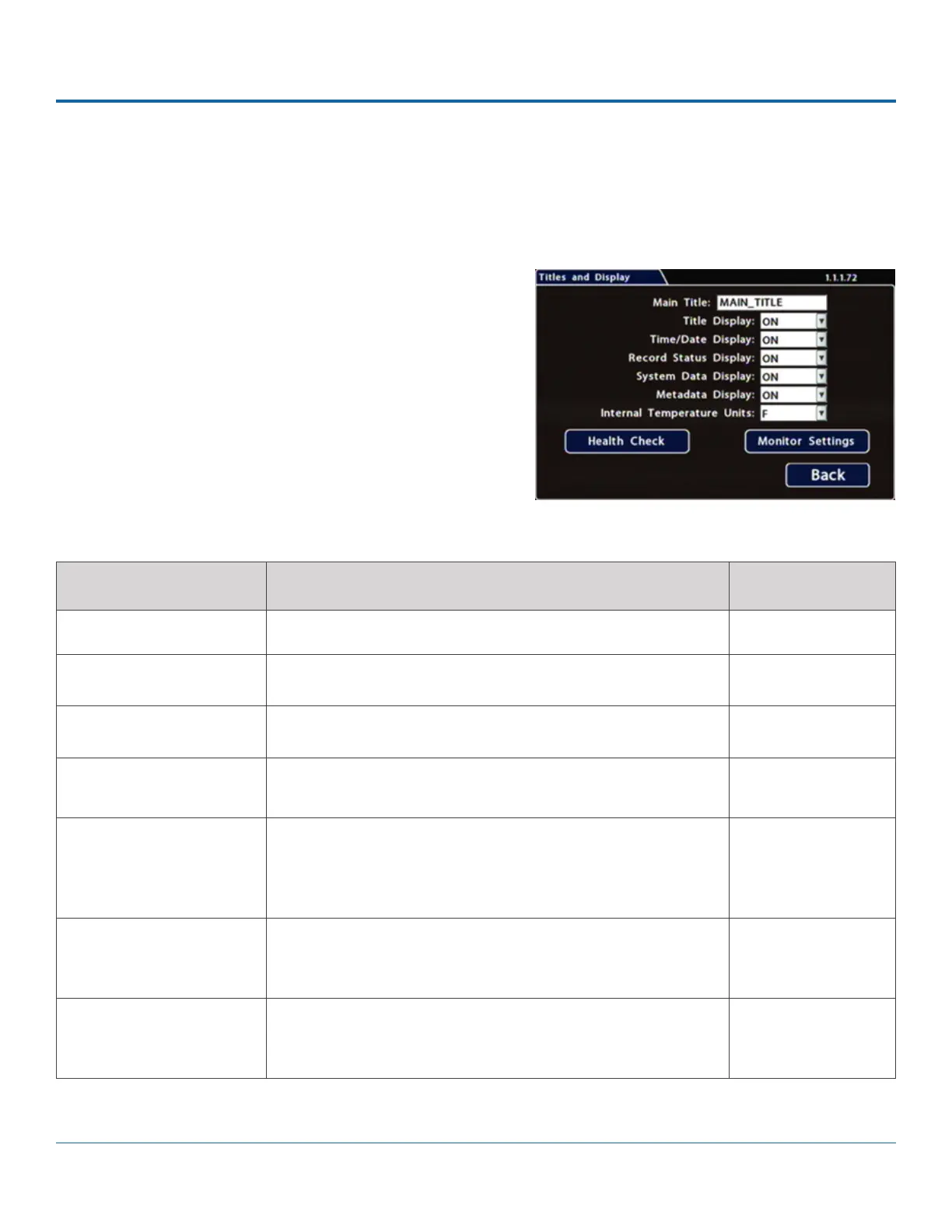
All options are set to display by default. You can turn OFF items that are not of interest so the related text will not appear.
To update Date/Time settings::
1. Select Title/Display to open the tab.
2.
already there).
For details on using the On-screen keyboard, see Using On-
screen Keyboards.
3. Choose the desired display settings, as described in Menu
Options, below.
For information about display items, see Metadata Details,
below.
MENU ITEM DESCRIPTION VALUE [DEFAULT]
Main Title Enter the bus number MAIN_TITLE
Titles Display Display/hide Main Title and Camera Titles [ON], OFF
Time/Date Display Display/hide time and date [ON], OFF
Record Status Display Display/hide DVR recording status (LIVE=showing camera
feeds, RECORD=storing video, V.LOSS=video loss).
[ON], OFF
System Data Display Display/hide DVR system metadata: HDD Size (primary
recording media), % Full HDD (primary media), Voltage,
Firmware Version, Fan Failure, and Internal Temperature. For
more information, see Metadata Details, below.
[ON], OFF
Metadata Display Display/hide DVR metadata: Signals, GPS, Speed, Ignition State,
GSensor, and Alarm Count. For more information, see Metadata
Details below.
[ON], OFF
Internal Temperature Units If Metadata Display is ON, display the ambient temperature
inside the DVR in degrees. Select F (Fahrenheit) in the USA or C
(Celsius) in Canada.
[F], C
Menu Options



 To Next Page