© Safe Fleet | 2020 | All rights reserved | Part #: 700-1234 R1
DH4 Installation Guide
p. 44
DH4 Advanced Conguration
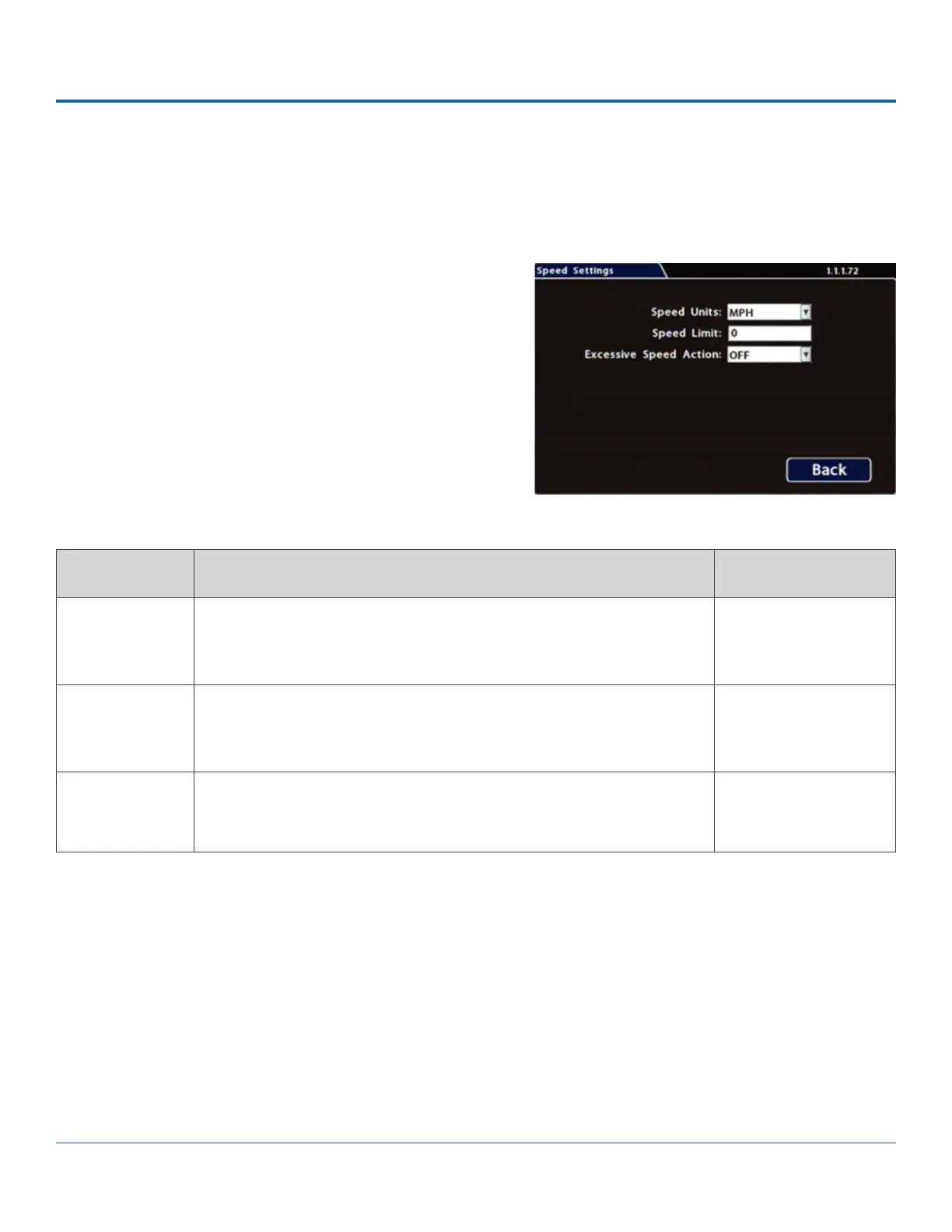
Speed Settings
Conguring Speed Settings
1. Select Alarm/Signal Speed to open the tab.
2.
Menu Options, below.
3. Click Back to save settings, then click Back again to
ITEM DESCRIPTION VALUE [DEFAULT]
Speed Units Choose MPH in the US, or Km/h in Canada.
The speed display units; the GPS signal is converted to display speed in
the selected units.
[MPH] - Miles per hour,
KM/h - Kilometers per
hour, KTS - Knots
Speed Limit
if exceeded by vehicle speed.
[0]
Excessive
Speed Action
Settings other than OFF trigger the selected action (S1-S10=Signal,
ALM1-ALM4=Alarm, Log=DVR log entry) when the vehicle exceeds the
.
[OFF], Log, S1 - S10,
ALM1 - ALM4
Menu Options



 To Next Page