© Safe Fleet | 2020 | All rights reserved | Part #: 700-1234 R1
DH4 Installation Guide
p. 9
DH4 Installation
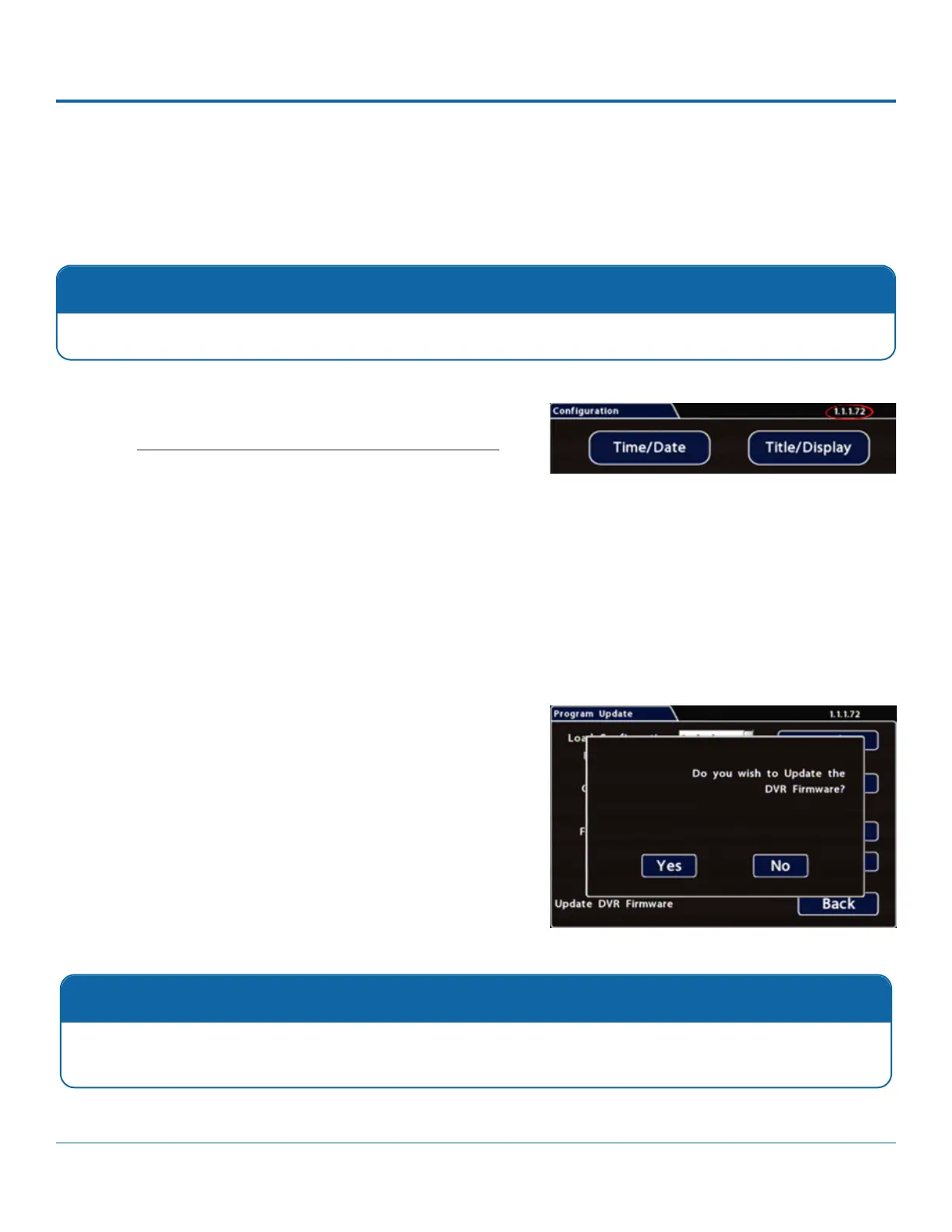
To update the Firmware version:
1. Power up the DVR using the vehicle ignition.
2.
3. After the DVR starts up, right-click in the On-screen Display
and select
Conguration -> System -> Program Update
4. In the Program Update tab, click Update
window appears.
5. Click Yes to proceed or No to cancel. Yes starts the
complete.
6.
7. Remove the USB memory device.
Completing Upgrade
After restarting, the DVR may take up to 3 minutes to load and complete the upgrade. Wait until the DVR nishes
loading.
Firmware Updates
menus, see DH4 Administration: Accessing the On-Screen Display.
Firmware Updates
Only install rmware updates as directed by Technical Support.



 To Next Page