© Safe Fleet | 2020 | All rights reserved | Part #: 700-1234 R1
DH4 Installation Guide
p. 16
DH4 Administration
DH4 Administration
Accessing the On-screen Display
Video Conguration, Playback, and Archiving
• Locally, via the On-screen Display (OSD) and portable video monitor, as described in this tutorial.
• vMax Web
User Guide here.
For full-featured video review, searching, and archiving, we recommend Evidence Manager. The software is supported on a
Windows-based computer. For more information, see the Evidence Manager User Guide on the Safe Fleet Community.
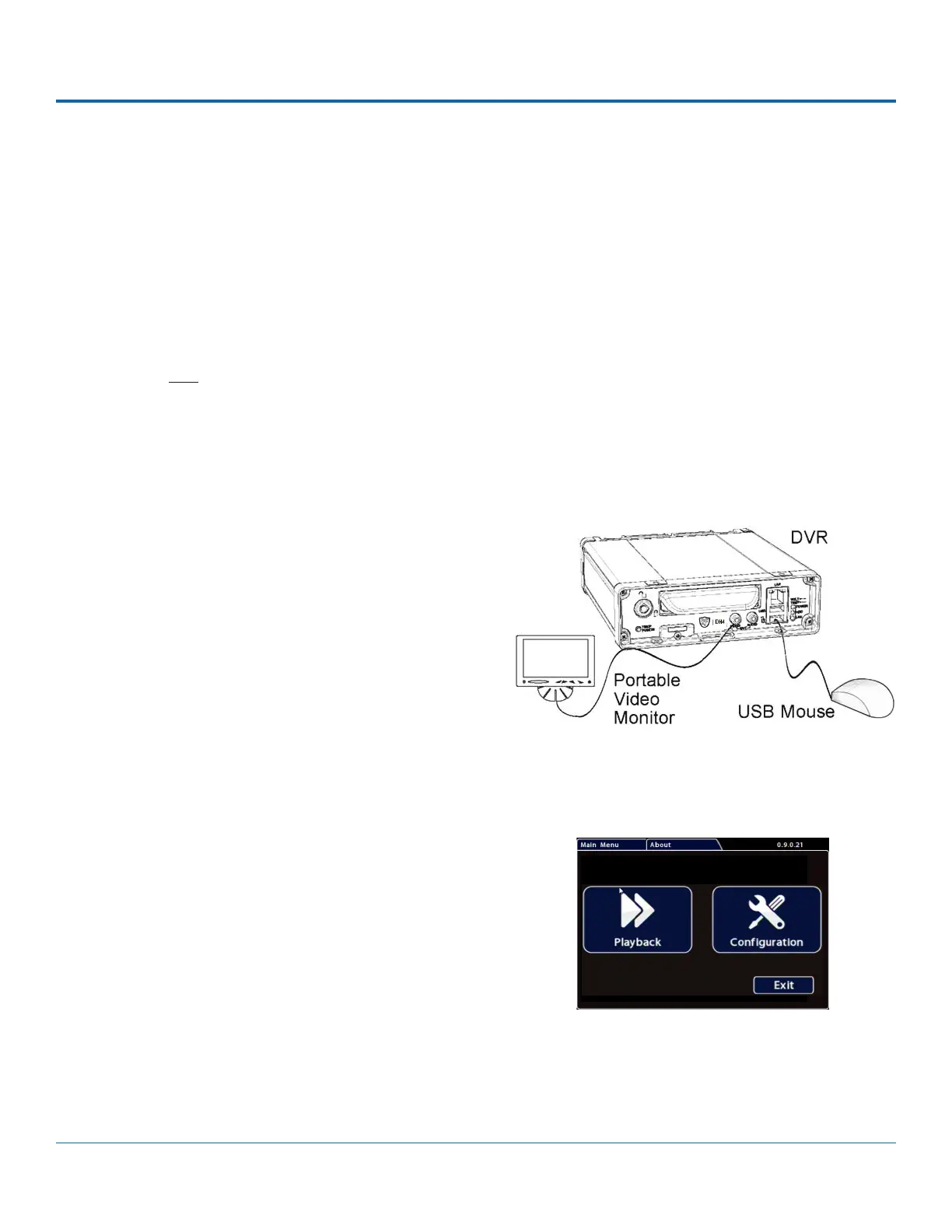
To use the On-screen Display:
1. Connect a portable video monitor to VIDEO OUT on the
DVR front panel.
2. Plug a USB mouse in a USB socket on the front of the DVR.
3.
The system displays live camera feeds, as described below
in the following section Live View.
Right-click anywhere in the OSD screen to view the Main
Menu:
• Conguration - access DVR menus to set up the
system.
For more information, see DH4 Conguration: Setting
up the DVR.
• Playback - Search, Playback, and Archive video directly
from the DVR.
For more information, see DH4 Administration:
Working with Video.
Using the On-screen Display



 To Next Page