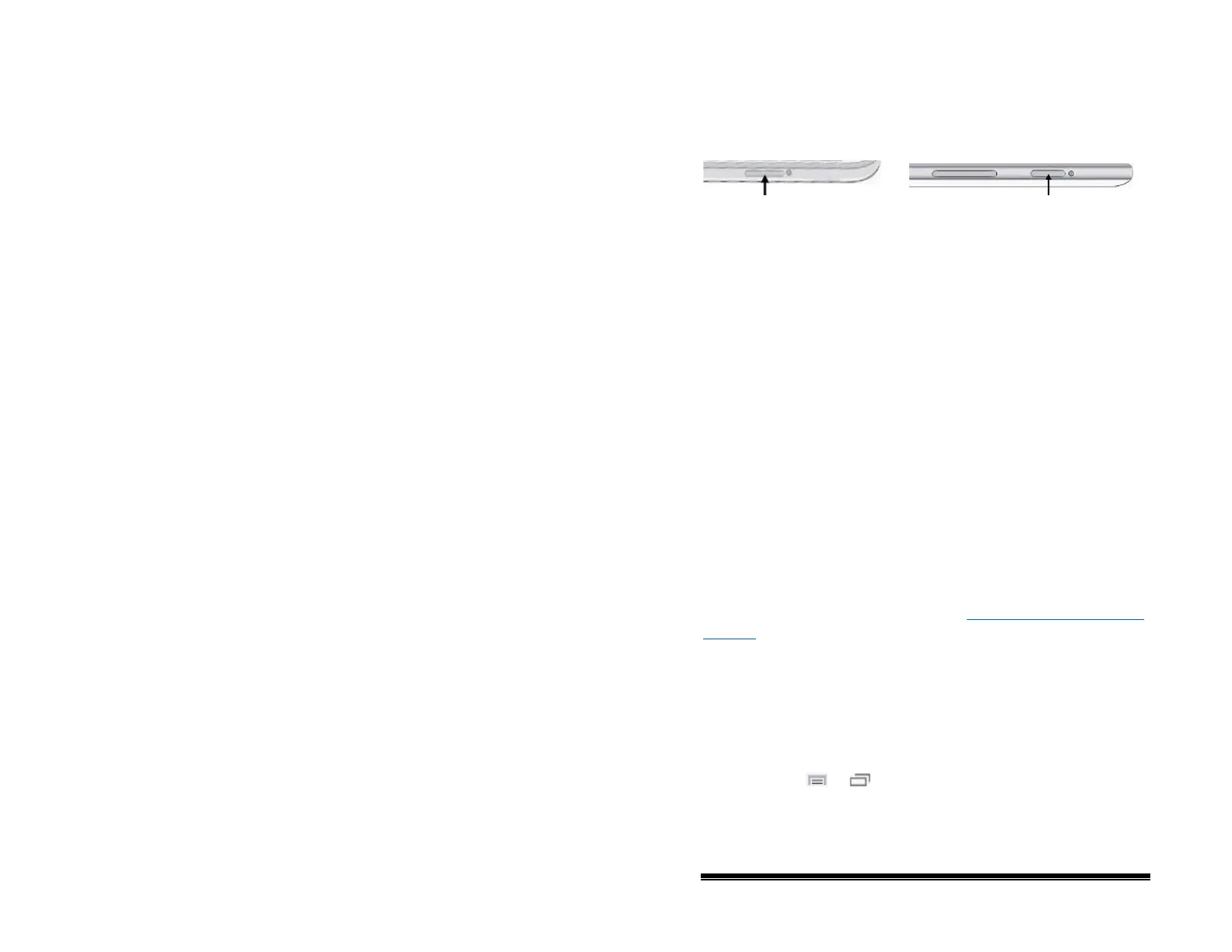
Turning the Device On and Off
A power button is provided on the top edge of the device.
To turn your device on from a complete power-down:
Press and hold the power button.
To turn your device off for storage:
1. Press and hold the power button.
2. At the prompt, choose Power off.
3. Choose OK to confirm.
To turn the screen on and off for daily use:
Tapping the power button quickly turns just the screen on and
off. This is the suggested way of use when using the device on a
daily basis. We suggest tapping (not holding) the power button
to turn off the screen. Tap the power button to wake up the
screen.
There is no need to turn the amplifier off when using the device
on a daily basis. If you are in an environment that requires
turning off the amplifier or if you will be leaving the device in
storage for a long period of time, see “
Turning the Amplifier On
and Off”.
To change the screen timeout setting:
The screen is set up to power down automatically after a
specified period of no activity. To change the period of delay
between the last key press or screen touch and the automatic
screen timeout:
Choose Menu
or > Settings > System > Display
Settings > Screen Timeout and choose the appropriate setting.
NOVA chat User’s Guide 10022 Dedicated Version 1.4 Page 15



 To Next Page